How to reset SmartThings water leak sensor?
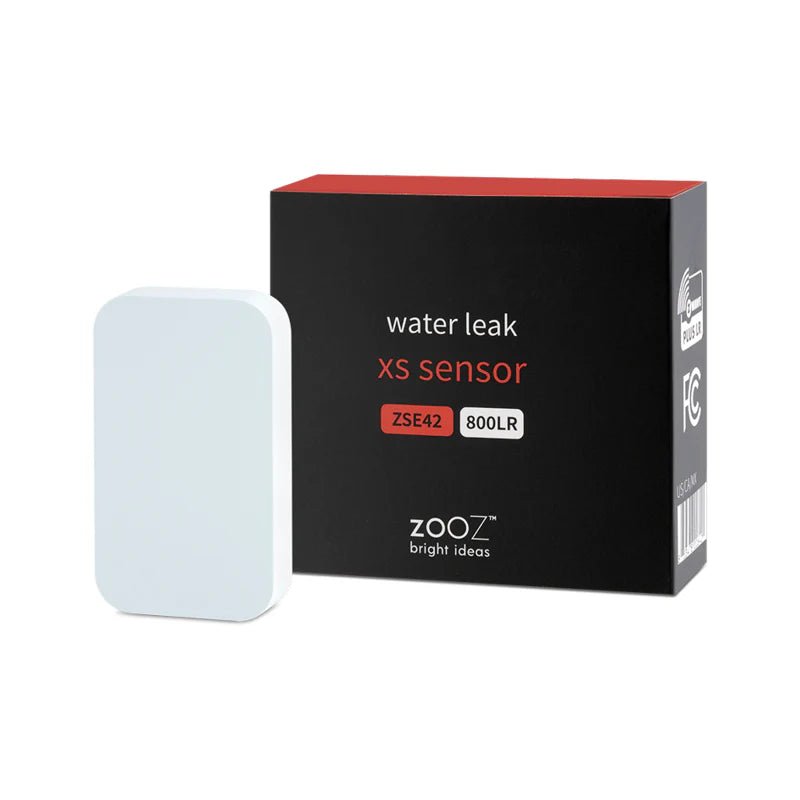
Z-Wave Zooz Water Leak XS Sensor
Question ID: 6449267 Status:
Open Nov 09, 2025 - 06:00 AM
1answer
Answer
Nov 09, 2025 - 06:00 AM
To reset a SmartThings water leak sensor, press and hold the reset button (usually found inside the device after removing the cover) until the LED starts blinking, then release it. The sensor will reset and enter pairing mode, allowing you to reconnect it to your SmartThings hub.
View More Product Details
Z-Wave Zooz Water Leak XS Sensor
Smart Protection Against Water Leaks
Prevent costly water damage with this smart Water Leak Sensor. Ideal for kitchens, bathrooms, or boiler rooms, it sends instant alerts to your smartphone or hub when leaks are detected. Pair with a smart shut-off valve for automatic water control and local a...
See More
View all Z-Wave Zooz Water Leak XS Sensor Questions & Answers




Add New Comment