How do I read my ZigBee smart meter?
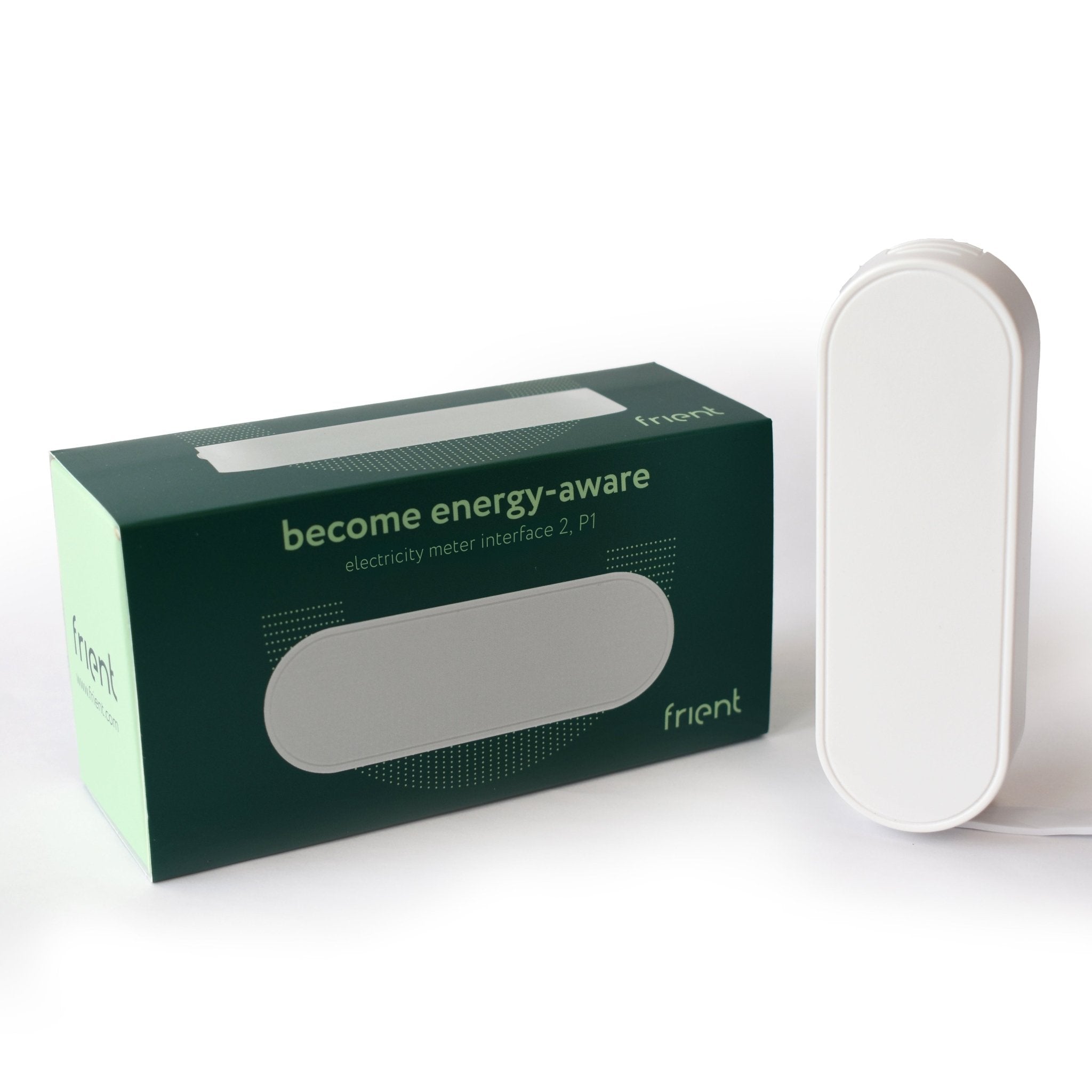
Zigbee Frient Electricity Meter Interface 2 P1
Question ID: 6528332 Status:
Open Dec 06, 2025 - 01:44 AM
1answer
Answer
Dec 06, 2025 - 01:44 AM
To read your ZigBee smart meter, check the digital display on the meter itself, which shows your current energy usage in kilowatt-hours (kWh). If your meter is connected to an in-home display (IHD) or a compatible app, you can also view your real-time and historical usage data there. Always refer to your meter’s user manual for specific instructions, as display formats can vary.
View More Product Details
Zigbee Frient Electricity Meter Interface 2 P1
Become energy-aware Imagine having a frient you can always ask about your power usage and who will always give you a precise answer. Someone who clicks with your electricity meter and is there to help you become more energy-aware. A frient who wants to help you reduce your consumption, save money, a...
See More
View all Zigbee Frient Electricity Meter Interface 2 P1 Questions & Answers




Add New Comment