How to reset SmartThings water leak sensor?
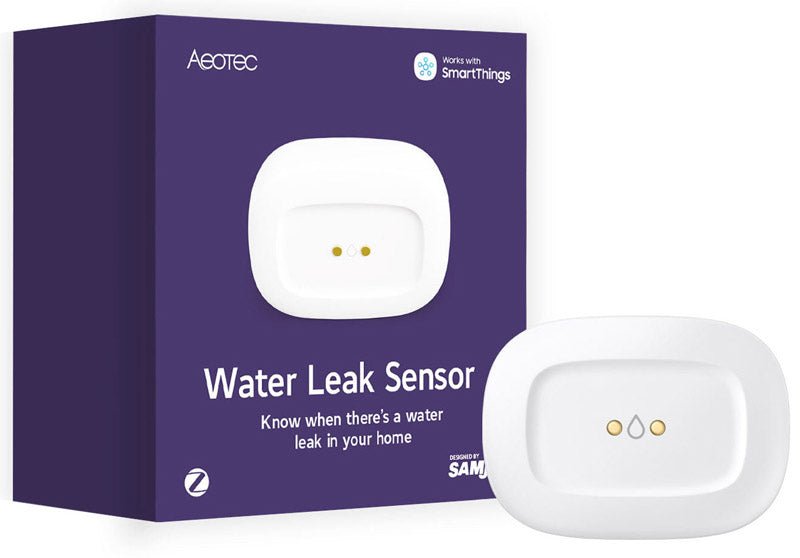
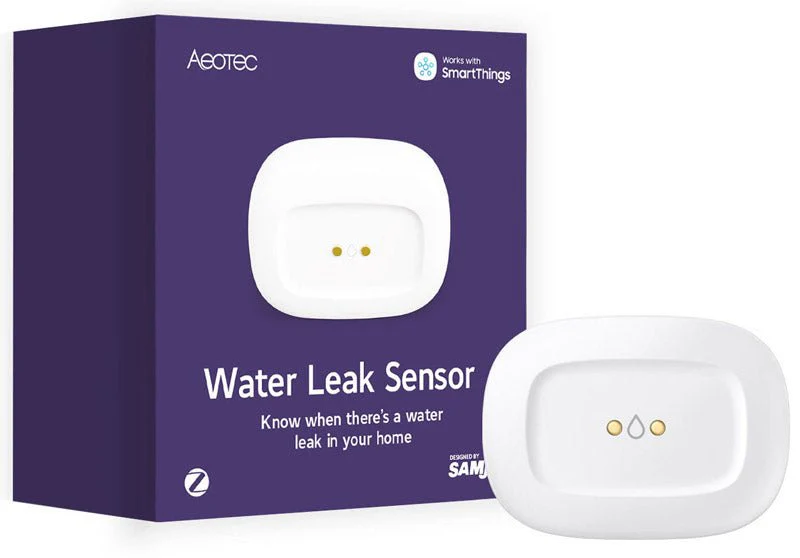
Zigbee Aeotec SmartThings Waterleak Sensor
Question ID: 6528378 Status:
Open Dec 06, 2025 - 01:45 AM
1answer
Answer
Dec 06, 2025 - 01:45 AM
To reset a SmartThings water leak sensor, press and hold the reset button (usually found inside the device) while inserting the battery, then keep holding until the LED blinks. Release the button, and the sensor will enter pairing mode, ready to be added to the SmartThings app again.
View More Product Details
Zigbee Aeotec SmartThings Waterleak Sensor
Zigbee Aeotec SmartThings Waterleak Sensor Identify undesired wet spots directly. With the Aeotec Waterleak Sensor you're well prepared for possible leaks. The Waterleak Sensor can detect leaking water on the top and bottom side, enabling early intervention and damage reduction. Place anywhere S...
See More
View all Zigbee Aeotec SmartThings Waterleak Sensor Questions & Answers



Add New Comment