How do I put my Aqara H2 in pairing mode?
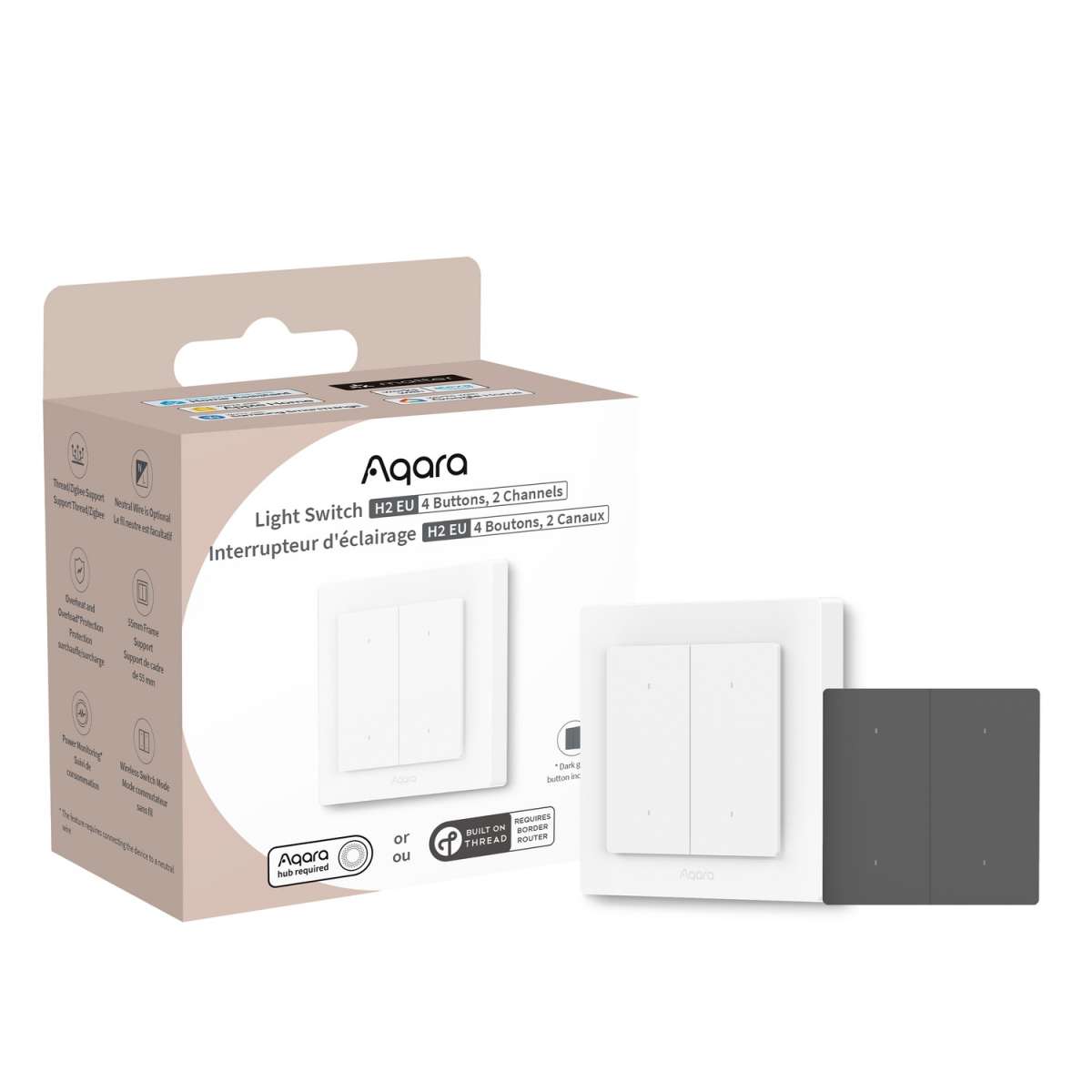
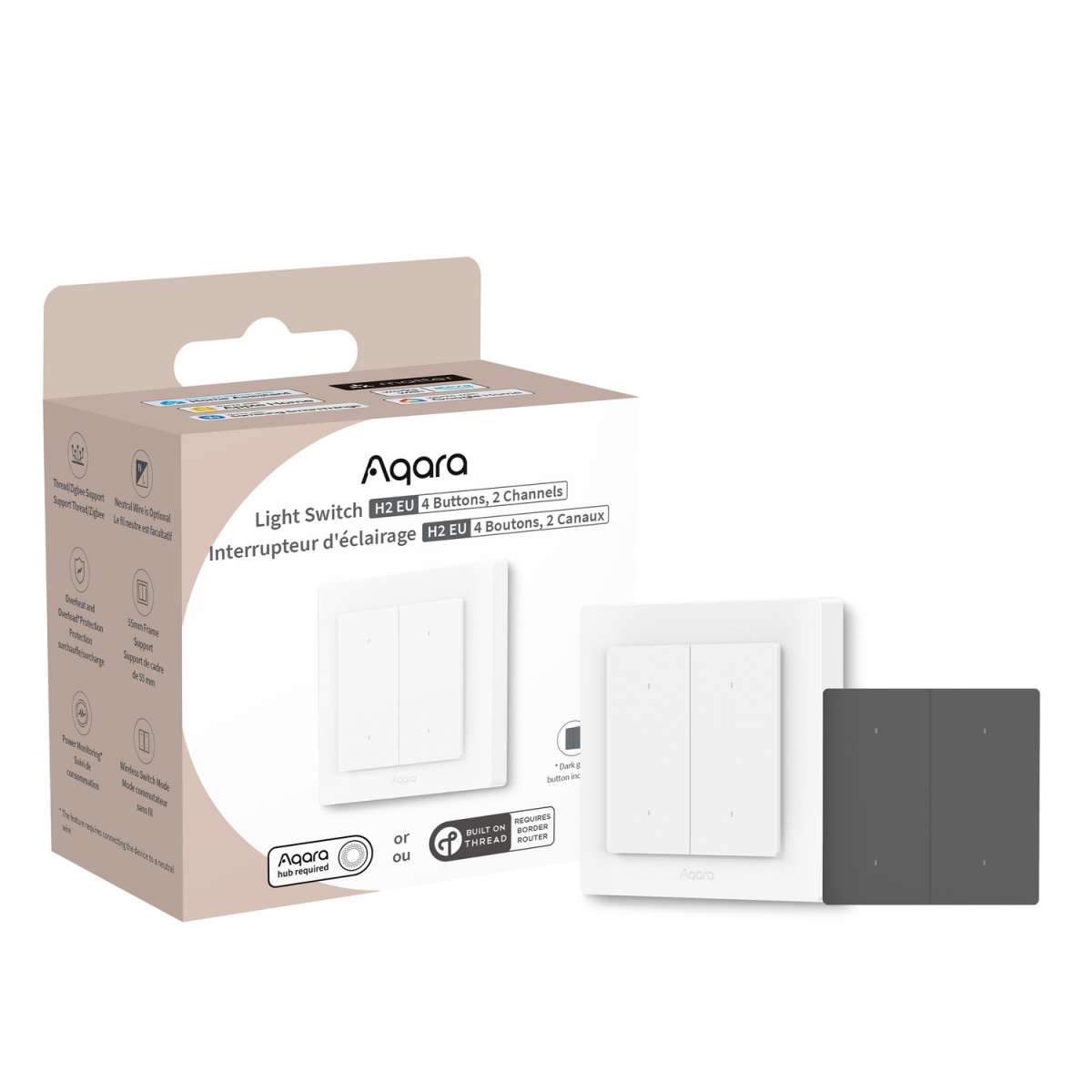
Zigbee Aqara Light Switch H2 (double rocker)
Question ID: 6528520 Status:
Open Dec 06, 2025 - 01:46 AM
1answer
Answer
Dec 06, 2025 - 01:46 AM
To put your Aqara H2 in pairing mode, press and hold the pairing button on the device (usually located on the back or side) for about 5 seconds until the indicator light starts blinking. This means the device is now ready to be paired with your Aqara app or compatible hub.
View More Product Details
Zigbee Aqara Light Switch H2 (double rocker)
Unlock Flexible Smart Automation with Wireless Switch Conversion By converting the H2 into a wireless switch, you maintain its connection to the electrical circuit while gaining the flexibility to create advanced scene-based automations and smart controls. This allows you to customize your smart hom...
See More
View all Zigbee Aqara Light Switch H2 (double rocker) Questions & Answers



Add New Comment