How to reset Z-Wave smoke alarm?
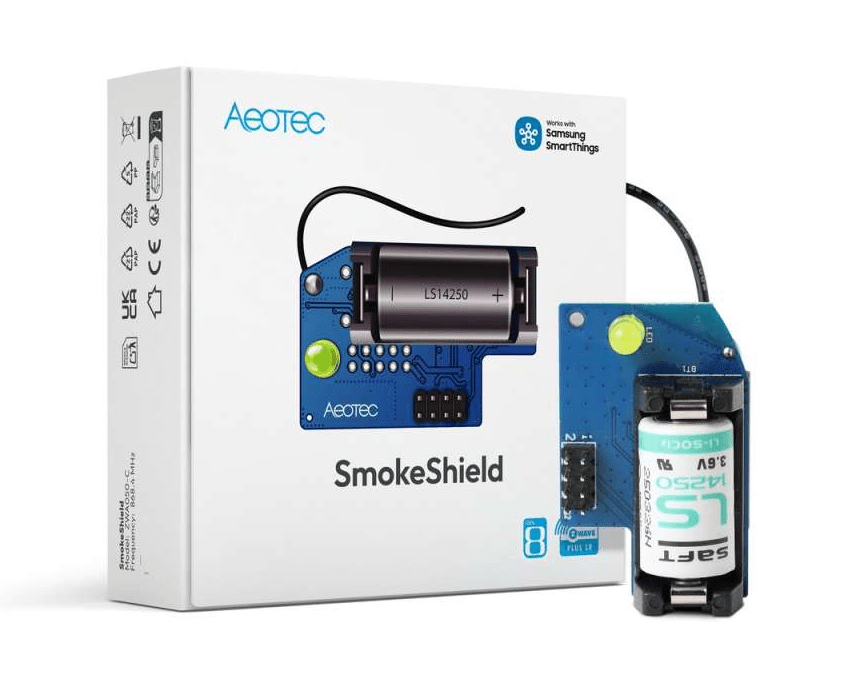
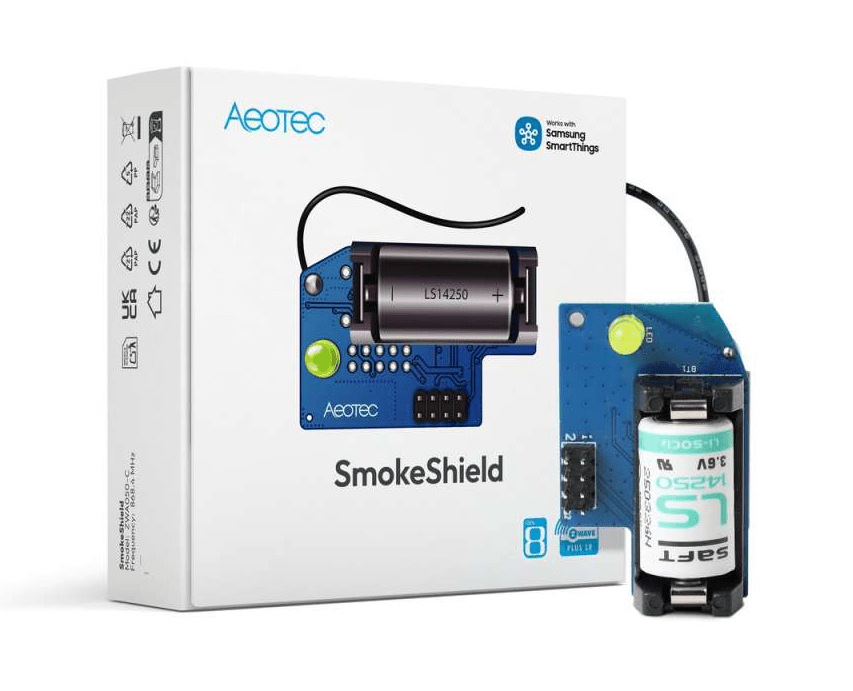
Z-Wave Aeotec SmokeShield
Question ID: 6528673 Status:
Open Dec 06, 2025 - 01:48 AM
1answer
Answer
Dec 06, 2025 - 01:48 AM
To reset a Z-Wave smoke alarm, press and hold the test or reset button (usually located on the device) for about 10–20 seconds until you hear a beep or see a flashing LED. If your model has a dedicated reset procedure, refer to the manufacturer's manual for specific instructions. After resetting, you may need to re-add the device to your Z-Wave network.
View More Product Details
Z-Wave Aeotec SmokeShield
Smart Fire Safety Upgrade with Z-Wave Long Range Upgrade your Ei smoke detectors with smart connectivity. The SmokeShield immediately alerts your Z-Wave smart home system in the event of a fire, ensuring faster response and greater peace of mind. It offers up to 5 years of battery life, 1.6 km Z-Wav...
See More
View all Z-Wave Aeotec SmokeShield Questions & Answers



Add New Comment