How to reset Aqara presence sensor?
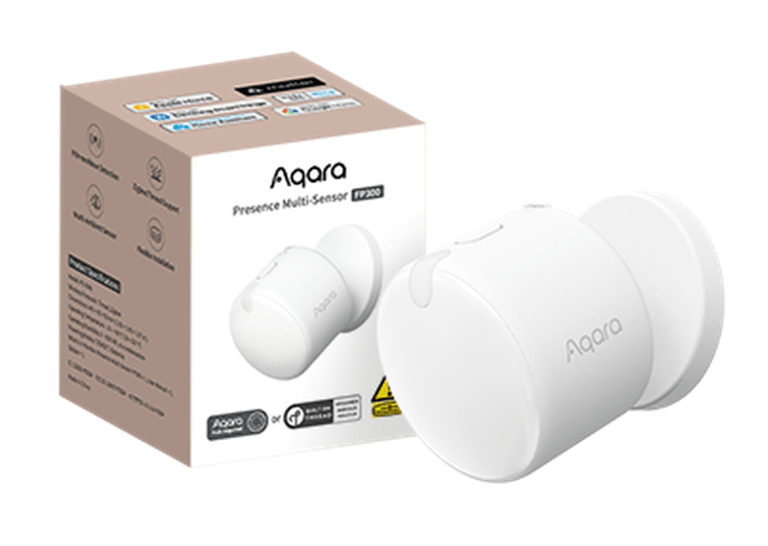
Zigbee Aqara Presence Multi-Sensor FP300 - old
Question ID: 6528764 Status:
Open Dec 06, 2025 - 01:49 AM
1answer
Answer
Dec 06, 2025 - 01:49 AM
To reset the Aqara presence sensor, press and hold the reset button (usually a small pinhole button) on the device for about 5–10 seconds until the indicator light flashes. Release the button, and the sensor will enter pairing mode, indicating it has been reset.
View More Product Details
Zigbee Aqara Presence Multi-Sensor FP300 - old
Smart Home Presence and Environment Sensor
The FP300 is a versatile 5-in-1 smart home sensor that combines accurate presence and motion detection with environmental monitoring. Using both PIR and 60 GHz mmWave radar, it senses movement as well as stationary individuals, enabling reliable ...
See More
View all Zigbee Aqara Presence Multi-Sensor FP300 - old Questions & Answers



Add New Comment