How do I put my Aqara blind in pairing mode?
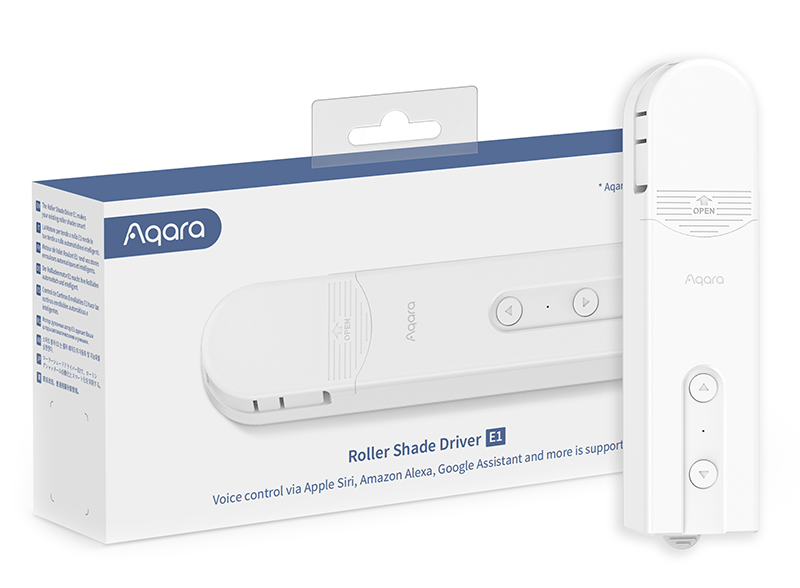
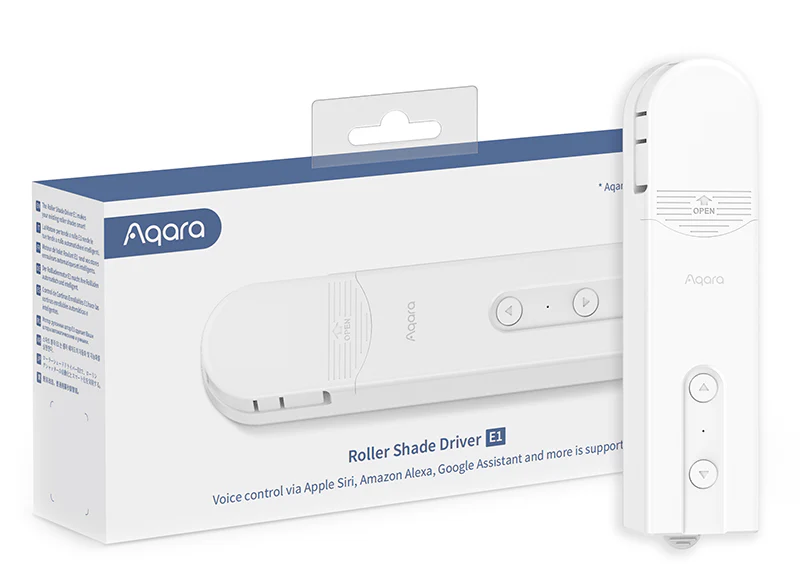
Aqara Roller Shade Driver E1
Question ID: 6606682 Status:
Open Jan 04, 2026 - 05:43 AM
1answer
Answer
Jan 04, 2026 - 05:43 AM
To put your Aqara blind in pairing mode, press and hold the reset button (usually located on the device or its controller) for about 5-10 seconds until the indicator light starts blinking. This means the device is now in pairing mode and ready to be connected to your Aqara hub or compatible Zigbee gateway. Follow the instructions in the Aqara Home app to complete the pairing process.
View More Product Details
Aqara Roller Shade Driver E1
Long Battery Life Aqara Roller Shade Driver E1 is a retrofit roller shade controller that does not require a complicated installation and can work with your existing Roller Shade by operating the beaded cord. Easy Installation The Aqara Roller Shade Driver E1 is a retrofit roller shade controller th...
See More
View all Aqara Roller Shade Driver E1 Questions & Answers



Add New Comment