How do I pair my Aqara E1 thermostat?
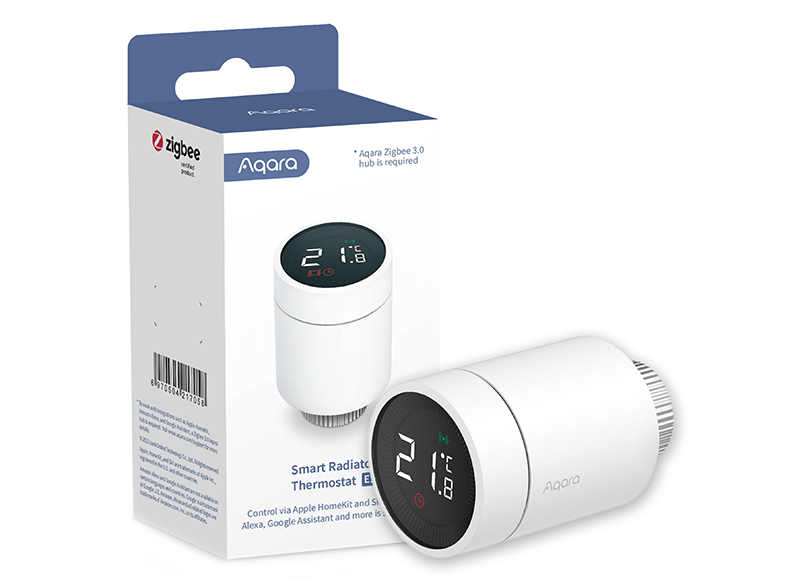
Zigbee Aqara Radiator Thermostat E1
Question ID: 6606755 Status:
Open Jan 04, 2026 - 05:44 AM
1answer
Answer
Jan 04, 2026 - 05:44 AM
To pair your Aqara E1 thermostat, press and hold the reset button on the device until the LED indicator starts blinking. Then, open the Aqara Home app, select "Add Device," and follow the on-screen instructions to complete the pairing process. Make sure your hub is powered on and nearby during pairing.
View More Product Details
Zigbee Aqara Radiator Thermostat E1
A smarter, more comfortable heating control experience for your home. The Radiator Thermostat that can be used with the majority of water radiators such as space heaters, towel warmers or even warm floors. Takes the readings from external Aqara sensors and adjusts the heating power according to them...
See More
View all Zigbee Aqara Radiator Thermostat E1 Questions & Answers




Add New Comment