How do you reset a Z-Wave dimmer switch?
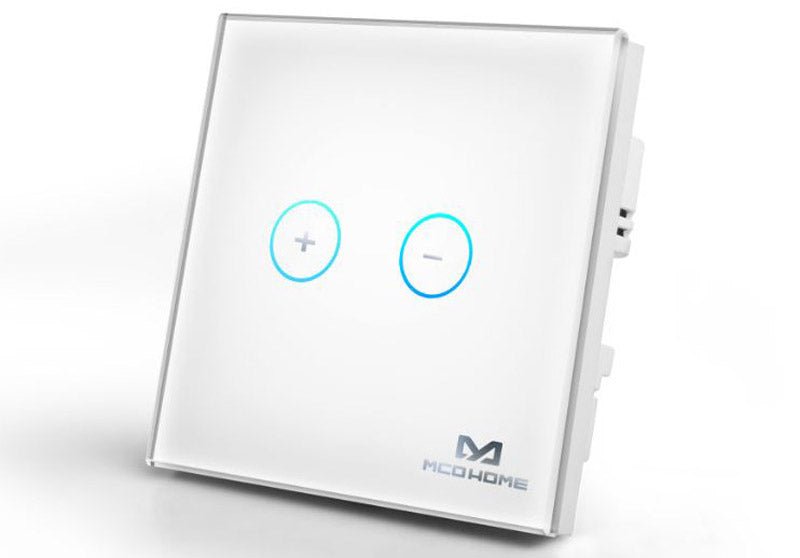
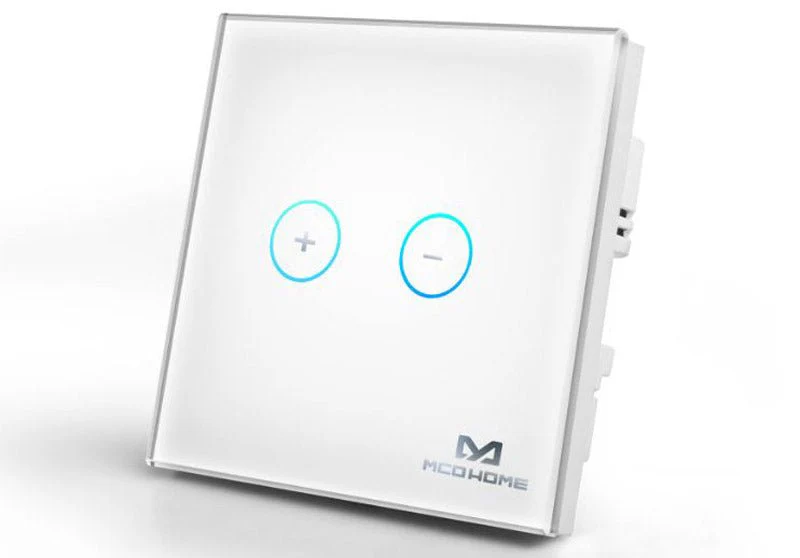
Z-Wave Plus MCO Home Glass Touch Dimmer UK
Question ID: 6606893 Status:
Open Jan 04, 2026 - 05:47 AM
1answer
Answer
Jan 04, 2026 - 05:47 AM
To reset a Z-Wave dimmer switch, press and hold the switch’s main button (or toggle) for about 10-15 seconds until the indicator light blinks or the switch cycles. This puts the device into factory reset mode, erasing all network settings. Refer to your specific model’s manual, as the exact steps may vary.
View More Product Details
Z-Wave Plus MCO Home Glass Touch Dimmer UK
Make your home smarter as well as more stylish The DT311 of MCO Home is a new Glass Touch Dimmer (UK version) with elegant design and stable performance for controlling the light level. The wall panel can be used for different light sources. The device identifies the type of light source automatical...
See More
View all Z-Wave Plus MCO Home Glass Touch Dimmer UK Questions & Answers



Add New Comment