How to pair an Aqara Smoke Detector?
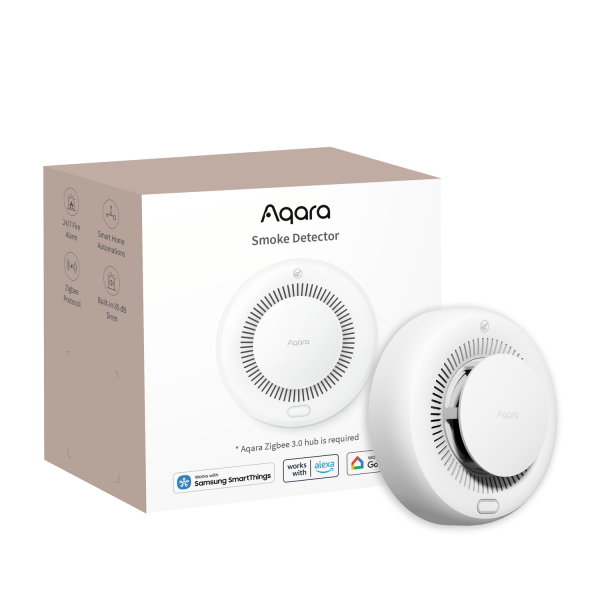
Zigbee Aqara Smoke Detector
Question ID: 6650566 Status:
Open Jan 11, 2026 - 06:12 AM
1answer
Answer
Jan 11, 2026 - 06:12 AM
To pair an Aqara Smoke Detector, press and hold the reset button on the device until the LED indicator starts blinking. Then, open the Aqara Home app, select “Add Device,” and follow the on-screen instructions to complete the pairing process. Make sure your Aqara Hub is powered on and in pairing mode.
View More Product Details
Zigbee Aqara Smoke Detector
Integrated Siren with Up to 85 dB Output The Smoke Detector is equipped with a loud integrated siren—powerful enough to be heard from another room, even while you're sleeping or playing loud music. A flashing LED provides a clear visual alert during an alarm for added safety. Note: 85 dB represe...
See More
View all Zigbee Aqara Smoke Detector Questions & Answers



Add New Comment