How to reset Zigbee remote?
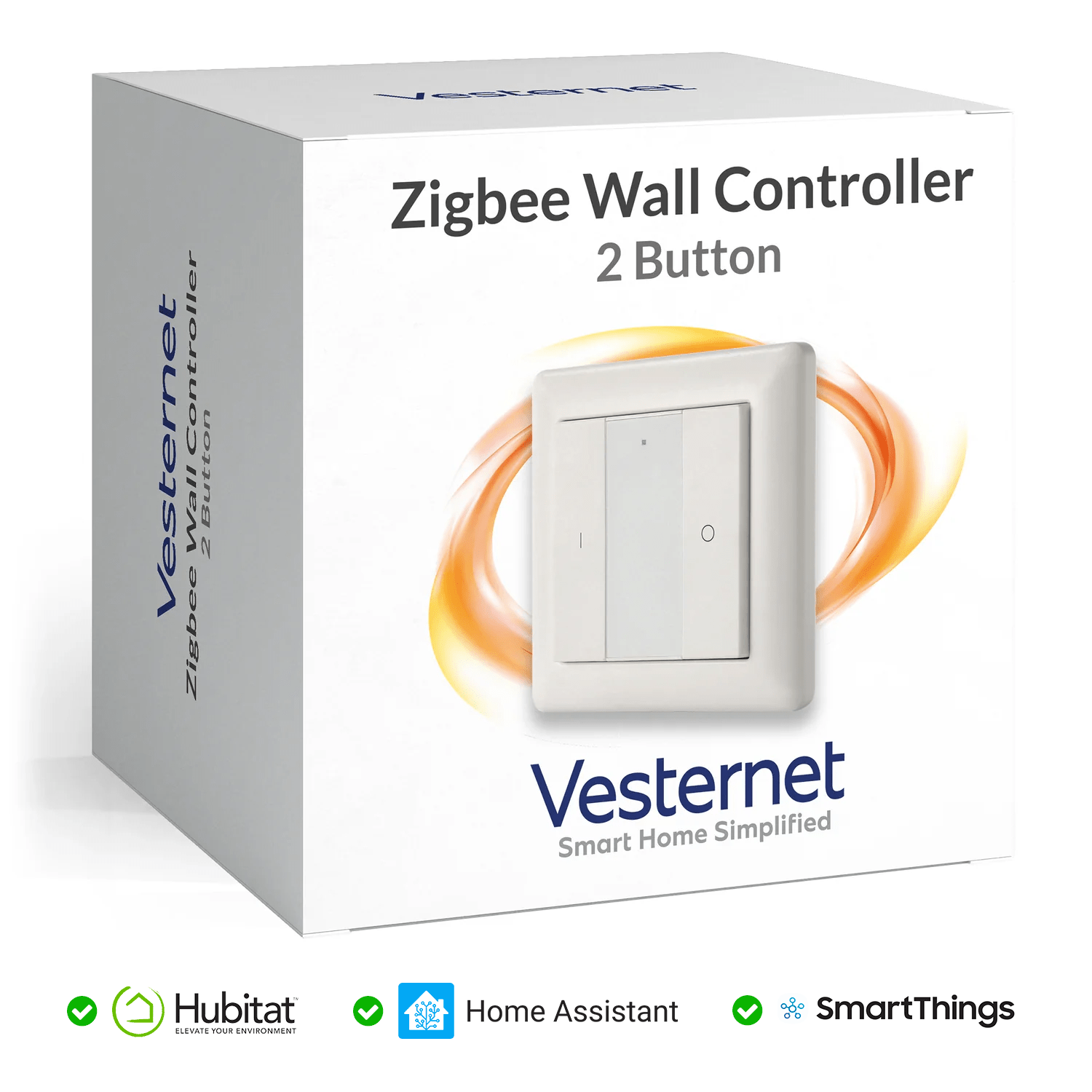
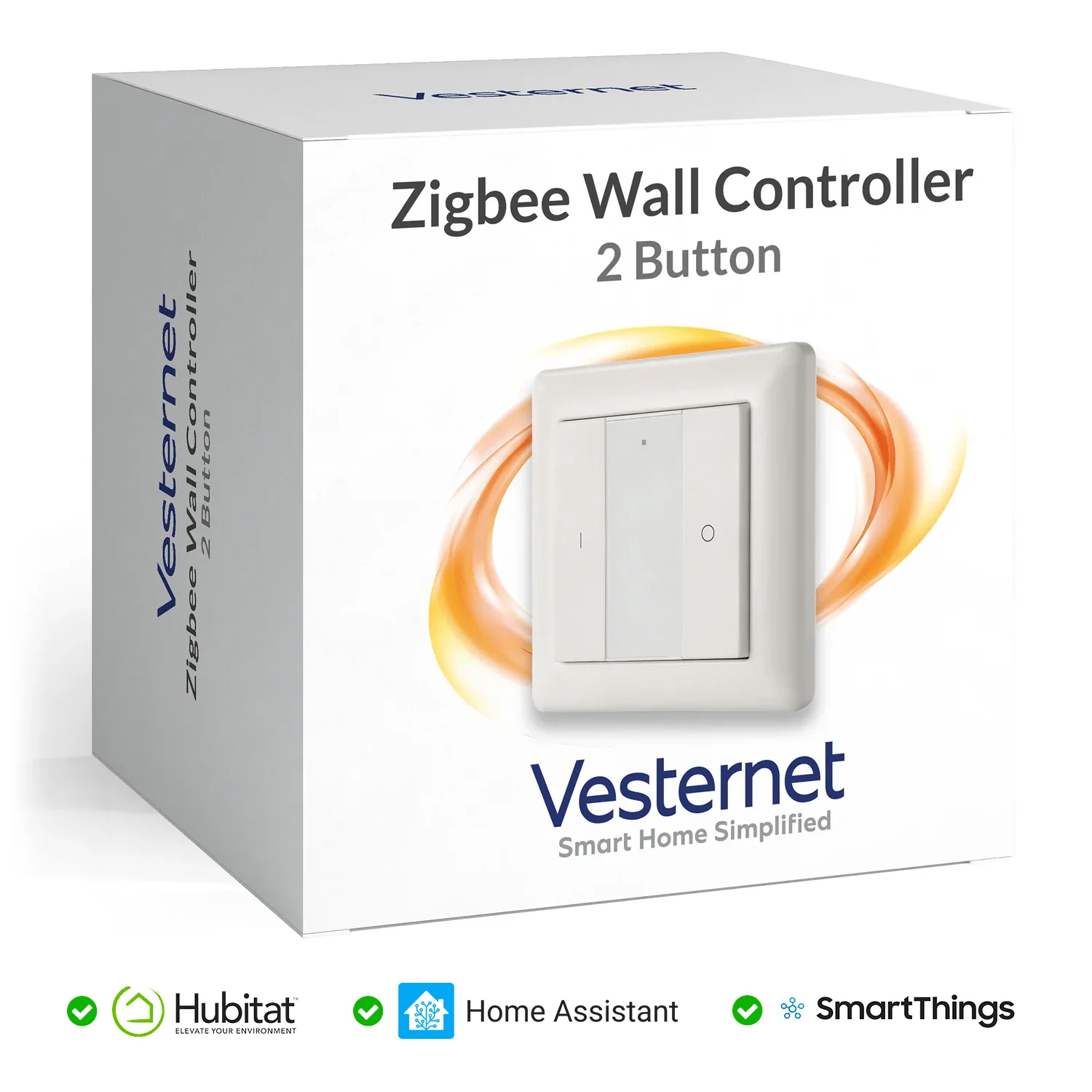
Vesternet Zigbee Wall Controller - 2 Button
Question ID: 6696750 Status:
Open Jan 18, 2026 - 12:16 AM
1answer
Answer
Jan 18, 2026 - 12:16 AM
To reset a Zigbee remote, press and hold the reset button (often a small pinhole or a specific key combination) for about 5-10 seconds until the indicator light blinks or flashes. This signals that the remote has been reset and is ready to pair with a new Zigbee device or hub. Refer to your remote’s manual for exact instructions, as the process may vary by model.
View More Product Details
Vesternet Zigbee Wall Controller - 2 Button
Button Controller 2 buttons that work as a "Button Controller" in supported hubs such as Hubitat & SmartThings. With pushed, held & released events for each button it means you'll have 6 unique events to trigger Scenes and logic in your hub. Direct Control Too Supports On / Off...
See More
View all Vesternet Zigbee Wall Controller - 2 Button Questions & Answers



Add New Comment