How to add Aqara mini switch to Home Assistant?
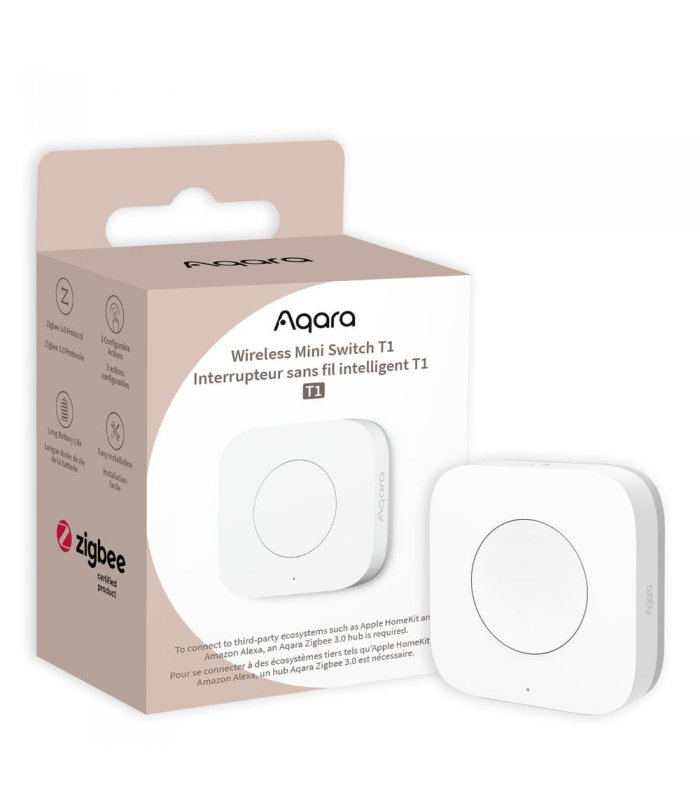
Zigbee Aqara Wireless Mini Switch T1
Question ID: 6760984 Status:
Open Feb 07, 2026 - 08:01 AM
1answer
Answer
Feb 07, 2026 - 08:01 AM
To add an Aqara Mini Switch to Home Assistant, first pair the switch with a Zigbee coordinator using Zigbee2MQTT or ZHA integration. In Home Assistant, navigate to "Settings" > "Devices & Services," select your Zigbee integration, and follow the instructions to put the Aqara Mini Switch into pairing mode. Once detected, the switch will appear as a device in Home Assistant, ready for automation.
View More Product Details
Zigbee Aqara Wireless Mini Switch T1
Designed to Fit Everywhere With Its Sleek And Minimalist Design, The Aqara Wireless Mini Switch T1 Seamlessly Blends Into Any Room Decor. Its Small Size Allows For Easy Installation Anywhere You Desire, Whether It’s On A Wall, Table, Or Even Attached To Your Personal Belongings. This Switch Is Truly...
See More
View all Zigbee Aqara Wireless Mini Switch T1 Questions & Answers




Add New Comment