How to pair an Aqara wireless switch?
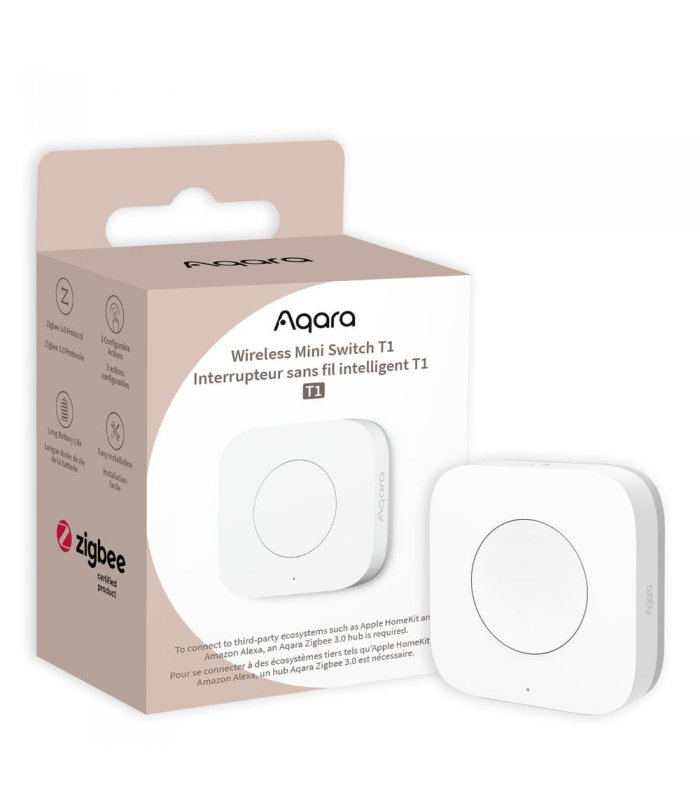
Zigbee Aqara Wireless Mini Switch T1
Question ID: 6760990 Status:
Open Feb 07, 2026 - 08:01 AM
1answer
Answer
Feb 07, 2026 - 08:01 AM
To pair an Aqara wireless switch, open your Aqara Home app and select "Add Accessory." Press and hold the reset button on the switch until the indicator blinks, then follow the on-screen instructions to complete pairing. Make sure your Aqara hub is in pairing mode and nearby.
View More Product Details
Zigbee Aqara Wireless Mini Switch T1
Designed to Fit Everywhere With Its Sleek And Minimalist Design, The Aqara Wireless Mini Switch T1 Seamlessly Blends Into Any Room Decor. Its Small Size Allows For Easy Installation Anywhere You Desire, Whether It’s On A Wall, Table, Or Even Attached To Your Personal Belongings. This Switch Is Truly...
See More
View all Zigbee Aqara Wireless Mini Switch T1 Questions & Answers




Add New Comment