How to configure an Aqara wireless switch?
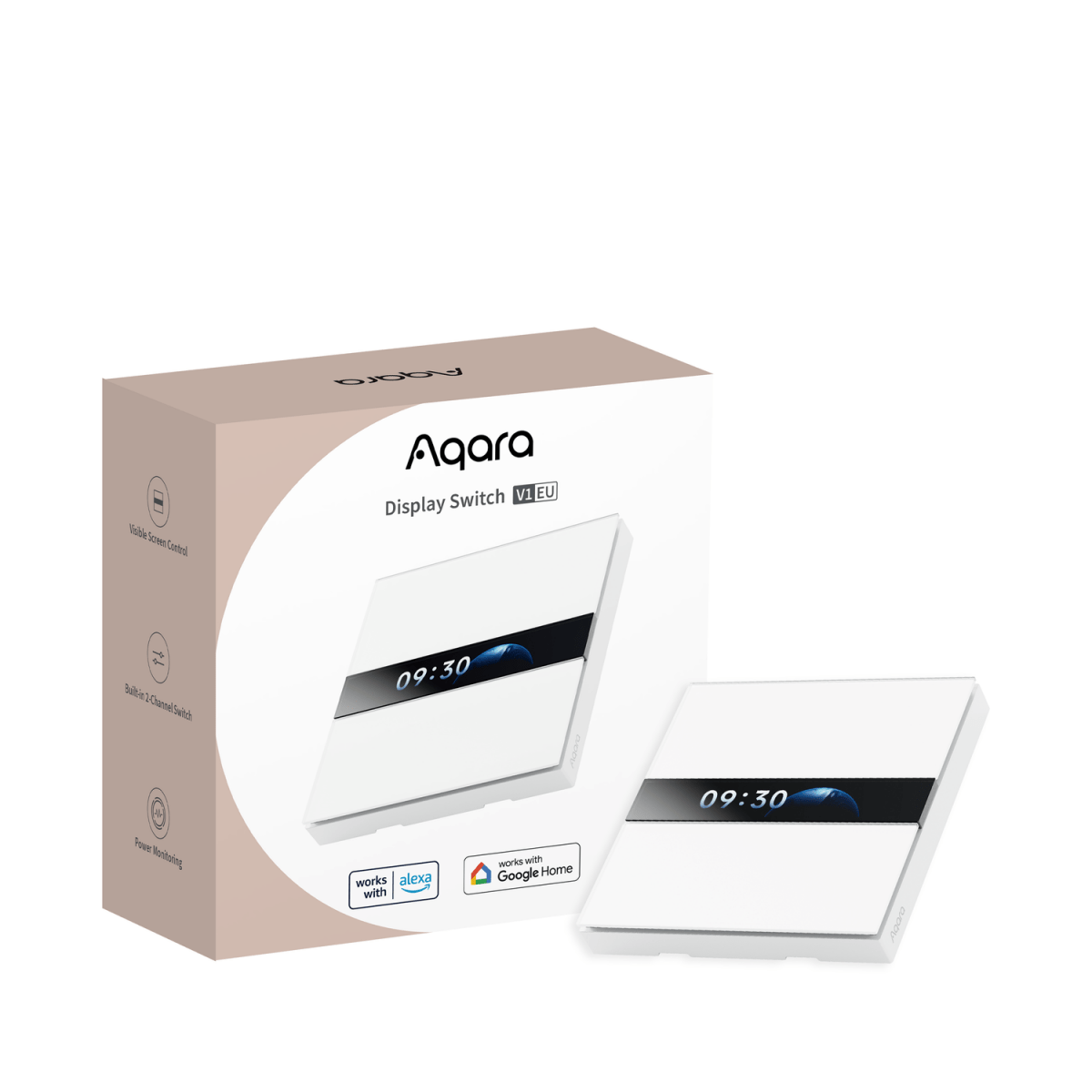
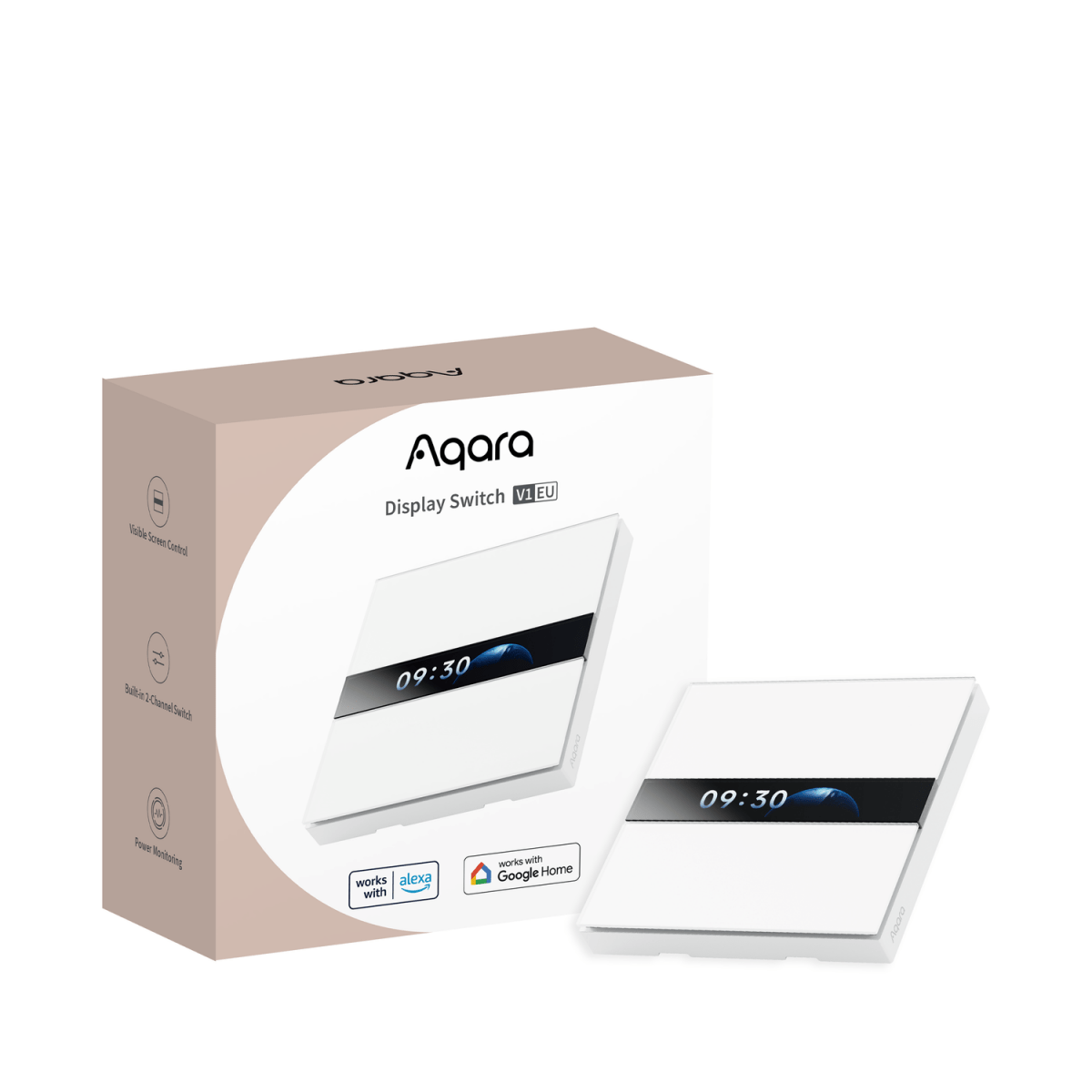
Zigbee Aqara Display Switch V1
Question ID: 6761250 Status:
Open Feb 07, 2026 - 08:04 AM
1answer
Answer
Feb 07, 2026 - 08:04 AM
To configure an Aqara wireless switch, first add it to your Aqara or compatible Zigbee hub using the manufacturer's app by following the in-app instructions and pressing the switch’s pairing button. Once paired, you can customize button actions and automations through the app’s settings.
View More Product Details
Zigbee Aqara Display Switch V1
Interactive Screen for Fully Customizable Control The four-button switch features an LCD screen that displays the current function of each button in real time. Each button can be fully customized with your choice of labels, icons, text size, and colors—making it easy to operate and tailor to your sm...
See More
View all Zigbee Aqara Display Switch V1 Questions & Answers



Add New Comment