How do you reset the WallMote quad?
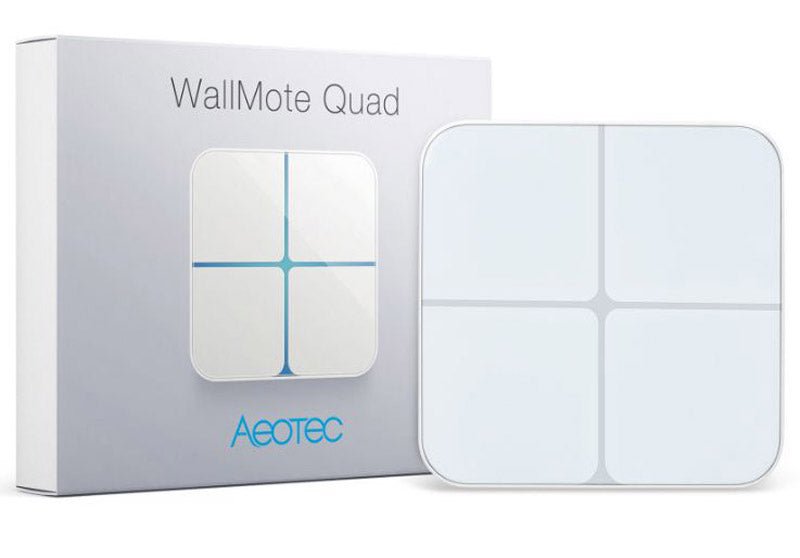
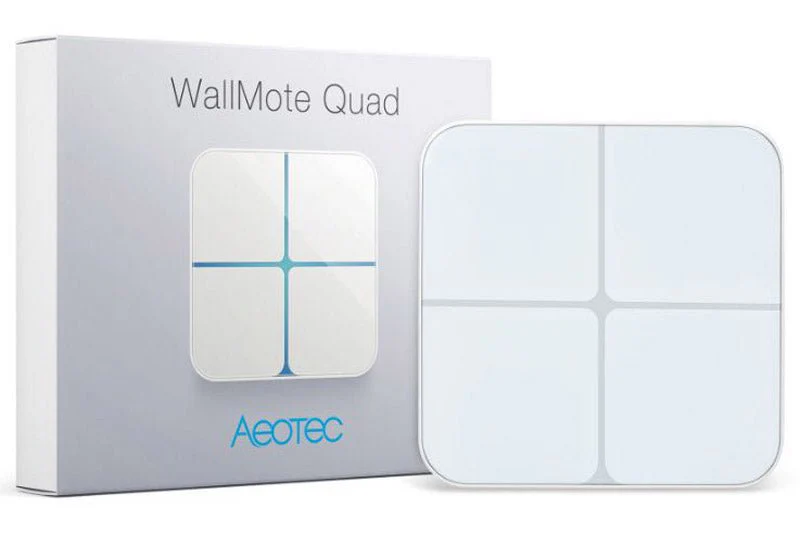
Z-Wave Plus Aeotec WallMote Quad
Question ID: 6761319 Status:
Open Feb 07, 2026 - 08:04 AM
1answer
Answer
Feb 07, 2026 - 08:04 AM
To reset the WallMote Quad, press and hold the Action button on the back for about 20 seconds until the LED ring turns yellow, then release the button. The device will reset to factory settings and the LED will blink to confirm the reset.
View More Product Details
Z-Wave Plus Aeotec WallMote Quad
Wireless Z-Wave Control on Tap of a Finger The Aeotec WallMote is a Z-Wave scene controller, capable of controlling hundreds of devices of more than a dozen Z-Wave scenes. When connected to your Z-Wave Controller, get creative with personalized control combinations of your lights, appliances, and Z-...
See More
View all Z-Wave Plus Aeotec WallMote Quad Questions & Answers



Add New Comment