How to set up a Z-Wave network?
Z-Station - USB for Z-Wave / Zigbee / Thread / BLE
Question ID: 6837629 Status:
Open Mar 01, 2026 - 03:19 AM
1answer
Answer
Mar 01, 2026 - 03:19 AM
To set up a Z-Wave network, start by connecting a Z-Wave hub or controller to your home network and follow its setup instructions. Then, put the controller into inclusion (pairing) mode and add your Z-Wave devices one by one, following each device’s pairing process. Once all devices are added, you can configure and control them through the controller’s app or interface.
View More Product Details
Z-Station - USB for Z-Wave / Zigbee / Thread / BLE
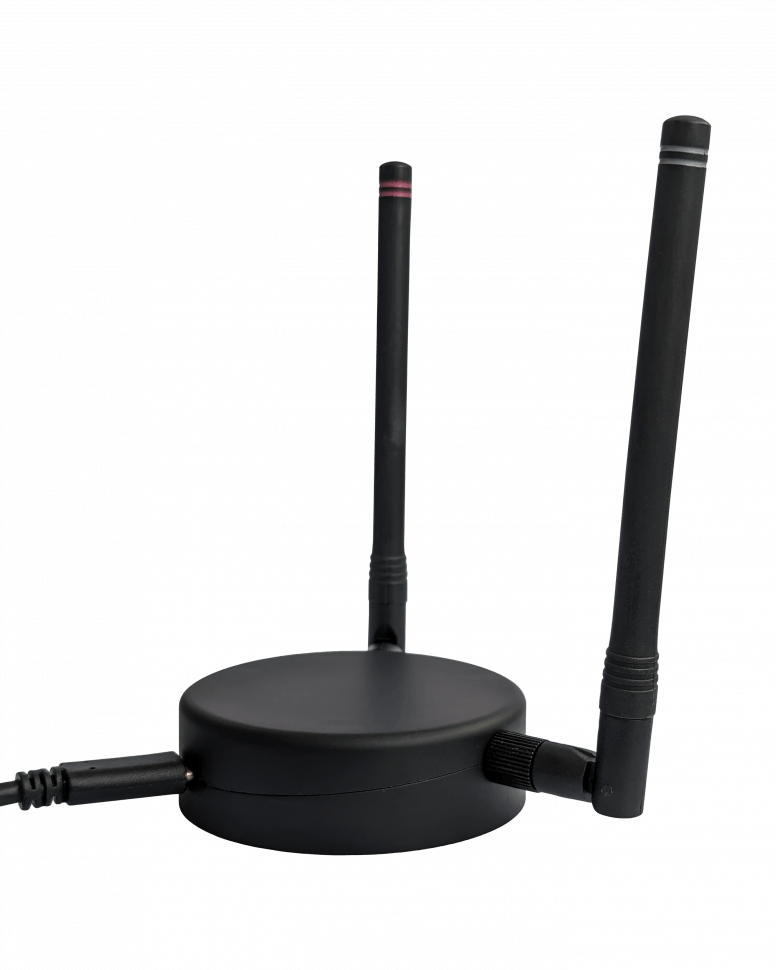
Z-Station - a modern Z-Wave & Zigbee/Thread/Bluetooth Low Energy (BLE) USB Adaptor. It will transform your computer into a full-featured smart home gateway. A controller software compatible to the Silicon Labs Z-Wave Serial API (for example Z-Way) and Zigbee NCP is required to use the functions ...
See More
View all Z-Station - USB for Z-Wave / Zigbee / Thread / BLE Questions & Answers



Add New Comment