How to connect Aqara H1 switch?
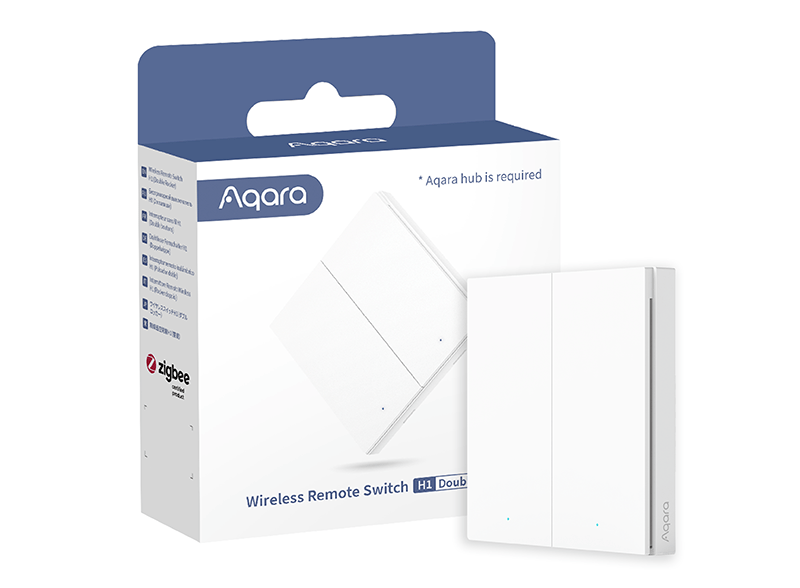
Zigbee Aqara Wireless Remote Switch H1 (double rocker)
Question ID: 6889418 Status:
Open Mar 14, 2026 - 02:26 PM
1answer
Answer
Mar 14, 2026 - 02:26 PM
To connect the Aqara H1 switch, first install the switch according to the wiring diagram provided in the manual, ensuring the power is off during installation. Then, use the Aqara Home app to add the device by following the in-app instructions and pressing the switch button to enter pairing mode. Make sure you have a compatible Aqara hub for Zigbee connectivity.
View More Product Details
Zigbee Aqara Wireless Remote Switch H1 (double rocker)
Premium Build and Metal Frame Aqara Wireless Remote Switch H1 Double Rocker (WRS-R02) is a Zigbee device and low power consuming remote switch. It is able to be placed or attached anywhere indoor. Smart plugs and other devices can be controlled by this remote switch. All-Round Compatibility Wireless...
See More
View all Zigbee Aqara Wireless Remote Switch H1 (double rocker) Questions & Answers




Add New Comment