How do I connect my Aqara hub camera to Wi-Fi?
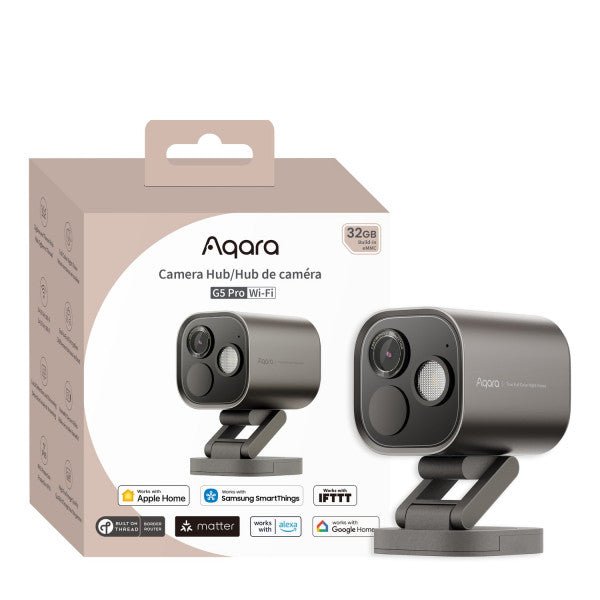
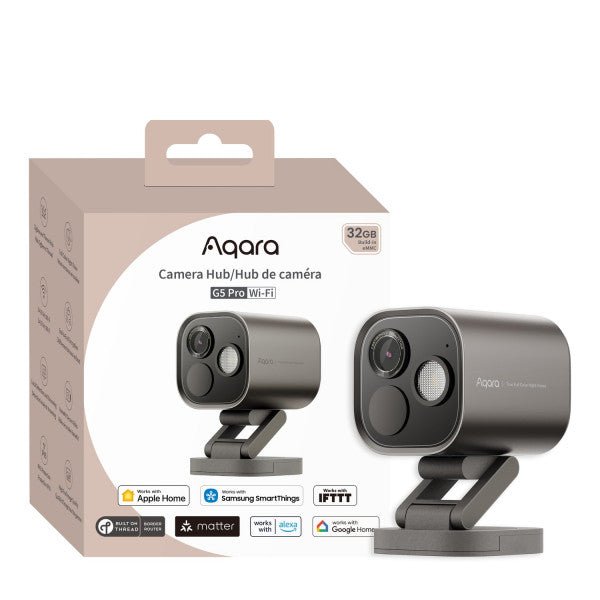
Zigbee Aqara Camera Hub G5 Pro (WiFi)
Question ID: 6889620 Status:
Open Mar 14, 2026 - 02:29 PM
1answer
Answer
Mar 14, 2026 - 02:29 PM
To connect your Aqara hub camera to Wi-Fi, plug in the camera and follow the instructions in the Aqara Home app to add a new device. Make sure your phone is connected to a 2.4GHz Wi-Fi network, then scan the QR code generated by the app using the camera to complete the setup.
View More Product Details
Zigbee Aqara Camera Hub G5 Pro (WiFi)
Wireless Freedom – Reliable Wi-Fi for Flexible Installation For those who prefer a cable-free setup, the Aqara Camera Hub G5 Pro Wi-Fi delivers smooth, stable performance with dual-band 2.4/5 GHz connectivity, minimizing lag and interference. With WPA3 encryption, your home network and video footage...
See More
View all Zigbee Aqara Camera Hub G5 Pro (WiFi) Questions & Answers



Add New Comment