How do you remove the thermostat from a Z-Wave network?
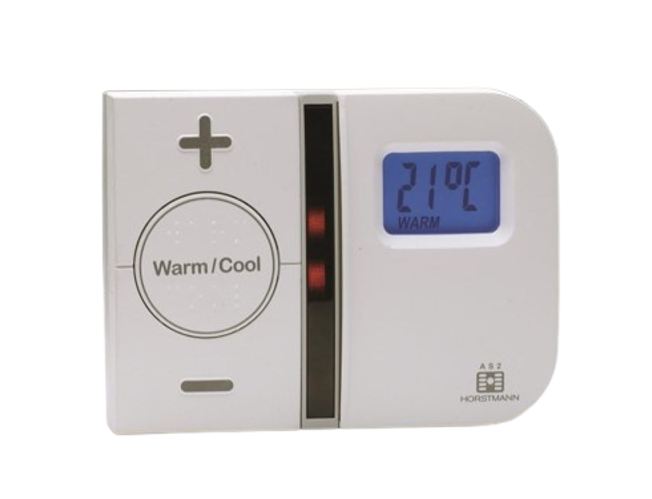
Z-Wave Secure Thermostat (STP328) + 2-Channel Boiler Receiver – Standalone Kit
Question ID: 6935624 Status:
Open Mar 26, 2026 - 01:40 PM
1answer
Answer
Mar 26, 2026 - 01:40 PM
To remove the thermostat from a Z-Wave network, press and hold both white buttons until the LED flashes red, which indicates Exclusion. Exclusion is useful for resetting or moving the device to a new network, enhancing flexibility in your smart home setup.
View More Product Details
View all Z-Wave Secure Thermostat (STP328) + 2-Channel Boiler Receiver – Standalone Kit Questions & Answers



Add New Comment