How to reset mini smart plug?
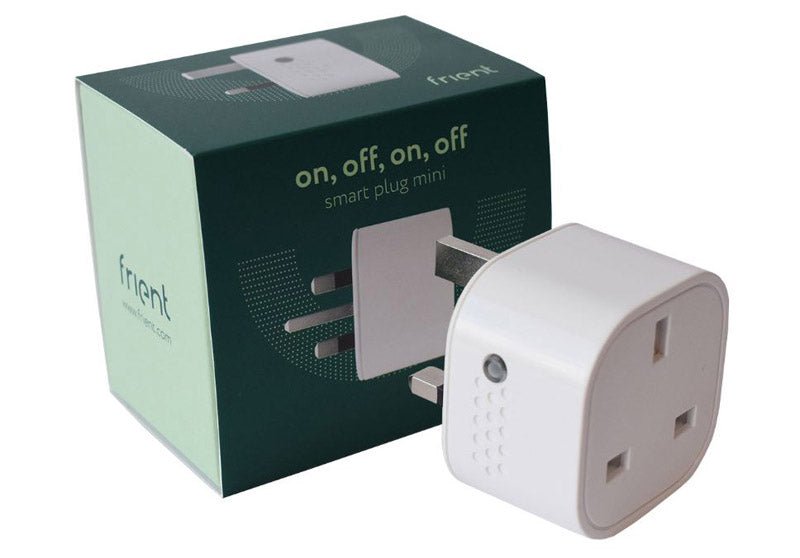
Zigbee Frient Smart Plug Mini - UK
Question ID: 7144982 Status:
Open May 30, 2026 - 01:31 AM
1answer
Answer
May 30, 2026 - 01:31 AM
To reset a mini smart plug, press and hold the power button on the plug for about 5–10 seconds until the LED indicator starts blinking rapidly. This means the plug has been reset and is ready to be set up again. Make sure to follow the specific instructions for your plug model if available.
View More Product Details
Zigbee Frient Smart Plug Mini - UK
On, off, on, off - Smart Plug Mini Imagine always having a frient helping you control your electrical appliances and lowering your electricity consumption. Someone who helps you turn on your appliances when you need them. But also, someone who turns them off when you’re not using them to help you sa...
See More
View all Zigbee Frient Smart Plug Mini - UK Questions & Answers



Add New Comment