Wi-Fi Aqara Touchscreen Dial V1 (Desktop Version)
Works with your system
Relays work in Apple Home; dial and screen features only in the Aqara Home app.
See all controllers (2)
- Aqara hub WorksListed by the maker
- Apple Home Works with limitsRelays work; dial and screen features stay in the Aqara app.
Get it Tomorrow with Express UK Delivery
Get it Tomorrow with Express UK Delivery
Standard UK delivery £4.95 (free over £75), 2 to 4 working days.
Need it tomorrow? Choose Express (£7.95, next working day) at checkout.
In-stock orders placed by 2:30pm on a working day are dispatched the same day.
Smart Home Help When You Need It
Smart Home Help When You Need It
Set-up help and answers from our smart home team by email and live chat, plus step-by-step guides for every device.

Wi-Fi Aqara Touchscreen Dial V1 (Desktop Version)

Summary
Wi-Fi and Bluetooth control panel with no hub required, built-in temperature and humidity sensors and customisable screensavers. Relays work in Apple Home; dial and screen features only work in the Aqara Home app.
A Smart Command Centre Within Reach
The Aqara Touchscreen Dial V1 Desktop Version is a tabletop controller that brings your key smart home controls together in one place. Turn, swipe and tap to adjust lights, curtains, air conditioning and scenes. It sits on a desk, sideboard or bedside table and is powered over USB-C from a 5 V 2 A supply. It measures 86.6 by 107.3 by 92.8 mm.

A Dial You Can Feel
Turning the dial changes light brightness and colour, curtain position and air conditioning settings, with vibration and sound feedback so every change feels deliberate. Press and hold the screen to scroll quickly through your devices with the dial, or swipe left and right to move one at a time. The vibration and sound feedback can be adjusted to suit you. The dial works in the Aqara Home app only and is not supported on other platforms.

No Hub Needed
The dial connects directly to Aqara Home over 2.4 GHz or 5 GHz Wi-Fi and also supports Bluetooth, so no hub is needed. Scan its code to add it to Aqara Home or Apple Home, and it also works with Alexa and Google Home. In Apple Home it appears as six wireless switches, which you can use to run scenes and automations. To set up Aqara Zigbee devices, you still need a compatible Aqara hub.

A Screen That Wakes as You Approach
A built-in proximity sensor wakes the screen as you come near, and the activation distance can be adjusted. Proximity can also be used as an automation trigger in the Aqara Home app. The screen can show screensavers, the time, the weather and the room temperature, with a choice of light or dark themes. Display customisation is available in the Aqara Home app.

Automations Based on Your Room
A built-in sensor measures the temperature and humidity of the room, and readings from other Aqara climate sensors can be shown on the screen too. These readings can drive automations, such as switching on a humidifier through a smart plug when humidity falls below 40% and off again above 65%. A Sleep scene could dim the lights, close the blinds and lower the radiator temperature in one go. The dial works from -10°C to 40°C and from 0 to 95% humidity.

Fits Any Room
The slim, minimal design suits living rooms, bedrooms and studies alike. Place it on a shelf, coffee table or desk wherever you want control close at hand. Up to 18 devices or scenes can be linked to it. Up to six wireless switches can also be set up for automations and one-tap Aqara scenes.

-
Device Type
-
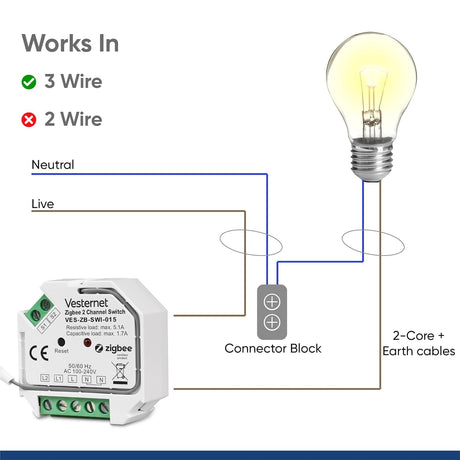
Wiring Types Supported3-Wire (with Neutral)
-
Channels2
-
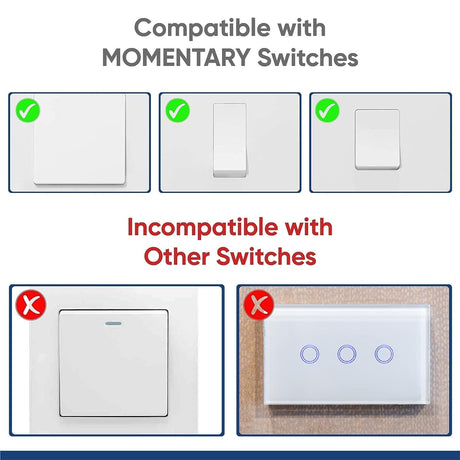
Switch Inputs2
-
Load TypesResistive
-
Load Rating8A
-
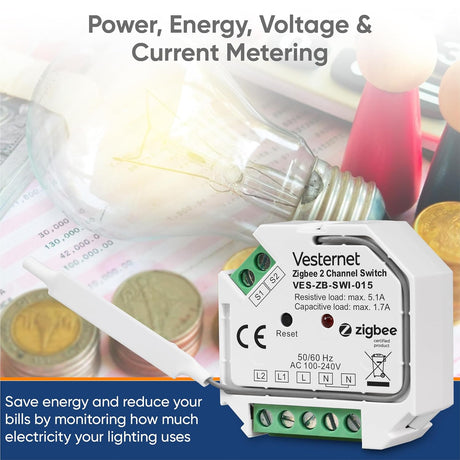
Load FeaturesPower Monitoring, MARS Technology
-
Sensor FeaturesTemperature, Humidity, Motion
-
Remote FeaturesSingle Press, Swipe Up, Swipe Down, Hold, Touch Haptic
-
FeaturesApp & Voice Control, Display, Schedules & Automations, Haptic Feedback, Temperature & Humidity Monitoring, Proximity Screen Activation, Weather Display, Clock Display, Scene Control, No Hub Required
-
TechnologyBluetooth, Zigbee, Wi-Fi
-
Operating Temperature
-
Operating Humidity
-
Dimensions
Helpful guides for this product
-
 Complete Home Automation Guide: Systems, Devices & Setup for BeginnersWhat a smart home is, the first decisions to make, a sensible first kit and mistakes to avoid.
-
 Smart Light Switches, Dimmers & Modules: How They Work and How to ChooseModules, wall switches, dimmers or bulbs: how each works and which suits your lights and wiring.
-
 2-Wire vs 3-Wire Lighting: Complete Guide for Smart Switch InstallationWork out if you have a neutral at the switch, how 2-way circuits are wired and which smart devices fit.
Manuals
Payment & Security
Payment methods
Your payment information is processed securely. We do not store credit card details nor have access to your credit card information.
Why buy from Vesternet
15 years in wireless smart home, over 100,000 customers and 6,000+ reviews.
-
Checked to work
Every device is checked against our compatibility data for your controller.
Run System Check -
Help when you need it
Set-up help and answers from our smart home team, by email and live chat.
Ask our team -
Fast UK delivery
Free over £75, otherwise £4.95. In-stock orders placed by 2:30pm are dispatched the same working day. Express £7.95, next working day.
-
Our own Vesternet range
Z‑Wave and Zigbee devices with a 3-year warranty, plus free set-up guides.
See the range

How to set up a smart home
In 5 Simple Steps...
- Plug in your controller and follow its set-up steps
- Fit your devices around your home
- Pair each device with your controller
- Create scenes and rules to automate everyday tasks
- Enjoy automated heating and lighting, added security and energy monitoring
Then add more devices whenever you like.
Frequently Asked Questions
How do I get set-up help?
How do I get set-up help?
Set-up help and answers from our smart home team by email and live chat. Just get in touch with any technical question you have.
Do you offer installation services?
Do you offer installation services?
We don't install, but you get step-by-step guides, videos and help from our smart home team by email and live chat. Need an installer? We can often help you find one.
What if I struggle with installing or using after purchase?
What if I struggle with installing or using after purchase?
Just get in touch. Our smart home team can help you work through set-up and troubleshooting by email and live chat, and our guides and videos cover set-up for many devices. Most problems can be sorted quickly with the right steps.
How quickly will I receive my order?
How quickly will I receive my order?
In-stock orders placed by 2:30pm (UK time) on a working day are dispatched the same day. UK: Standard 2 to 4 working days, Express next working day. Free next-day upgrade when your order includes a Vesternet device, everything is in stock and you choose Standard (UK only). Other countries: options shown at checkout.
Why should I choose to buy from Vesternet over other online stores?
Why should I choose to buy from Vesternet over other online stores?
When you buy from Vesternet, you're not just purchasing a product. You get set-up help and answers from our smart home team by email and live chat, plus guides for the products we sell. While there might be cheaper options online, home automation can be complex, and good advice can prevent costly mistakes.
Try Vesternet Devices
View all
More Features for Less Price...
Modules, sensors, wall controllers & more - all with Z-Wave & Zigbee options + extended warranty & support
-
3 free guides included
Vesternet
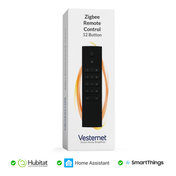
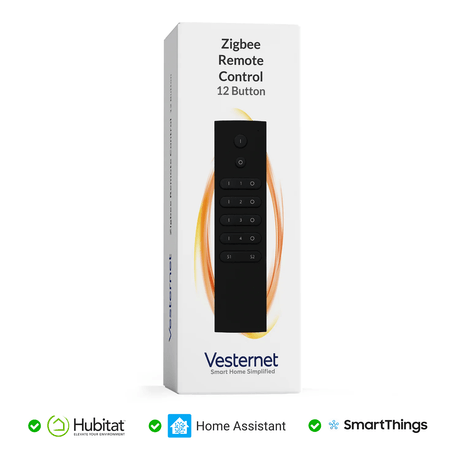
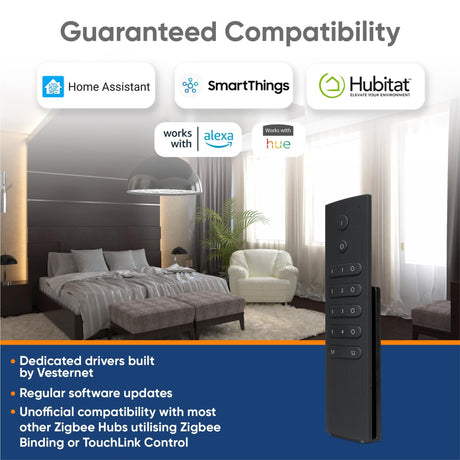
Vesternet Zigbee Remote Control - 12 Button
Regular price £28.00Unit price -
-
⚡ Free next-day upgrade3 free guides included
Vesternet
Regular priceFrom £46.00Unit price -
-
⚡ Free next-day upgrade3 free guides included
Vesternet
Regular priceFrom £44.00Unit price -
-
⚡ Free next-day upgrade3 free guides included
Vesternet
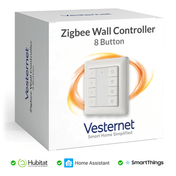
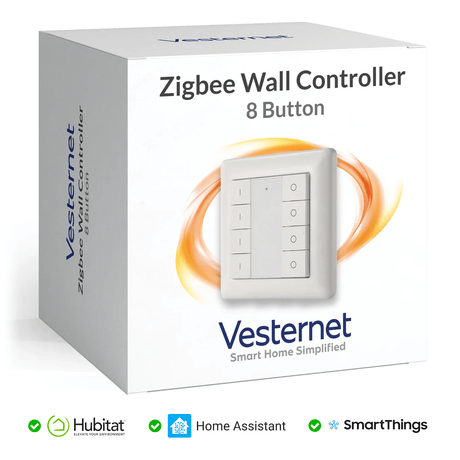
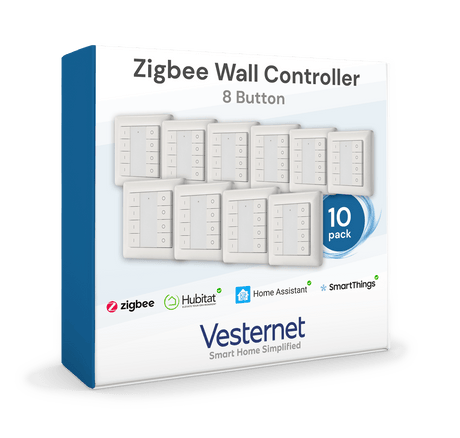
Vesternet Zigbee Wall Controller - 8 Button
Regular priceFrom £36.00Unit price -
-
3 free guides included
Vesternet
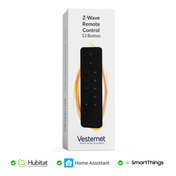
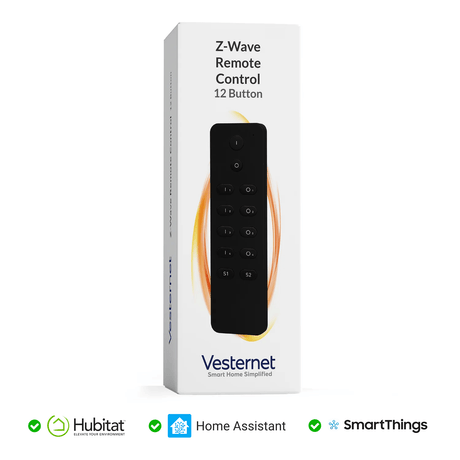
Vesternet Z-Wave Remote Control - 12 Button
Regular price £38.00Unit price -
-
-
-
⚡ Free next-day upgrade3 free guides included
Vesternet
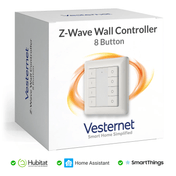
Vesternet Z-Wave Wall Controller - 8 Button
Regular priceFrom £42.00Unit price -
-
-
⚡ Free next-day upgrade3 free guides included
Vesternet
Regular priceFrom £38.00Unit price -
-
⚡ Free next-day upgrade3 free guides included
Vesternet
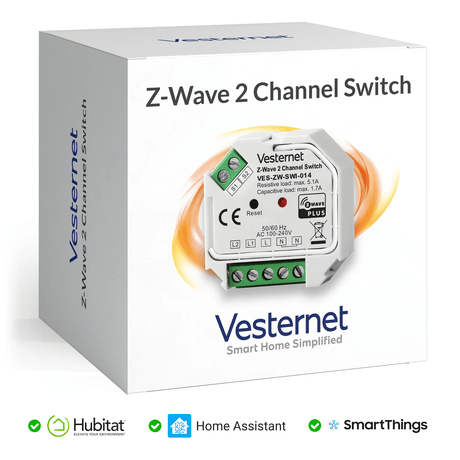
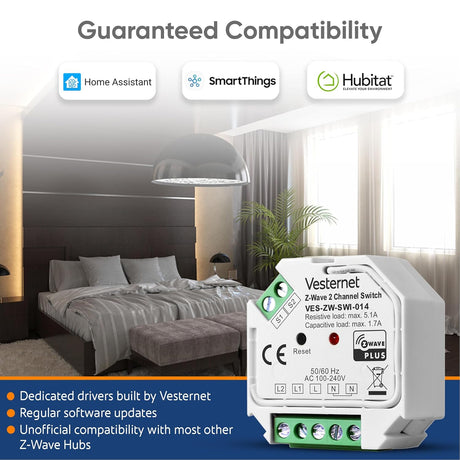
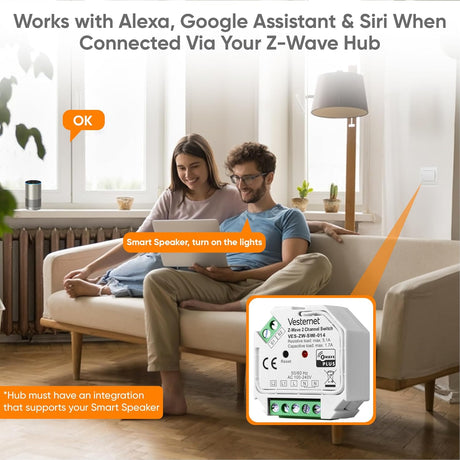
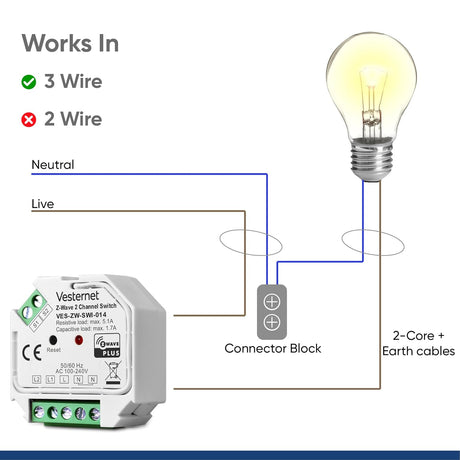
Vesternet Z-Wave 2 Channel Switch
Regular priceFrom £46.00Unit price -
-
⚡ Free next-day upgrade3 free guides included
Vesternet
Vesternet Zigbee High Load Switch
Regular priceFrom £42.00Unit price -
-
⚡ Free next-day upgrade3 free guides included
Vesternet
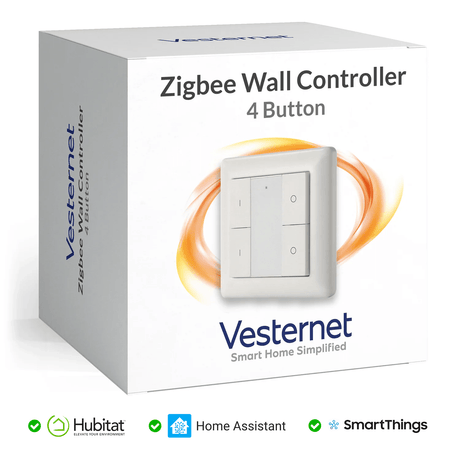
Vesternet Zigbee Wall Controller - 4 Button
Regular priceFrom £34.00Unit price -
-
⚡ Free next-day upgrade3 free guides included
Vesternet
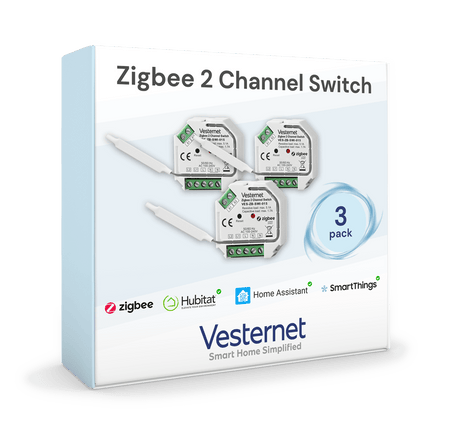
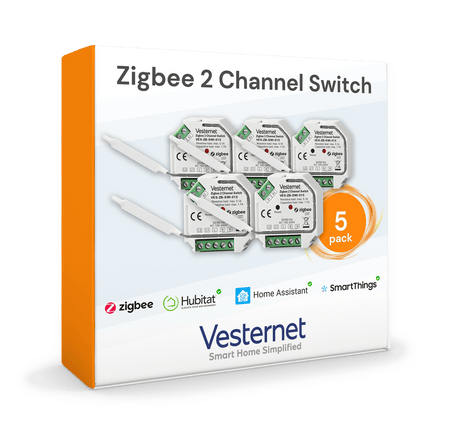
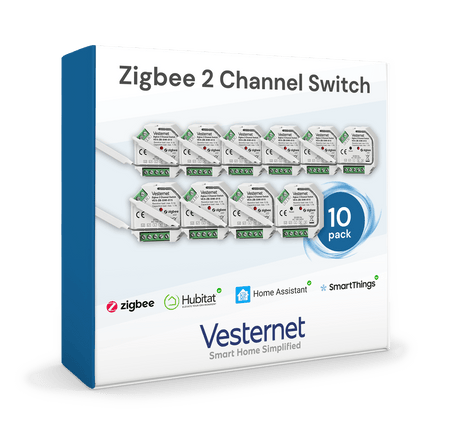
Vesternet Zigbee 2 Channel Switch
Regular priceFrom £42.00Unit price -
-
Black Friday3 free guides included
Vesternet
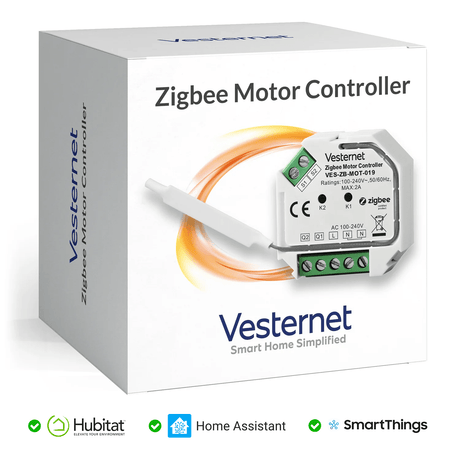
Vesternet Zigbee Motor Controller
Sale priceFrom £21.00 Regular price £42.00Unit price -
-
Black Friday3 free guides included
Vesternet
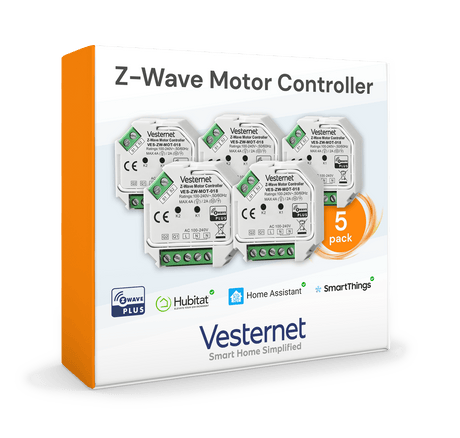
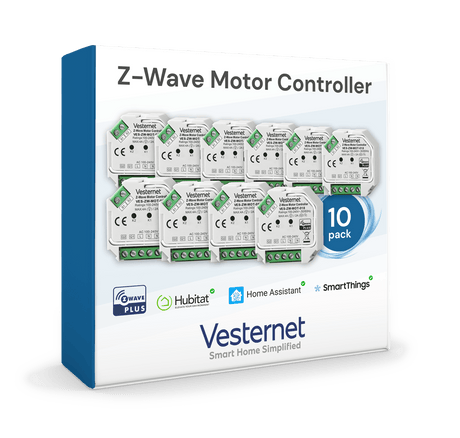
Vesternet Z-Wave Motor Controller
Sale priceFrom £23.00 Regular price £46.00Unit price -
Over 6,000 reviews