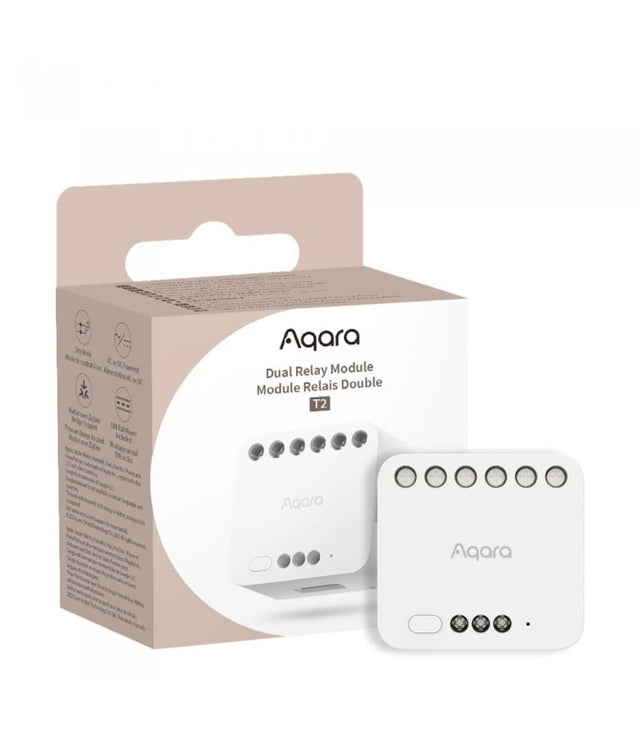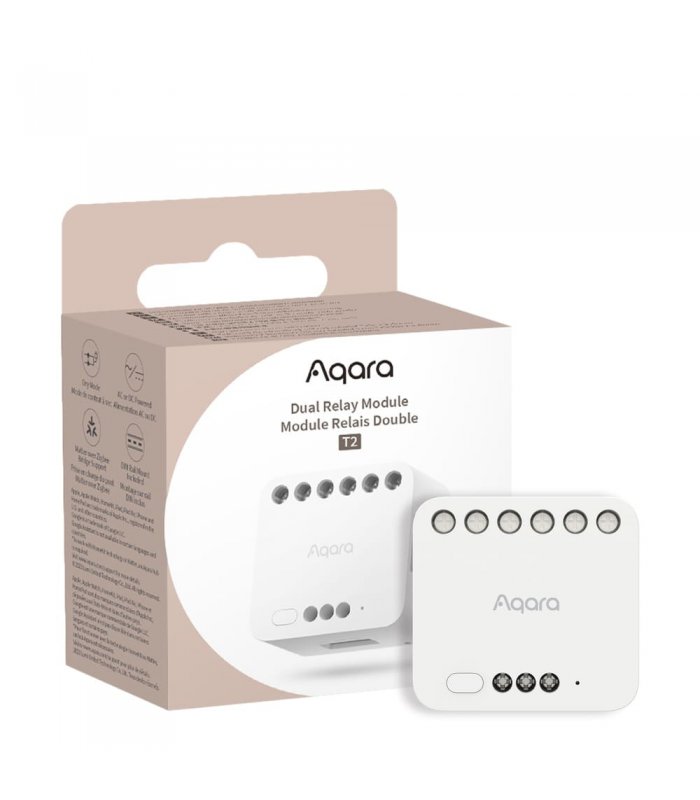
Zigbee Aqara Dual Relay Module T2
Needs a Zigbee hub to work. Not sure which hub? Build a starter kit. See our starter kits.
Works with your system
SmartThings and Home Assistant (with a Zigbee adapter) pair it directly. Apple Home, Google Home and Alexa connect through an Aqara hub. Energy monitoring and wireless switch mode stay in the Aqara app.
See all controllers (9)
- Aeotec Smart Home Hub (SmartThings) WorksListed by the maker
- Aeotec Smart Home Hub 2 (SmartThings) WorksListed by the maker
- Aqara hub WorksListed by the maker
- Home Assistant WorksSame wireless standard
- Homey Pro Works with an appPairs with the Aqara app for Homey.
- Homey Pro mini Works with an appPairs with the Aqara app for Homey.
- Apple Home Needs extra setupNeeds an Aqara hub (sold separately).
- Google Home Needs extra setupNeeds an Aqara hub (sold separately).
- Amazon Alexa Needs extra setupNeeds an Aqara hub (sold separately).
You'll also need
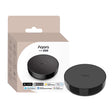
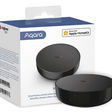
This Aqara Zigbee device connects through an Aqara hub.
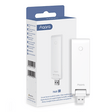
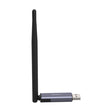
Home Assistant needs a Zigbee adapter to talk to Zigbee devices; Home Assistant Yellow has one built in, Home Assistant Green does not.
Needed with: Home Assistant
+ Other options (2)
Worldwide Delivery
Worldwide Delivery
We ship worldwide. Add items to your cart to see live delivery prices and times for your country.
Prices exclude local import taxes, which may be charged on delivery.
Please note: our Z-Wave products are EU 868 MHz.
Smart Home Help When You Need It
Smart Home Help When You Need It
Set-up help and answers from our smart home team by email and live chat, plus step-by-step guides for every device.
Zigbee Aqara Dual Relay Module T2

Summary
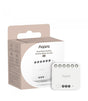
Zigbee dual relay with dry contact mode for boilers or garage doors, motor interlock, wet contact energy monitoring and AC/DC power. SmartThings, or Home Assistant with a Zigbee adapter, pairs it directly; Apple, Google and Alexa need an Aqara hub.
Make Existing Equipment Smart
The Aqara Dual Relay Module T2 adds smart control to the equipment you already have, without replacing it. With an Aqara Zigbee 3.0 hub (except the Camera Hub G2H), it works with Apple HomeKit, Google Home, Alexa, IFTTT and the Aqara Home app. Matter is supported over a bridge with a Matter compatible Aqara hub. That makes it easy to fit into a wide range of smart home setups and automations.

Dry Contact Mode
The T2 supports dry, or potential-free, contact mode with both pulse and on-off switching. That lets you bring a wide variety of electrical devices, such as boilers and garage doors, into your smart home. Wet contact mode switches lights and other loads directly.

Motor Control and Wireless Switch Mode
With interlock mode turned on, the T2 can safely control tubular motors and work as a roller shade switch. Wireless switch mode turns an existing wall switch into a scene controller, with no wiring changes. You can also connect other wired sensors to your automations this way. Wireless switch mode works only when the relay is powered by AC.

Energy Monitoring and Power Memory
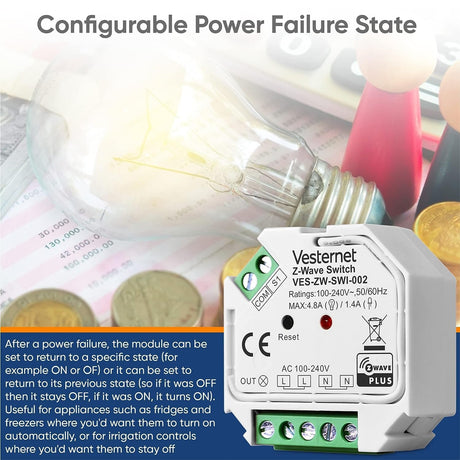
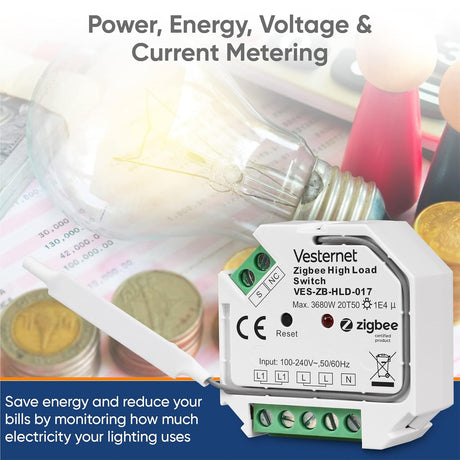
Built-in energy monitoring helps you keep control of your energy use, in wet contact mode and when powered by AC. Energy monitoring and power automations are only available in the Aqara Home app, not in third-party ecosystems. As a Zigbee device, the T2 uses very little power on standby compared with Wi-Fi relays. Power memory means it returns to its last state after a power cut.

Flexible Installation
The small T2 can be installed near the light, behind a switch or wall outlet, or on a DIN rail in an electrical cabinet with the included accessory. It works with both AC and DC power. Behind a switch it needs a wall box about 60 mm deep. The T2 handles a maximum of 10 A in total across its two channels.

Safety Built In
The T2 has overheat and overload protection to help keep your home safe. You can also set your own power limit. If consumption goes over it, the T2 switches off automatically.

-
Device Type
-
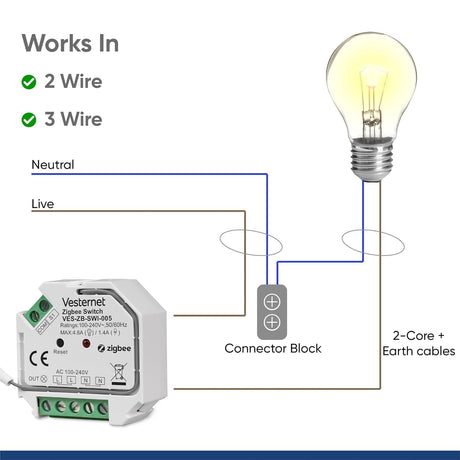
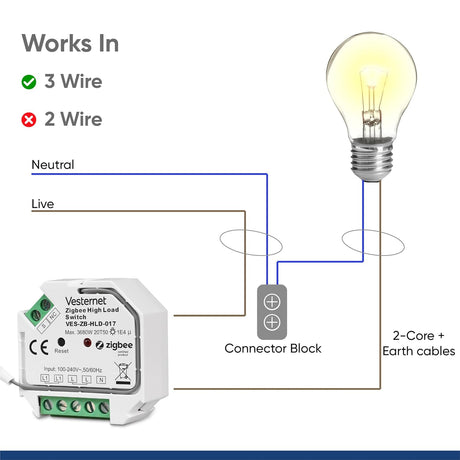
Wiring Types Supported3-Wire (with Neutral)
-
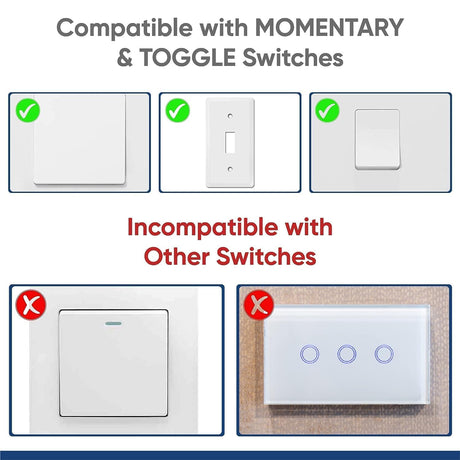
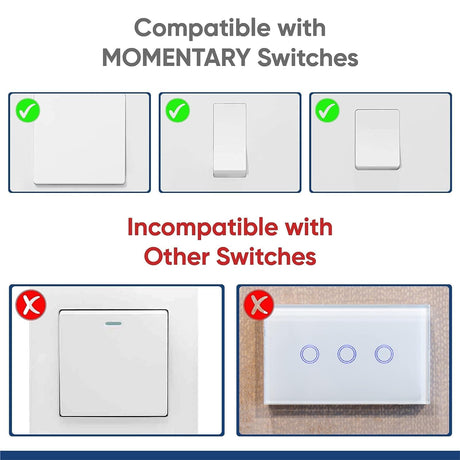
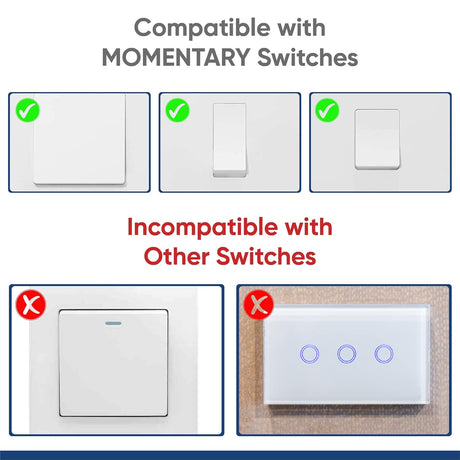
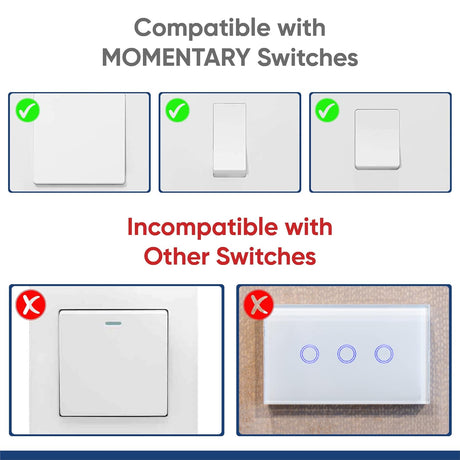
Switch TypesToggle, Momentary
-
Channels2
-
Switch Inputs2
-
Load TypesResistive
-
Load Rating10A Total
-
Load FeaturesDry Contact Mode, Wet Contact Mode, Interlock Mode, Energy Monitoring, Power Memory
-
FeaturesApp & Voice Control, Schedules & Automations, Dry Contact Output, Wet Contact Output, Interlock Mode, Energy Monitoring, Power Failure Memory, Overload Protection, Overheat Protection, DIN Mountable
-
TechnologyZigbee
-
Operating Temperature
-
Operating Humidity
-
Dimensions
Helpful guides for this product
-
 Complete Home Automation Guide: Systems, Devices & Setup for BeginnersWhat a smart home is, the first decisions to make, a sensible first kit and mistakes to avoid.
-
 Smart Light Switches, Dimmers & Modules: How They Work and How to ChooseModules, wall switches, dimmers or bulbs: how each works and which suits your lights and wiring.
-
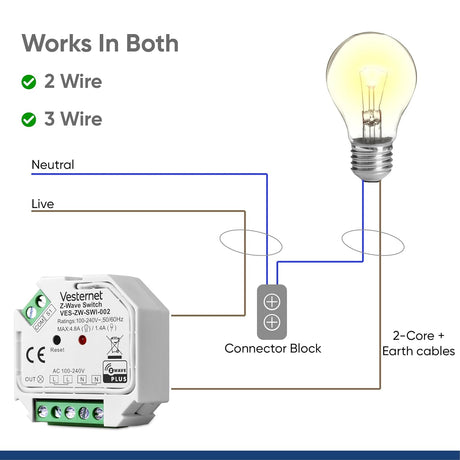
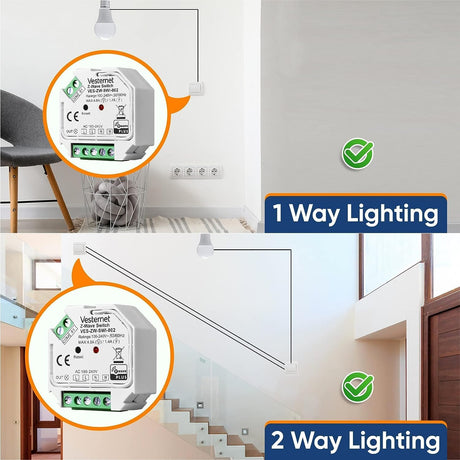
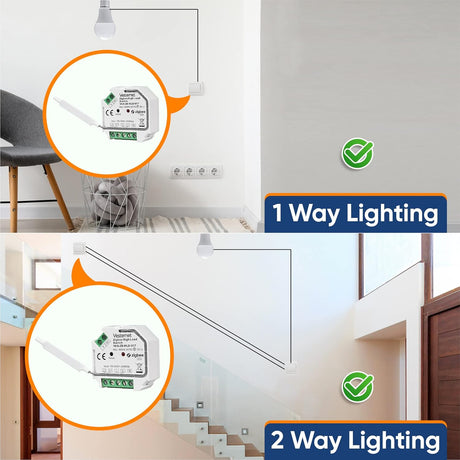
 2-Wire vs 3-Wire Lighting: Complete Guide for Smart Switch InstallationWork out if you have a neutral at the switch, how 2-way circuits are wired and which smart devices fit.
Manuals
Payment & Security
Payment methods
Your payment information is processed securely. We do not store credit card details nor have access to your credit card information.
Why buy from Vesternet
15 years in wireless smart home, over 100,000 customers and 6,000+ reviews.
-
Checked to work
Every device is checked against our compatibility data for your controller.
Run System Check -
Help when you need it
Set-up help and answers from our smart home team, by email and live chat.
Ask our team -
Delivery to Caribbean Netherlands
Cost shown at checkout. In-stock orders placed by 2:30pm (UK time) are dispatched the same working day.
-
Our own Vesternet range
Z‑Wave and Zigbee devices with a 3-year warranty, plus free set-up guides.
See the range

How to set up a smart home
In 5 Simple Steps...
- Plug in your controller and follow its set-up steps
- Fit your devices around your home
- Pair each device with your controller
- Create scenes and rules to automate everyday tasks
- Enjoy automated heating and lighting, added security and energy monitoring
Then add more devices whenever you like.
Frequently Asked Questions
How do I get set-up help?
How do I get set-up help?
Set-up help and answers from our smart home team by email and live chat. Just get in touch with any technical question you have.
Do you offer installation services?
Do you offer installation services?
We don't install, but you get step-by-step guides, videos and help from our smart home team by email and live chat. Need an installer? We can often help you find one.
What if I struggle with installing or using after purchase?
What if I struggle with installing or using after purchase?
Just get in touch. Our smart home team can help you work through set-up and troubleshooting by email and live chat, and our guides and videos cover set-up for many devices. Most problems can be sorted quickly with the right steps.
How quickly will I receive my order?
How quickly will I receive my order?
In-stock orders placed by 2:30pm (UK time) on a working day are dispatched the same day. Delivery options, costs and times are shown at checkout. Local import taxes or duties may be charged on delivery.
Why should I choose to buy from Vesternet over other online stores?
Why should I choose to buy from Vesternet over other online stores?
When you buy from Vesternet, you're not just purchasing a product. You get set-up help and answers from our smart home team by email and live chat, plus guides for the products we sell. While there might be cheaper options online, home automation can be complex, and good advice can prevent costly mistakes.
Try Vesternet Devices
View all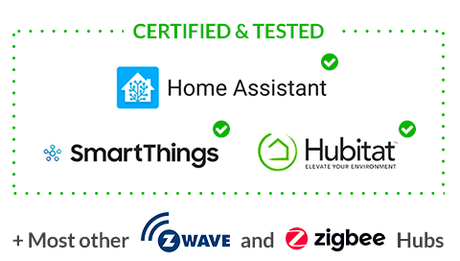
More Features for Less Price...
Modules, sensors, wall controllers & more - all with Z-Wave & Zigbee options + extended warranty & support
-
3 free guides included
Vesternet
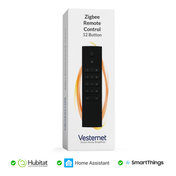
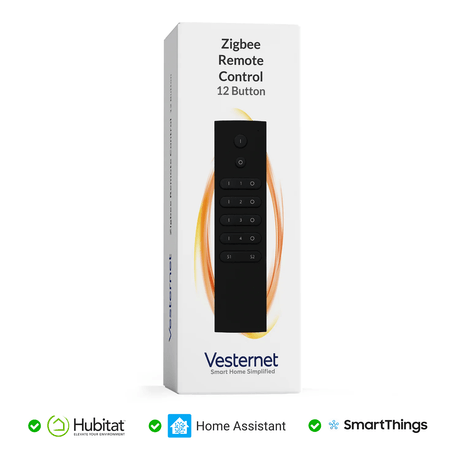
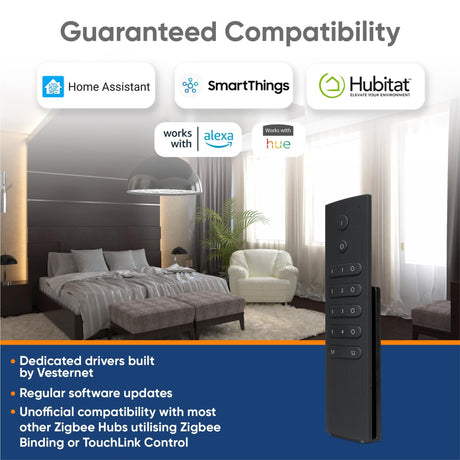
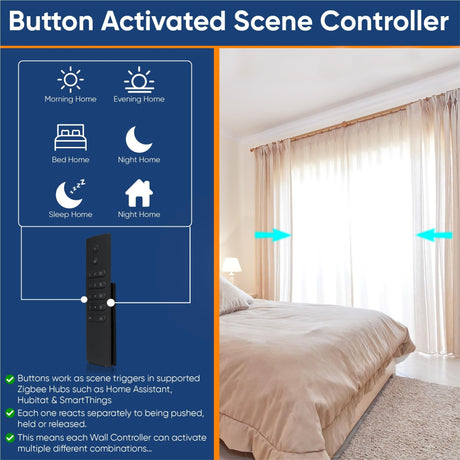
Vesternet Zigbee Remote Control - 12 Button
Regular price $32.00Unit price -
-
-
-
-
-
3 free guides included
Vesternet
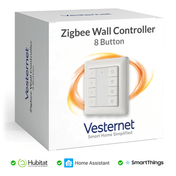
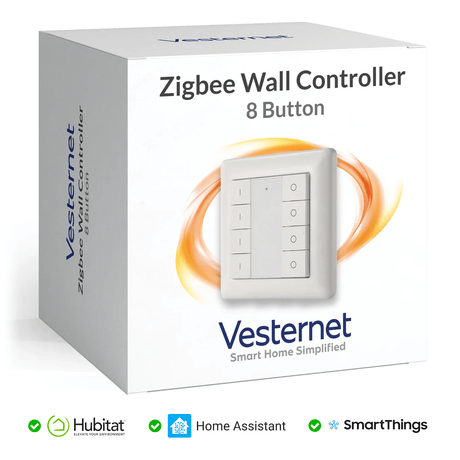
Vesternet Zigbee Wall Controller - 8 Button
Regular priceFrom $41.00Unit price -
-
3 free guides included
Vesternet
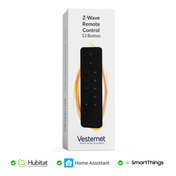
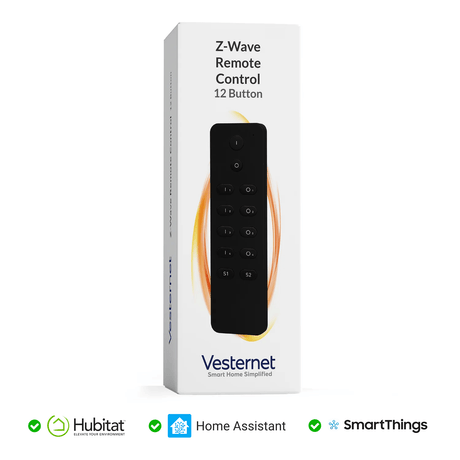
Vesternet Z-Wave Remote Control - 12 Button
Regular price $43.00Unit price -
-
-
-
3 free guides included
Vesternet
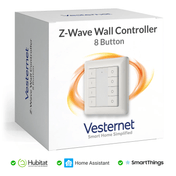
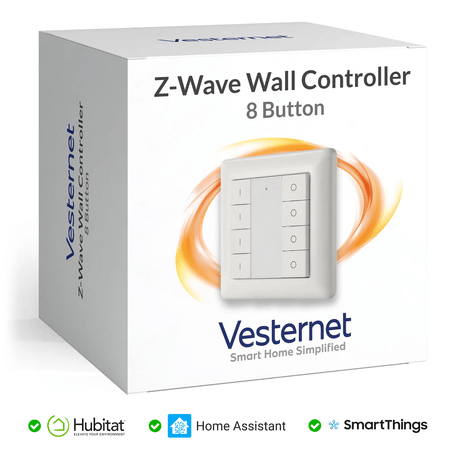
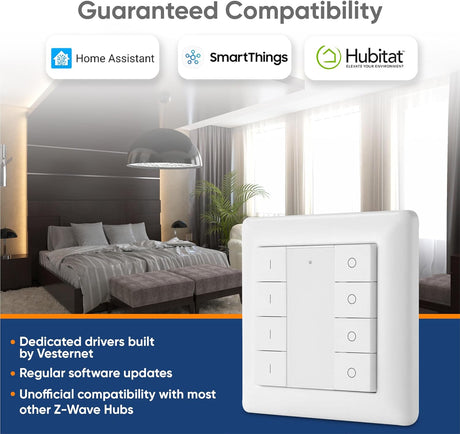
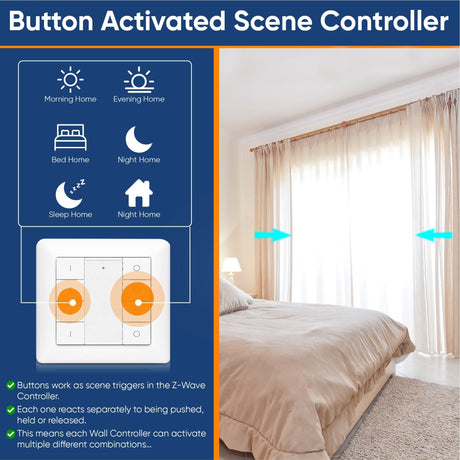
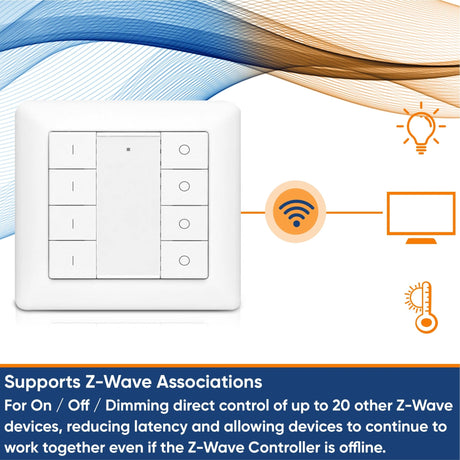
Vesternet Z-Wave Wall Controller - 8 Button
Regular priceFrom $47.00Unit price -
-
-
-
-
3 free guides included
Vesternet
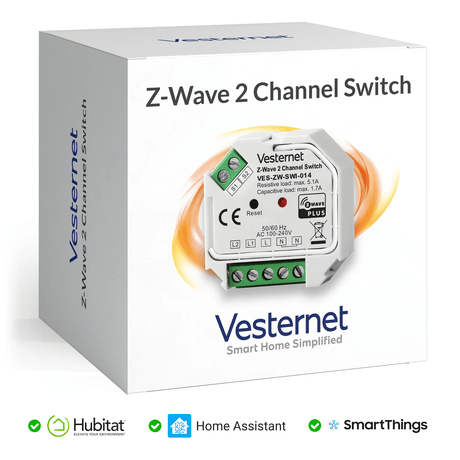
Vesternet Z-Wave 2 Channel Switch
Regular priceFrom $52.00Unit price -
-
3 free guides included
Vesternet
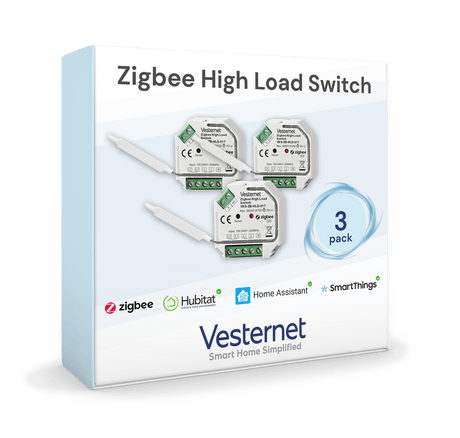
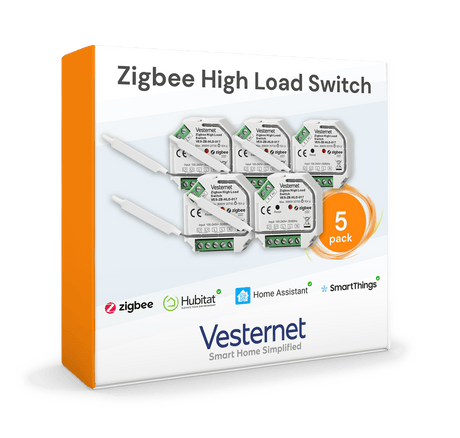
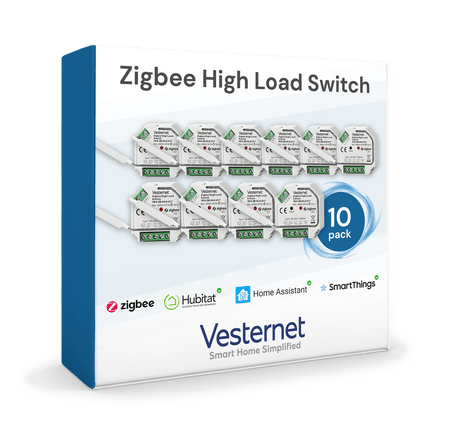
Vesternet Zigbee High Load Switch
Regular priceFrom $47.00Unit price -
-
3 free guides included
Vesternet
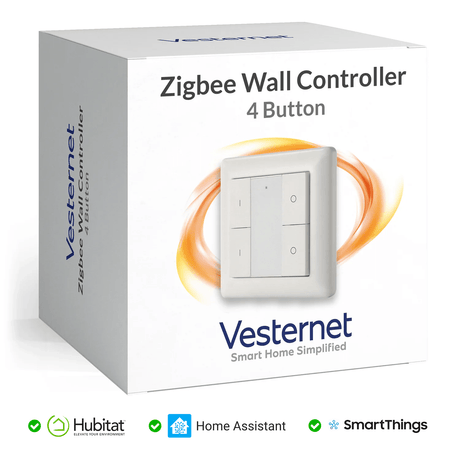
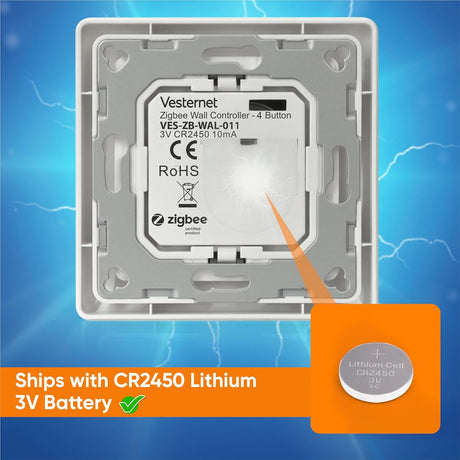
Vesternet Zigbee Wall Controller - 4 Button
Regular priceFrom $38.00Unit price -
-
3 free guides included
Vesternet
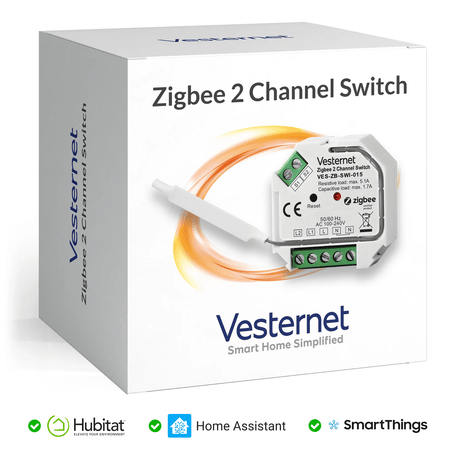
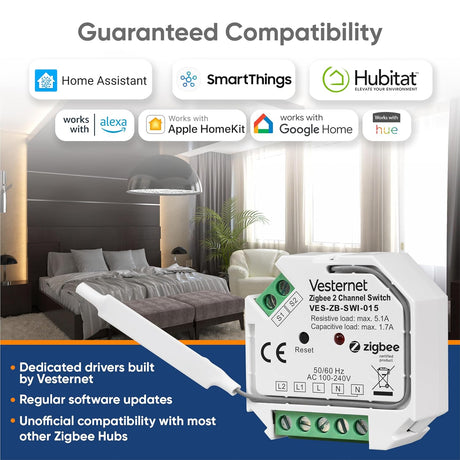
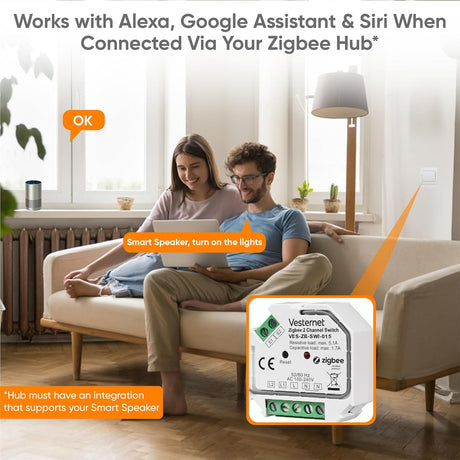
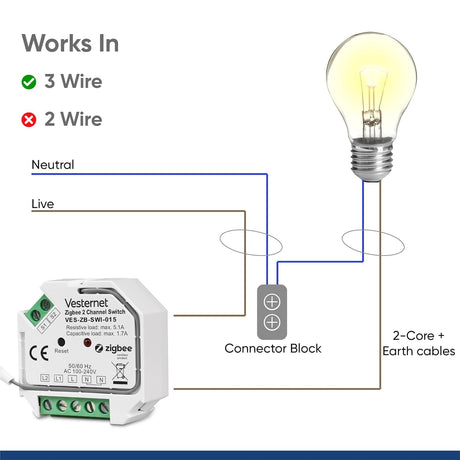
Vesternet Zigbee 2 Channel Switch
Regular priceFrom $47.00Unit price -
-
Black Friday3 free guides included
Vesternet
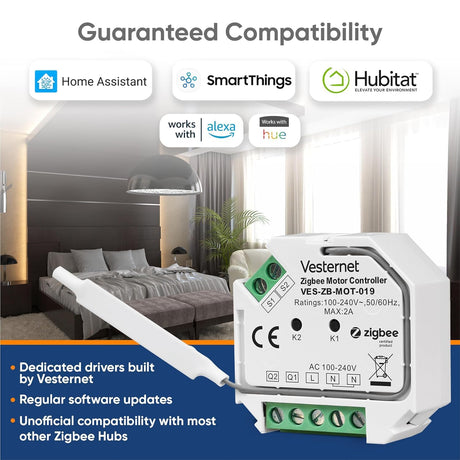
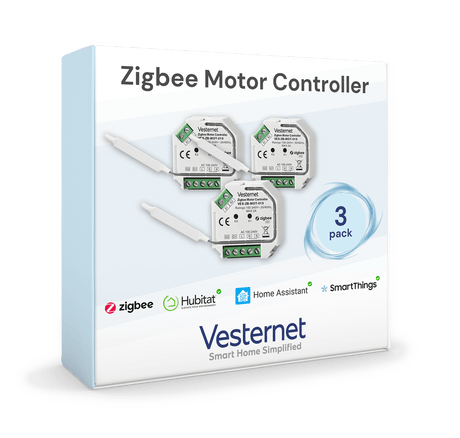
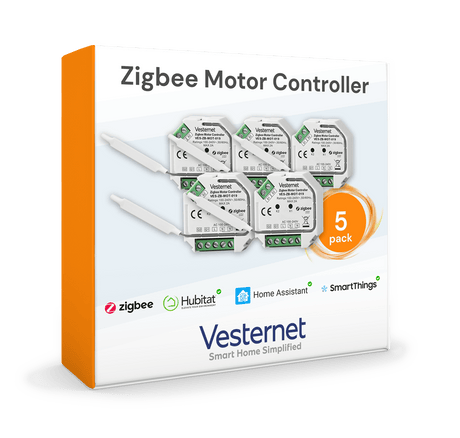
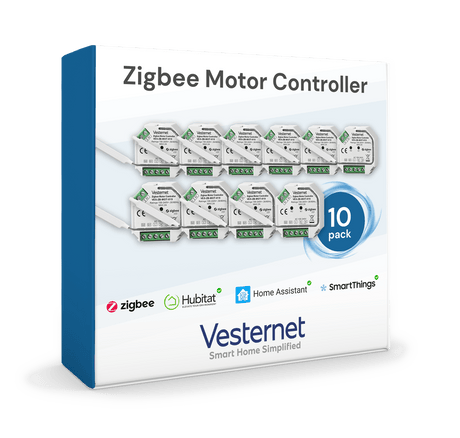
Vesternet Zigbee Motor Controller
Sale priceFrom $24.00 Regular price $47.00Unit price -
-
Black Friday3 free guides included
Vesternet
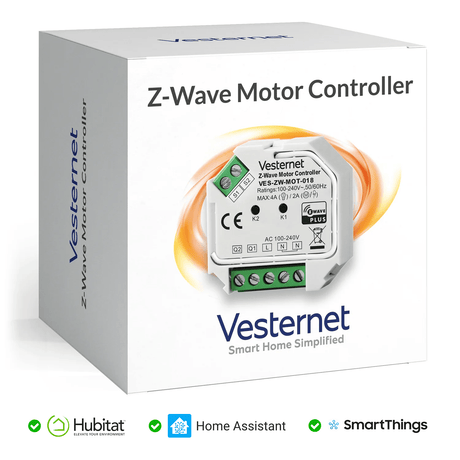
Vesternet Z-Wave Motor Controller
Sale priceFrom $26.00 Regular price $52.00Unit price -
Over 6,000 reviews