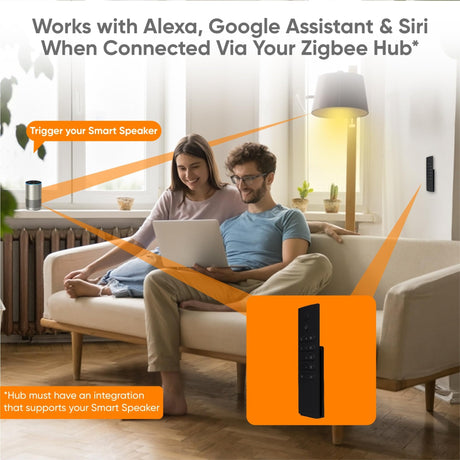
In short: A smart home remote control is a battery-powered set of buttons that tells your smart home what to do. It can be a handheld remote or a wall controller that looks like a light switch, and because it needs no wiring you can put one anywhere a switch would be handy.
Who this guide is for
- You want a quick way to control lights and scenes without opening an app.
- You need a switch where there is no wiring: by the bed, at the far door, on a glass or solid wall.
- You have smart bulbs and are tired of people turning them off at the wall.
What is a smart home remote control?
Apps and voice assistants are useful, but for everyday things a button is faster. A smart remote or wall controller gives you real buttons for the lights, blinds and scenes you use most. Guests and children can use it without being shown how.
The buttons do not switch any power themselves. Each press sends a short radio message over Z-Wave or Zigbee. Either your controller (hub) receives it and runs a scene, or the message goes straight to a dimmer, plug or bulb. That is why one small button can turn off a whole house.
The controller itself has no mains connection, so it is simple to fit: no back box and no cable.

Wall controller, handheld remote or wired switch?
There are three kinds of device that give you buttons. The first two are the subject of this guide. The third is the main alternative.
Battery wall controller
- Looks like a light switch
- Sticks or screws to any wall
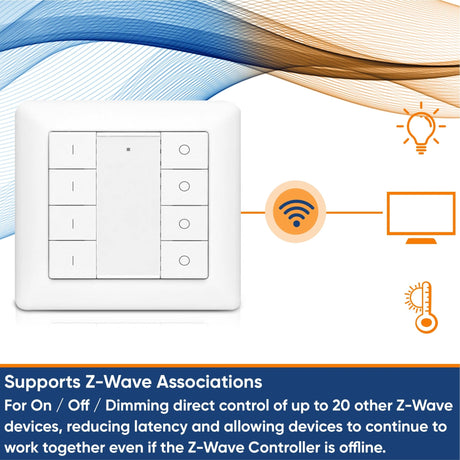
- Usually 2, 4 or 8 buttons
- Always in the same place, so easy for everyone
- Controls anything, by radio
Handheld remote or button
- Lives on the sofa arm, bedside or keyring
- From a single button to 12
- Good for whole-house scenes
- Key fobs can arm and disarm security
- Can go missing
Wired smart wall switch
- Replaces an existing switch
- Mains powered, so no batteries
- Switches or dims the light on its own circuit
- Many can also trigger scenes
- Must be wired in by a competent person
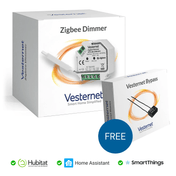
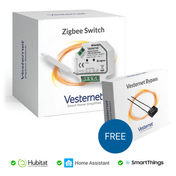
They work well together. A typical room has a wired smart switch or an in-wall module on the existing lighting circuit, and battery controllers wherever an extra switch is wanted. For the wired options, see Lighting control: switches, dimmers and modules.
 2-button wall controllerOn and off for one room, with dimming on hold
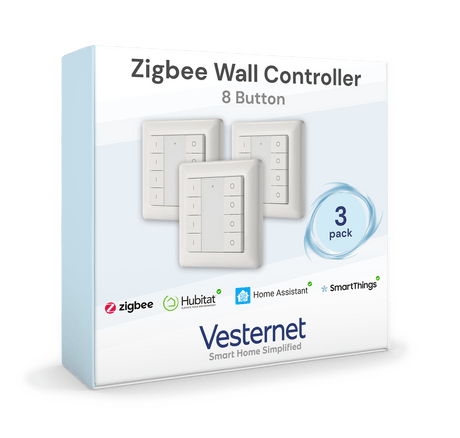
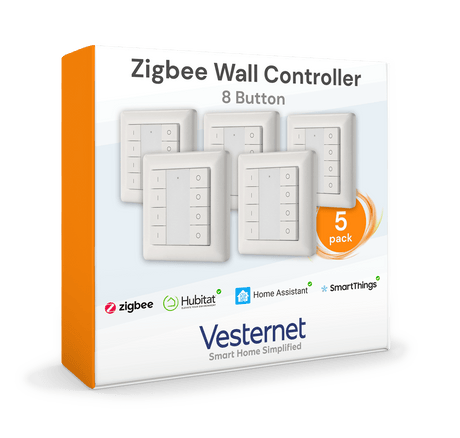
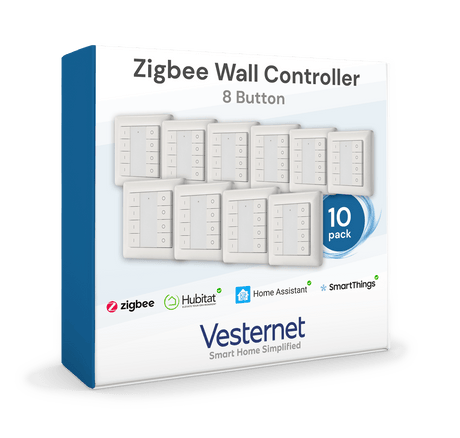
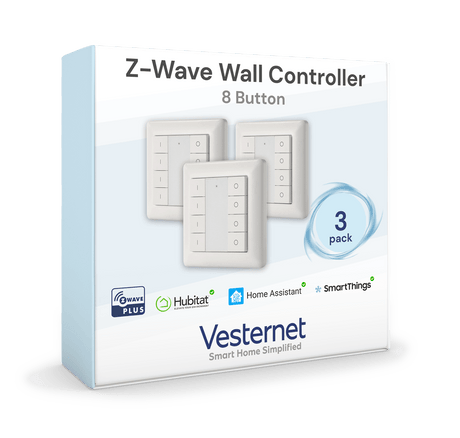
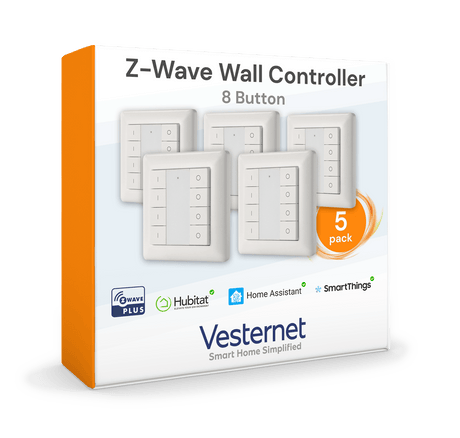
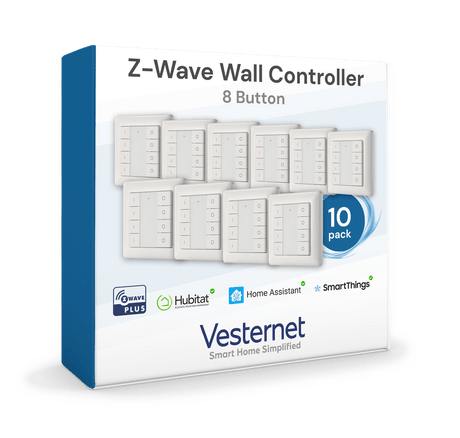
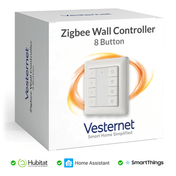
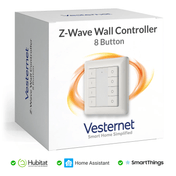
 8-button wall controllerSeveral rooms or scenes from one plate
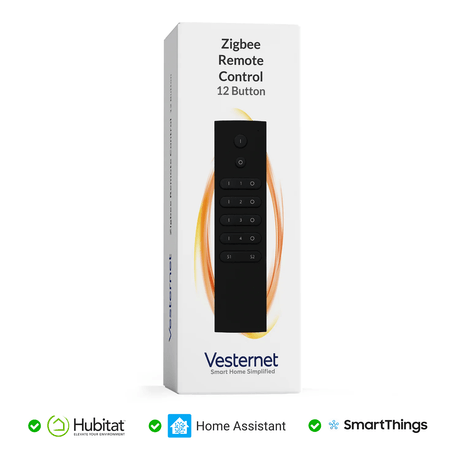
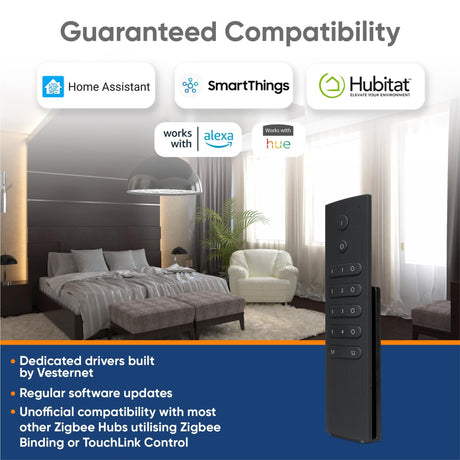
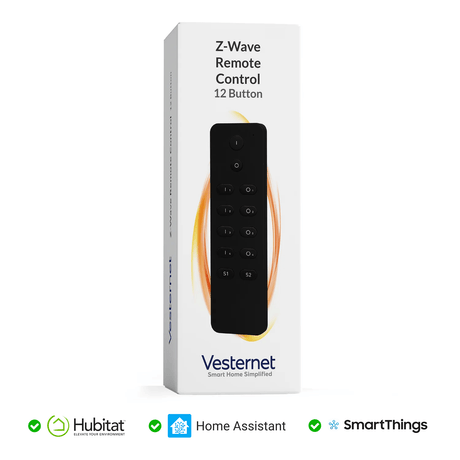
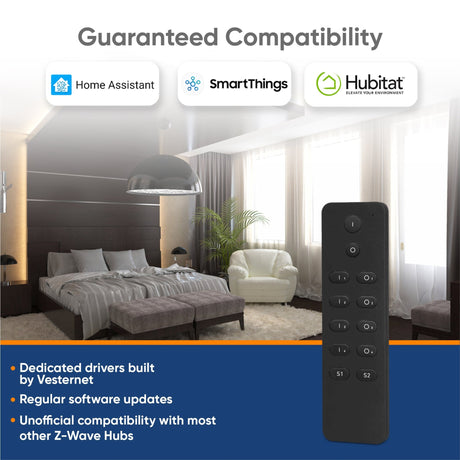
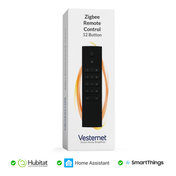
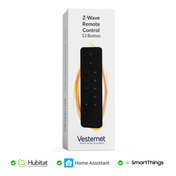
 Handheld remoteA dozen buttons for lights, blinds and scenes
 Key fobPocket-sized, for arming, gates and garage
 Single buttonOne big button for one important job
 Wired smart switchThe mains-powered alternative
One button, several jobs: press, double press and hold
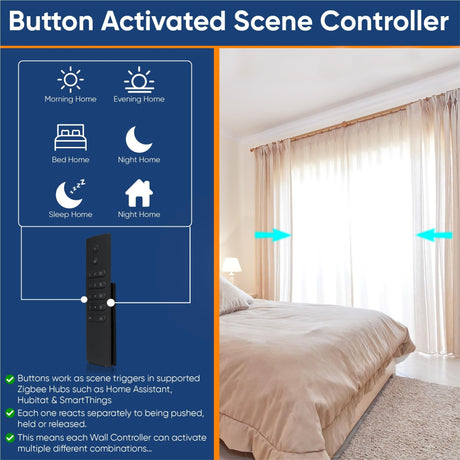
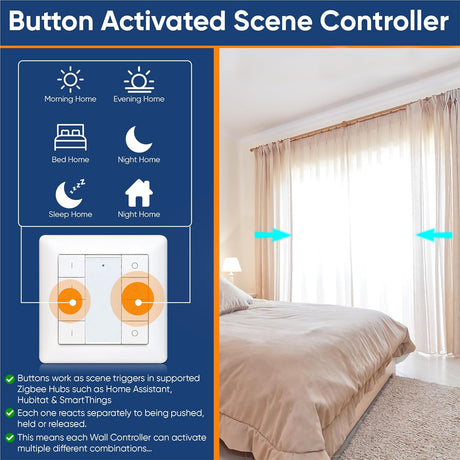
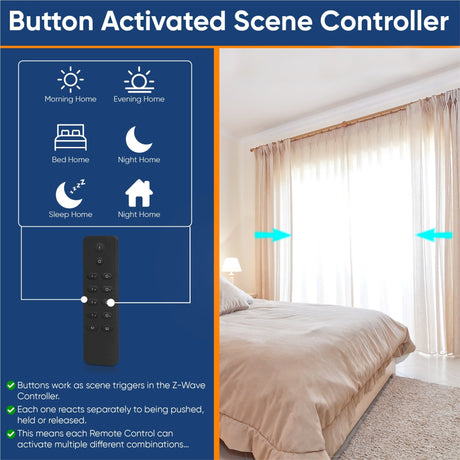
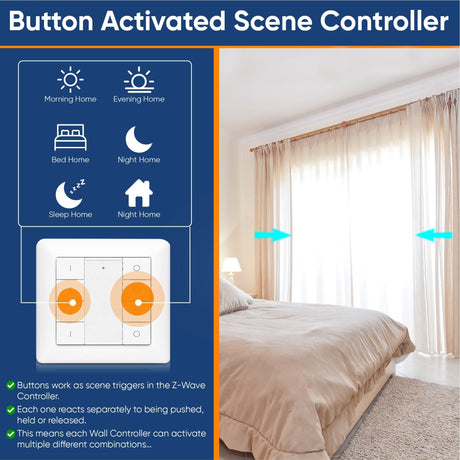
A smart button can tell the difference between ways of pressing it. Each one can start something different, so a four-button controller can do far more than four things.
| Action | What the button reports | Good for |
|---|---|---|
| Press | One short push | The thing you do most: lights on, lights off |
| Double press | Two quick pushes | A second scene for the same room, or "all off" |
| Hold and release | When the hold starts and when it ends | Dimming up or down, moving a blind until you let go |
Not every device reports every action, and not every controller shows them all. Some report press, hold and release. Others add double and triple presses. In Z-Wave this feature is called Central Scene. In Zigbee the device usually appears as a "button controller". Check the product page for the actions it supports, and check it works with your system.
A practical tip: resist the urge to use everything. Two or three actions that the whole household remembers are worth more than twelve that nobody does. Label the buttons if the controller allows it.
Where remotes and wall controllers solve problems
A second switch without wiring (2-way switching)
Adding a second switch for a light normally means running a new cable between the two switch positions. With a smart dimmer or switch on the light, a battery wall controller does the same job by radio. Put one at the top of the stairs, at the other door of a through-room, or beside the bed. This is often the simplest fix for a room that was wired with its only switch in the wrong place.
Smart bulbs
A smart bulb only works while it has power. When someone turns it off at the wall, it drops off the network and your automations stop. The fix is to leave the wall switch on (a switch cover helps) and fit a battery wall controller next to it or over it. Everyone still has a switch to press, and the bulb stays powered.
Bedside and sofa
A remote or single button within reach handles the things you would otherwise get up for: lights off, a "goodnight" scene, blinds down, a lamp on low for a night-time trip. It also suits anyone who finds wall switches hard to reach.
By the front door
One "everything off" button by the door you leave from saves a walk round the house. A second action can turn on a welcome scene when you come home.
Direct control or through the hub?
A button press can reach your lights in two ways. Many devices support both at once.
Through the hub
- The press goes to the controller, which runs a scene or rule
- Can control anything the hub knows about, on any technology
- Can depend on time of day, who is home and so on
- Stops working if the hub is off
Direct to the device
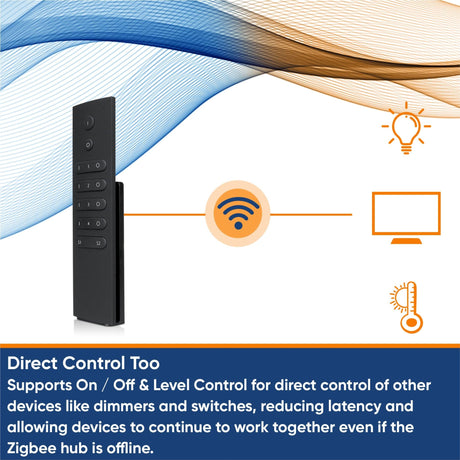
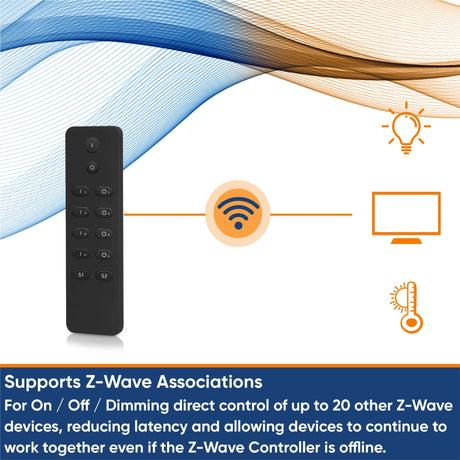
- The remote talks straight to a dimmer, switch or plug
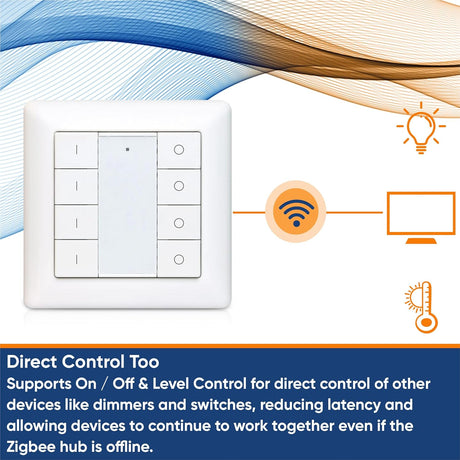
- Fast, and keeps working if the hub is offline
- Limited to on, off and dimming
- Both devices must use the same technology
The direct link has a different name on each technology. In Z-Wave it is an association. In Zigbee it is called binding. You set it up in your controller, or for some Zigbee remotes by pairing the remote straight to the light, which means a simple set-up can work with no hub at all.
Two things to know before relying on direct control:
- Z-Wave security levels must match. A remote that joined the network securely may only be able to send secure commands. If the dimmer it controls joined without security, the association can fail. Add both devices at the same security level.
- The hub may not see it. When a remote controls a device directly, check that the device still reports its new state to the hub, so the app and your automations stay in step.
A good pattern is to use direct control for the basic on, off and dim of the main light, and hub scenes for everything else. Hubitat, Homey Pro, Home Assistant, Fibaro Home Center and the Aeotec Smart Home Hub (SmartThings) can all use button presses to start scenes and rules.
Mounting and battery life
- Mounting. Wall controllers are fixed with adhesive pads or screws. Some have a base plate that stays on the wall while the controller lifts off to be used as a handheld. Adhesive is ideal for tiles, glass and rented homes. Fit them at the same height as your other switches so they look as if they belong.
- Over an old switch. Some controllers are sized to cover a standard switch plate. Check the dimensions on the product page before planning this. If the old switch is to be removed and the wires joined behind it, that is mains wiring. It must be done by a competent person with the circuit isolated, and comply with local regulations.
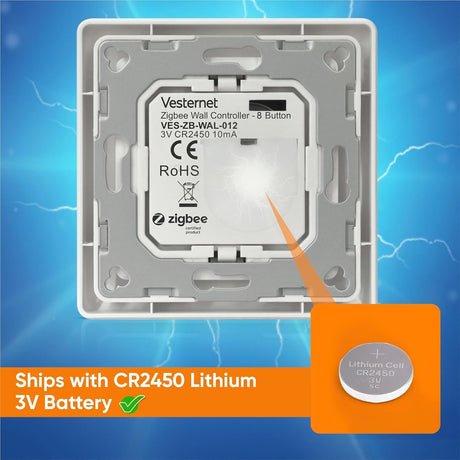
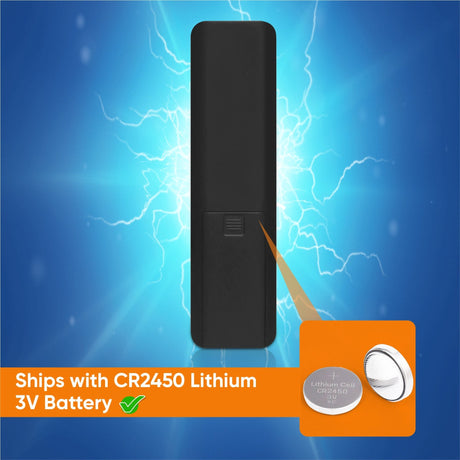
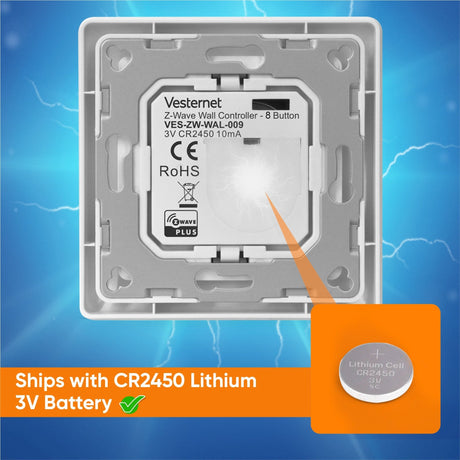
- Battery type. Most use a coin cell. Some are rechargeable and a few can run from a low-voltage supply. Note the battery type so you can keep a spare.
- Battery life. The radio only wakes when a button is pressed, so batteries last a long time. Many run for a year or more on one cell, less for a button pressed many times a day. The product page gives the maker's figure. Your controller shows the battery level and can warn you when it is low.
- Range. Battery remotes transmit at low power. They rely on mains-powered devices nearby to pass their messages on. If presses are missed at the far end of the house, add a plug or module near that spot. See Building a reliable network.
Vesternet wall controllers and remotes
Our own-brand range covers both Z-Wave and Zigbee, so you can match the controller to the network you already have.
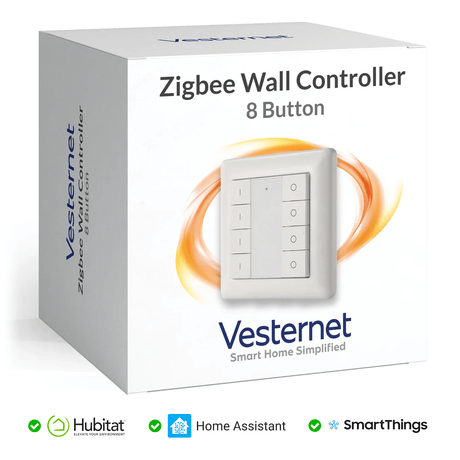
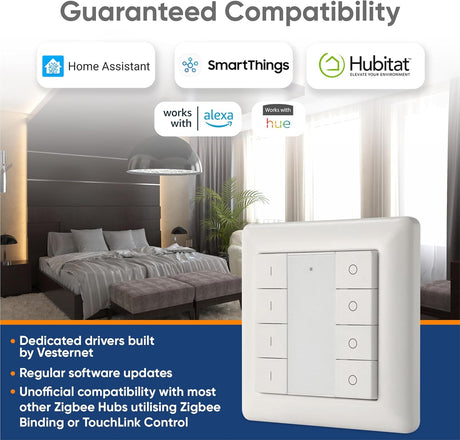
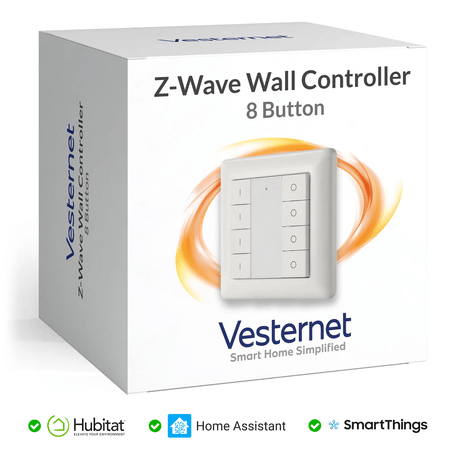
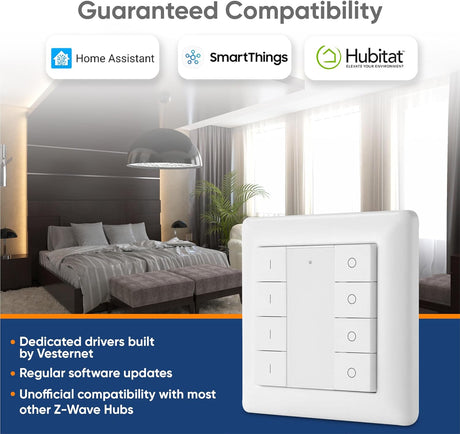
- Wall controllers come in several sizes. Each button reports when it is pushed, held and released, so one plate can start many scenes.
- The handheld remote has buttons that work the same way.
- Direct control is supported on both. The Z-Wave versions use associations. The Zigbee versions can be paired straight to a dimmer or switch module, with or without a hub.
Sizes and versions change, so check the product pages for what is current. See the Vesternet range.
Which smart home remote control is best for you?
- Match your networkChoose Z-Wave or Zigbee to suit your controller and the devices you want to control directly.
- Count the jobsOne room needs two buttons. A whole floor of scenes needs more. Fewer, well-chosen buttons are easier to live with.
- Pick the placeFixed on the wall where everyone expects a switch, or loose where you sit. Some wall controllers lift off their base and do both.
- Check supportConfirm your controller shows the button actions you plan to use.
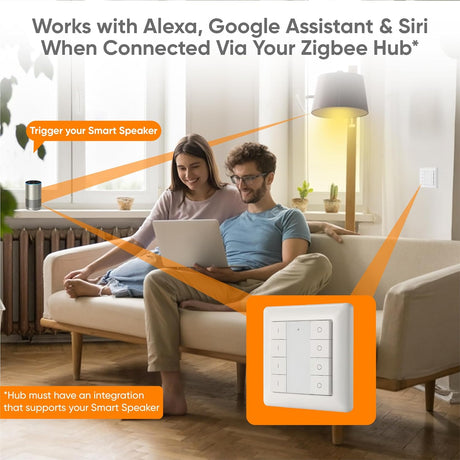
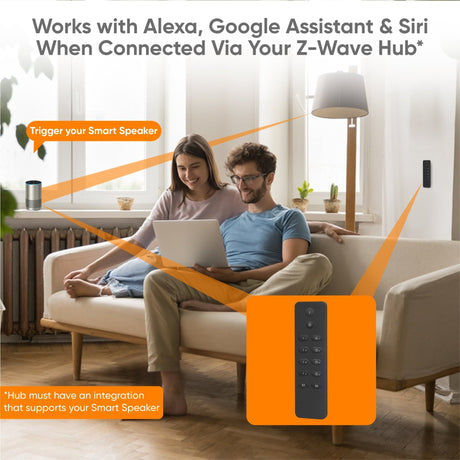
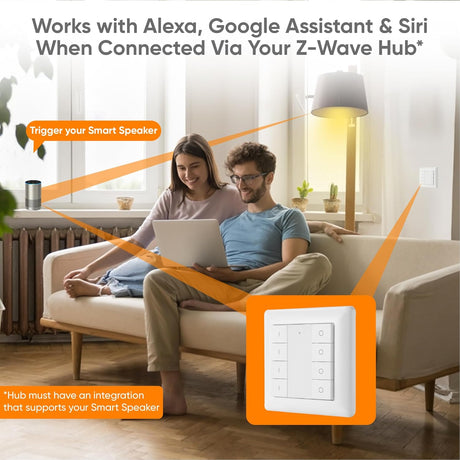
Voice assistants and phone apps are a useful extra on top. They suit one-off requests, but they are slower than a button for everyday lighting and they depend on the internet. We treat them as an addition to buttons, not a replacement.
What you'll need
 Wall controllersBattery switches for any wall
 Remotes and buttonsHandhelds, key fobs and single buttons
 ModulesDimmers and switches for them to control
 ControllersTo run scenes from button presses
- All remotes and wall controllers
- In-wall dimmer and switch modules for the lights they control
- A smart home controller for scenes