In short: Zigbee is a low-power wireless language for smart home devices. Devices pass messages to each other in a mesh, so the network gets stronger as you add to it. You need one hub (or a USB stick) to run it, and devices from different brands can share the same network.
Who this guide is for
- You're deciding whether Zigbee is right for your home.
- You're about to set up your first Zigbee devices.
- You have a Zigbee network that drops devices and want to know why.
What is Zigbee?
Zigbee is an open wireless standard made for sensors, switches, plugs and lights. It sends small amounts of data using very little power, which is why a Zigbee door sensor can run for years on a coin cell.
It uses the 2.4 GHz band everywhere in the world. Unlike Z-Wave, there are no regional versions, so there is no frequency to check before you buy.
Zigbee is maintained by the Connectivity Standards Alliance, the same body behind Matter. There are no fees or subscriptions for using it.

How does Zigbee work?
Every Zigbee network has three kinds of device:
- The coordinator. One per network. This is your hub or USB stick. It creates the network, lets devices join and keeps it secure.
- Routers. Mains-powered devices such as plugs, in-wall switches and dimmers, and most bulbs. As well as doing their own job, they pass messages on for other devices.
- End devices. Battery devices such as motion, door and temperature sensors, and remotes. They sleep most of the time to save power and don't pass messages on.
This is why the first rule of Zigbee is: add mains-powered devices first, and spread them around the house. A network made only of a hub and battery sensors has no mesh at all.
Zigbee 3.0, Zigbee 4.0 and older devices
Zigbee 3.0 is the version to look for today. Before it, lighting and home automation devices used separate profiles (often called ZLL and ZHA) that didn't always work together. Zigbee 3.0 merged them, so certified devices from different brands share one network and one set of rules. It also tightened security when devices join.
Older devices, sometimes described as Zigbee 1.2 or Zigbee HA, will usually still join a Zigbee 3.0 hub. They may be less secure when joining and are best replaced over time rather than bought new.
Zigbee 4.0 is the newest version. It adds stronger security, quicker set-up of many devices at once, and an optional long-range mode called Suzi that uses lower radio frequencies (the 800 MHz band in Europe). It is backwards compatible, so Zigbee 3.0 devices keep working, and there is no need to wait for it.
On our product pages the Technology field shows "Zigbee 3.0" where the manufacturer confirms it.
What devices use Zigbee?
Zigbee is used by thousands of products from hundreds of brands. The main types are:
 SensorsMotion, door, temperature, leak and smoke
 PlugsSwitch and monitor anything with a plug
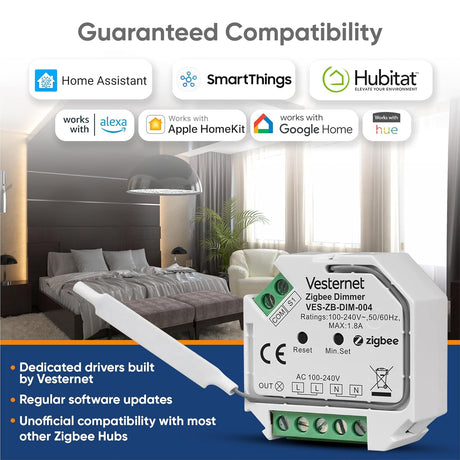
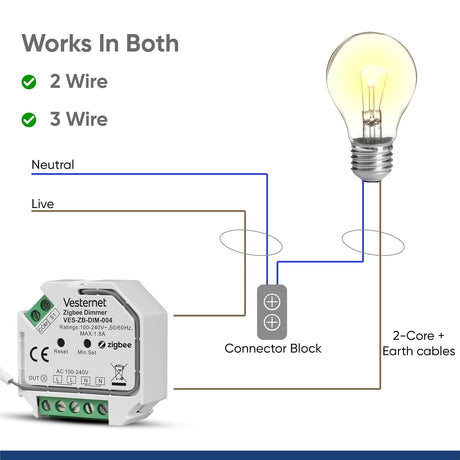
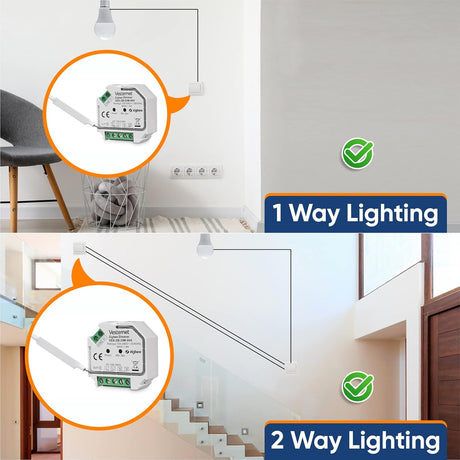
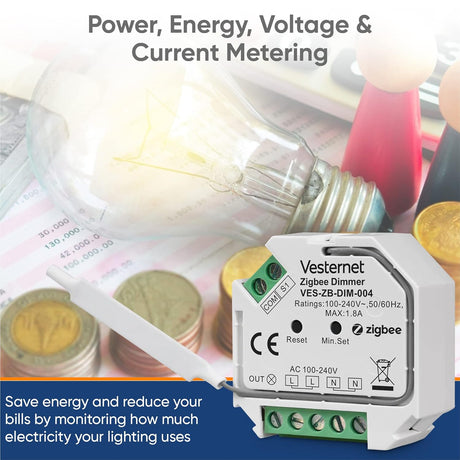
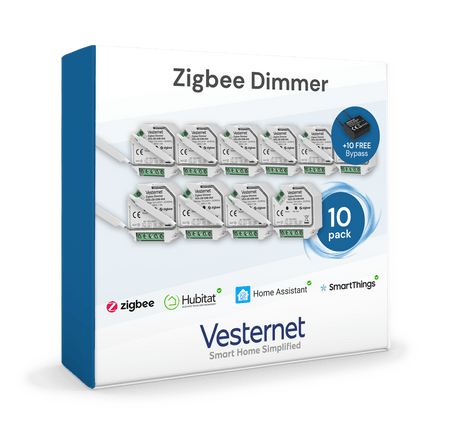
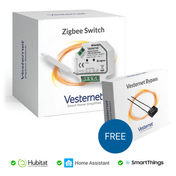
 ModulesIn-wall switches, dimmers and motor controls
 Wall switchesReplacement switches and dimmers
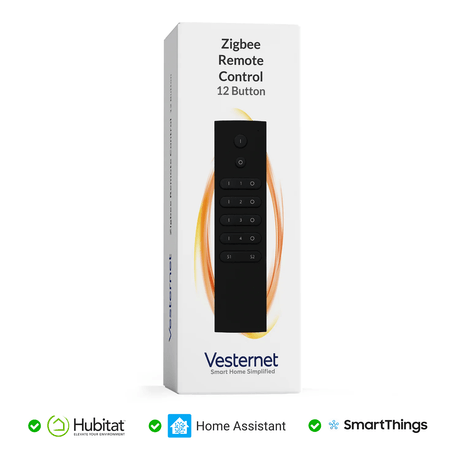
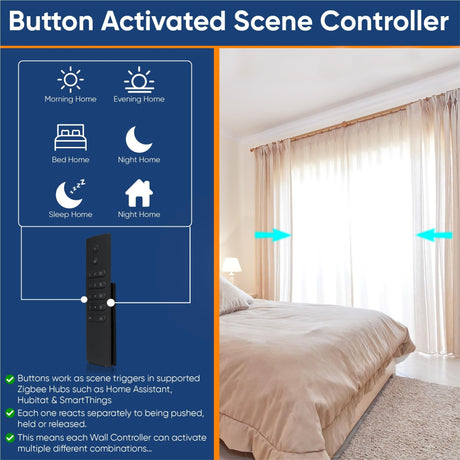
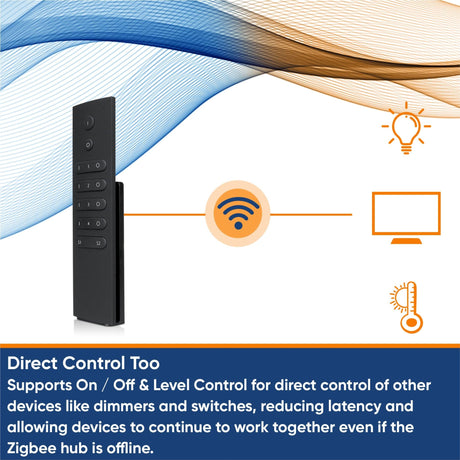
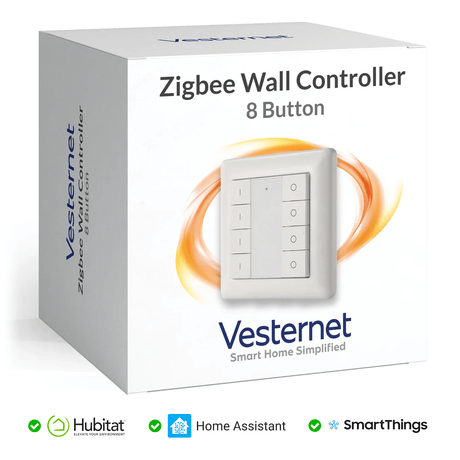
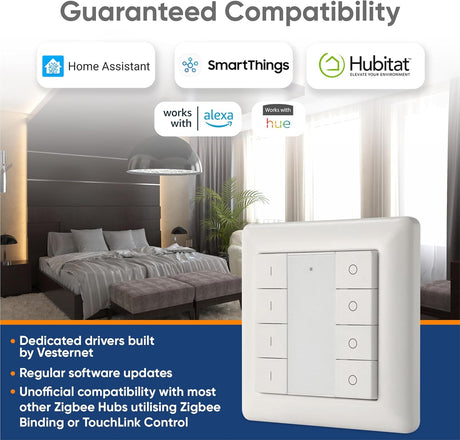
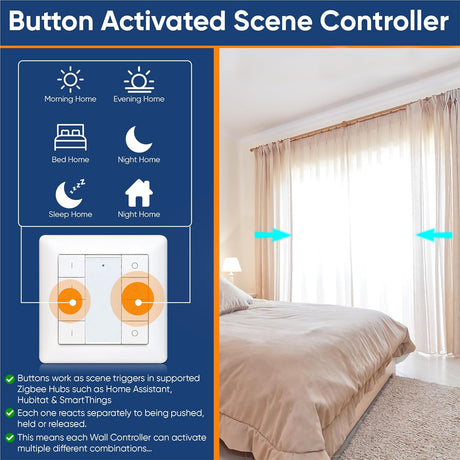
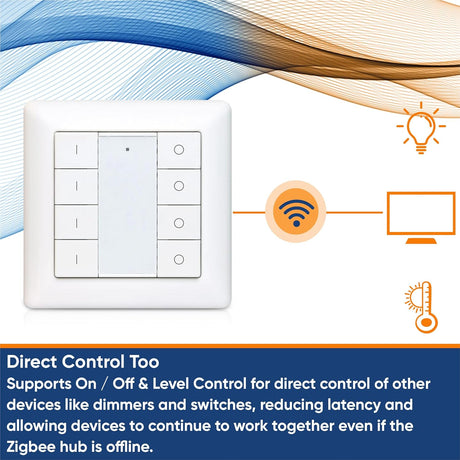
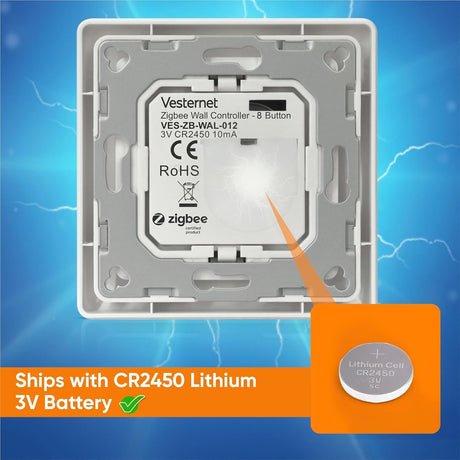
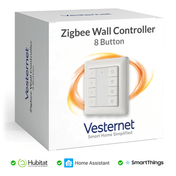
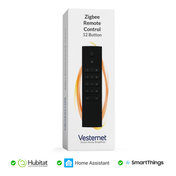
 RemotesBattery wall controllers and handhelds
 HeatingRadiator valves and thermostats
Because Zigbee 3.0 is a shared standard, you can mix brands freely. Choose each device on its merits, then check it works with your hub.
 Motion sensorBattery powered. Runs for years on one cell
 Smart plugSwitches an appliance and passes messages on
 In-wall moduleFits behind your existing light switch
 Remote controlBattery buttons for lights and scenes
 USB stickAdds Zigbee to Home Assistant
Do I need a hub for Zigbee?
Yes, in almost every case. Zigbee devices can't join your Wi-Fi, so something has to run the Zigbee network and connect it to your phone. That is the hub, also called a controller, gateway or bridge. A complete Zigbee system needs three things:
- A controller with a Zigbee radioHubitat, Homey Pro, the Aeotec Smart Home Hub and Fibaro Home Center 3 have one built in. Home Assistant uses a Zigbee USB stick. See Choosing a smart home controller.
- Two or three mains-powered devicesPlugs or in-wall modules form the mesh. Place them between the hub and the far corners of the house.
- Your sensors and remotesAdd these last, in the places they will be used.
If you use Home Assistant, you'll choose between two ways of running Zigbee. ZHA is built in and is the simpler start. Zigbee2MQTT is a separate app (formerly called an add-on) that supports a very wide range of devices and gives more control. Both work with the same USB sticks.
Setting up your first network
- Place the hub centrally, away from your Wi-Fi router. A metre or more apart helps. If you use a USB stick, put it on a short USB extension lead so it sits clear of the computer.
- Add mains-powered devices first, starting nearest the hub and working outwards.
- Add battery devices where they will live. A sensor joins through the nearest router and tends to stay with it. If you pair it next to the hub and then move it to the garage, it may lose contact.
- Give the network time. Routes settle over the first day or so. A device that is slow at first often sorts itself out.
Putting a device into pairing mode differs by brand, but it is usually a button held for a few seconds or a pull-tab removed from the battery. The steps are in each device's manual.
Zigbee or Wi-Fi?
Wi-Fi is built to move a lot of data to a few devices, such as phones, laptops and TVs. Zigbee is built to move tiny messages between a lot of devices using very little power. That makes Zigbee the better fit for sensors and switches: batteries last years rather than weeks, and fifty devices don't crowd your router.
Zigbee suits
- Battery sensors and remotes
- Lots of small devices
- Homes where Wi-Fi is already busy
- Automations that run without the internet
Wi-Fi suits
- Cameras and anything sending video
- A few mains-powered plugs or switches
- Starting without a hub
Many homes use both.
Do they interfere?
Zigbee and 2.4 GHz Wi-Fi share the same band. They normally live together without trouble, but a strong Wi-Fi signal right next to a Zigbee hub can drown it out.
- Keep the hub or stick away from the Wi-Fi router.
- If devices keep dropping, change the Zigbee channel in your hub's settings to one that doesn't overlap your Wi-Fi channel. Channels 15, 20 and 25 are the usual choices. Set your Wi-Fi to a fixed channel rather than "auto" so the two stay apart.
- USB 3 ports and drives give off interference in this band. An extension lead on the stick solves most of it.
How many devices, and how far?
The Zigbee standard allows tens of thousands of devices on one network. In practice the limit is set by your hub. Many hubs handle somewhere between 50 and a few hundred, so check the figure for the one you choose.
Indoors, expect a reliable 10 to 20 metres between devices, less through thick stone or foil-backed insulation. Because every mains device passes messages on, total coverage is far greater than any single hop. If a far corner is weak, add a plug or a range extender halfway. More on this in Building a reliable network.
Is Zigbee secure?
Zigbee encrypts everything with AES-128, the same family of encryption used in online banking. The hub issues a network key to each device as it joins, and Zigbee 3.0 devices can use a unique install code so the key is never sent in a guessable way.
No wireless system is beyond attack. The practical steps are simple: buy certified Zigbee 3.0 devices, keep your hub's software up to date, and only open the network for joining when you are adding something.
Does Zigbee work with Alexa, Google Home and Apple Home?
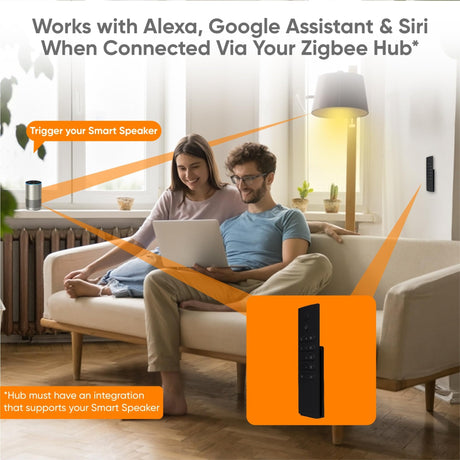
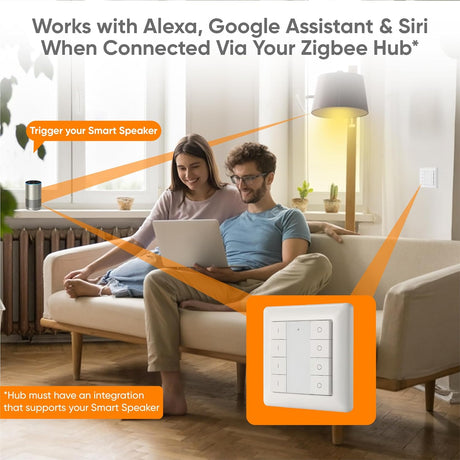
Yes, through your hub. Most hubs link to Alexa and Google Home, and their Zigbee devices then appear there for voice control and routines. Apple Home support varies by hub, so check your platform first.
Some Amazon Echo speakers also have a Zigbee radio built in and can act as a simple hub for basic devices. A dedicated controller gives you far more: local automations, wider device support and one place to manage everything.
Zigbee, Z-Wave or Matter?
- Zigbee has the widest choice of low-cost sensors, plugs and lighting, and works worldwide on one frequency.
- Z-Wave uses a lower frequency that passes through walls well and avoids Wi-Fi altogether. Devices are region-specific.
- Matter is a newer standard that lets devices work across Apple, Google, Amazon and SmartThings. Some hubs can share their Zigbee devices with Matter systems. Check yours before relying on it.
You don't have to pick one. Most controllers run Zigbee alongside the others, so you can choose the best device for each job. See Z-Wave vs Zigbee vs Matter and Z-Wave explained.
Common problems
- A sensor drops off after a few days. It is usually too far from a router. Add a mains device nearby, then re-pair the sensor in place.
- Devices stopped responding after I unplugged a smart plug. That plug was a router. Leave routers powered, or re-pair the affected sensors.
- A device won't join. Reset it, bring the hub into joining mode again and try within a few metres of a router. Check it is Zigbee and not a Wi-Fi or Thread version of the same product.
- It joins but some features are missing. The hub may not fully support that model yet. See Will it work with my system?
What you'll need
- Zigbee controllers and USB sticks
- All Zigbee devices
- Smart plugs and in-wall modules to build the mesh
- Sensors