In short: Matter is a shared language that lets smart home devices work with Apple Home, Google Home, Amazon Alexa, SmartThings and other systems, whatever the brand. Thread is a low-power mesh radio that many Matter devices use to connect. Matter adds to Z-Wave and Zigbee. It does not replace them.
Who this guide is for
- You've seen the Matter logo on a product and want to know what it means.
- You use Apple Home, Google Home or Alexa and want devices that work with all of them.
- You have a Z-Wave or Zigbee system and want to know how Matter fits in.
What is Matter?
Matter is a smart home standard run by the Connectivity Standards Alliance, the same body behind Zigbee. Apple, Google, Amazon, Samsung and hundreds of device makers helped write it. It launched in 2022.
Before Matter, a device had to be built separately for each system: one version for Apple, another for Alexa. A Matter device speaks one language that every Matter system understands. That brings three practical benefits:
- It works across brands. A device with the Matter logo can be added to any Matter controller that supports that type of device.
- It works locally. Matter devices are controlled over your home network, not through a manufacturer's cloud. They keep responding if the internet goes down.
- It can be shared. One device can belong to several systems at the same time.
Matter is not a radio. It needs something to carry it, and that is where Wi-Fi and Thread come in.
Matter over Wi-Fi vs Matter over Thread
Every Matter device connects in one of two main ways. (A few, such as hubs and TVs, use a network cable.) The product page or box will say which.
Matter over Wi-Fi
- Connects straight to your Wi-Fi router.
- Nothing extra to buy beyond a Matter controller.
- Uses more power, so it suits mains-powered devices: plugs, wall switches, in-wall modules, appliances.
- Many devices can load a basic home router.
Matter over Thread
- Joins a Thread mesh, which links to your network through a Thread border router.
- Very low power, so it suits battery devices: door sensors, motion sensors, radiator valves, locks.
- Mains-powered Thread devices repeat messages and extend the mesh.
- Does not add load to your Wi-Fi.
Both kinds appear side by side in the same app and work in the same automations.
What is Thread?
Thread is a wireless mesh network for low-power devices. It uses the same kind of 2.4 GHz radio as Zigbee, and it behaves in a similar way:
- Mains-powered devices such as plugs and wall switches act as routers. They pass messages on for other devices.
- Battery devices sleep most of the time and send through the nearest router.
- The mesh heals itself. If one router is unplugged, messages find another route.
The difference from Zigbee is that Thread carries ordinary internet-style traffic (IPv6). A Thread device has an address on your home network, like a laptop does. That is what lets Matter run over it.
Thread and Zigbee are not interchangeable. A Thread device cannot join a Zigbee network, and a Zigbee device cannot join a Thread network. Thread is managed by the Thread Group. Matter is its main use in the home.
What is a Thread border router?
A Thread border router connects the Thread mesh to the rest of your home network. Without one, Thread devices have no route to your controller or your phone.
It is rarely a separate box. Border routers are built into many smart speakers, smart displays, TV streaming boxes, some Wi-Fi routers and several smart home hubs. You may already own one.
You can have more than one. Extra border routers give the mesh a second route to your network if one is switched off.

Border routers from different brands do not always join the same Thread network. You can end up with two separate meshes, one per brand, that do not strengthen each other. Recent versions of Thread (1.4 onwards) are designed to fix this, but updates are reaching products gradually. Where you can, set up Thread devices through one main system.
What do I need to use Matter?
- A Matter controllerThe system that runs your devices: a smart home hub, or a smart speaker, display or TV box from Apple, Google or Amazon.
- A Thread border routerOnly for Thread devices. Often it is built into the controller.
- A Matter device and its codeCheck whether it is a Wi-Fi or a Thread version. Scan its QR code in your controller's app, and keep the code for adding it again later.
Set-up normally uses Bluetooth on your phone to hand the device its network details. After that the device talks to the controller over Wi-Fi or Thread.
Which systems work with Matter?
The major ecosystems and most of the smart home controllers we cover can control Matter devices. They differ in whether a Thread border router is included.
| System | Controls Matter devices | Thread border router |
|---|---|---|
| Apple Home | Yes, with a HomePod or Apple TV as the home hub | Built into recent HomePod and Apple TV models |
| Google Home | Yes, with a Nest speaker, display or other Google hub | Built into some Nest devices |
| Amazon Alexa | Yes, with most recent Echo devices | Built into some Echo models |
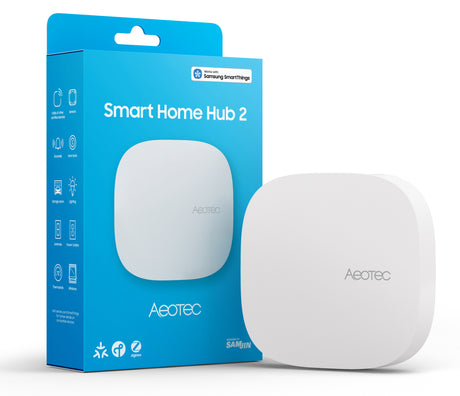
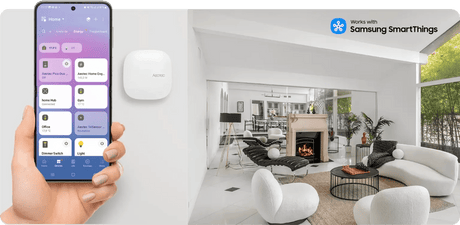
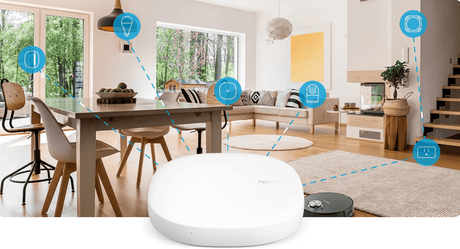
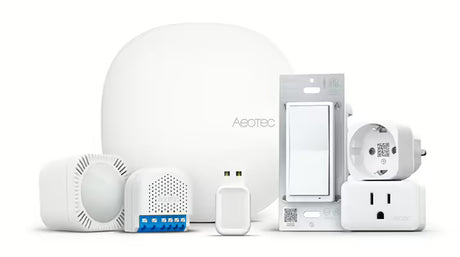
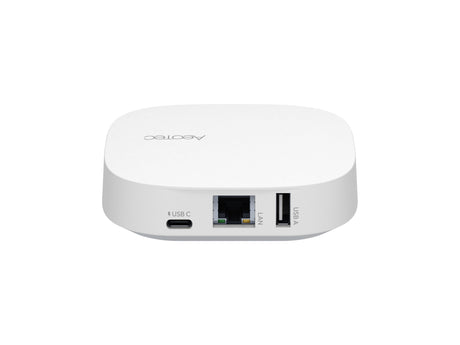
| Aeotec Smart Home Hub (SmartThings) | Yes | Built in |
| Homey Pro | Yes | Built in |
| Home Assistant | Yes | Add a Thread radio, or use a border router you already have |
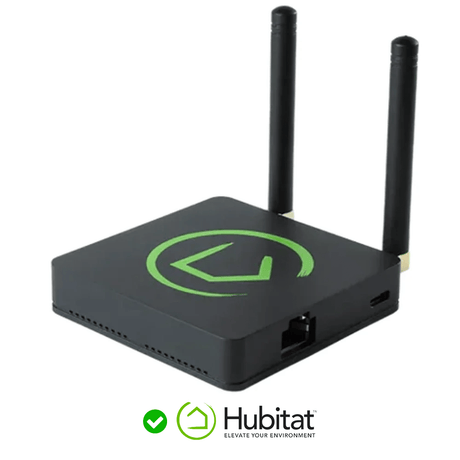
| Hubitat Elevation | Yes, on current hubs | Uses a separate border router on your network |
| Fibaro Home Center | Check the product page | Check the product page |
Which models include what changes with each generation. Check the product page for the exact model. A controller also has to support the type of device you are adding: the newest device types take time to reach every system. For help choosing, see Choosing a smart home controller.
One device, several systems: multi-admin
A Matter device can be linked to more than one system at once. This is called multi-admin. A plug can be in Apple Home for one person, Google Home for another and your smart home hub for automations, all at the same time and all working locally.
You add the device to one system first. Then, in that system's app, you turn on pairing mode for the device. The app gives you a new code to enter in the second system. Keep the original QR code. You will need it if you ever factory reset the device and add it again.
Each system keeps its own name, room and automations for the device. Take care not to build automations in two systems that fight each other.
Bridges: using Zigbee and Z-Wave devices with Matter
Zigbee and Z-Wave devices are not Matter devices and cannot join a Matter system directly. A Matter bridge solves this. It keeps the devices on their own network and presents them to Matter systems as if they were Matter devices.
Several things can act as a bridge:
- Many brand hubs for Zigbee lighting and sensors.
- Some smart home controllers, which can share their Zigbee and Z-Wave devices with Apple Home, Google Home or Alexa. On Homey Pro, for example, this is done with a Matter bridge app.
- Dedicated Zigbee-to-Matter bridges.
Bridged devices show their main functions: on and off, dimming, temperature, open or closed. Detailed settings and automations stay on the bridge. Not every controller can act as a bridge, so check before relying on it. See Will it work with my system?
This means you do not need to replace a working Z-Wave or Zigbee system to use Matter.
What devices work with Matter?
Matter began with the basics and adds device types with each update.
 Door and window sensorUsually Thread, for long battery life
 Motion sensorTriggers lights in any Matter system
 Radiator valveRoom-by-room heating over Thread
 Wall switchMains powered, often Matter over Wi-Fi
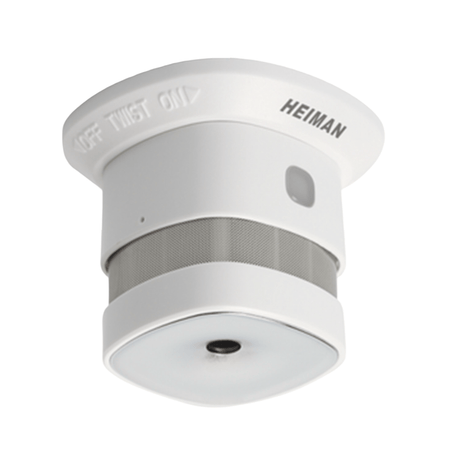
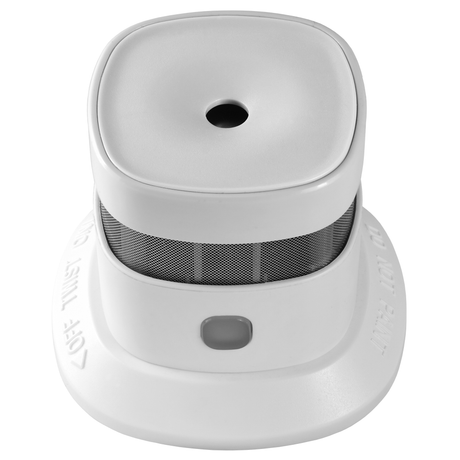
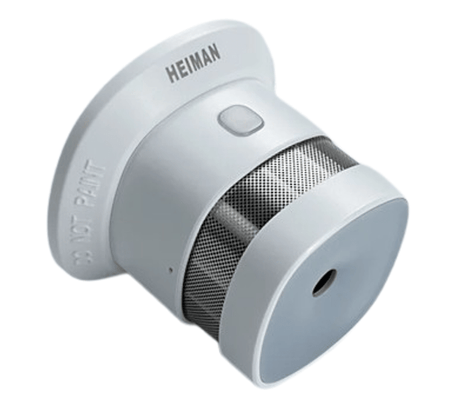
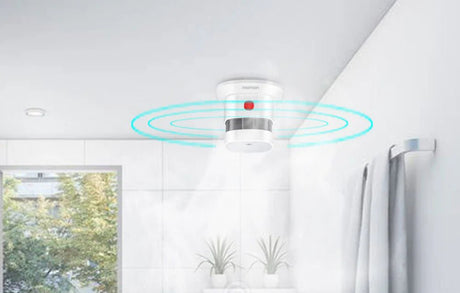
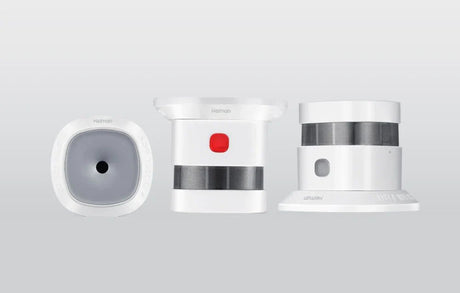
 Smoke sensorExtra alerts on your phone. Not a replacement for the alarms your home must have
 Matter bridgeBrings Zigbee devices into Matter
| Area | Device types covered by Matter |
|---|---|
| Lighting and power | Bulbs, plugs, wall switches, dimmers, in-wall modules |
| Sensors and safety | Motion, door and window, temperature, humidity, leak, air quality, smoke and carbon monoxide alarms |
| Heating and cooling | Thermostats, radiator valves, fans, air conditioners, heat pumps |
| Access and shading | Door locks, blinds, shutters, garage doors and gates |
| Energy | Energy monitoring, EV chargers, solar and battery systems |
| Appliances and video | Kitchen and laundry appliances, robot vacuums, TVs, cameras and video doorbells |
Matter is updated about twice a year, and each version adds device types. Cameras are among the more recent additions. A device type being in the standard does not mean every controller supports it yet, so check both the device and your controller.
What Matter does not replace
- Z-Wave and Zigbee. Both are still developed and sold, with far more device types and in-wall options. Matter connects to them through bridges. See Z-Wave vs Zigbee vs Matter.
- A smart home controller. Matter makes devices work together. It does not decide what they do. Automations still run on a controller, and a dedicated hub gives you far more control than a smart speaker.
- Every feature of a device. Matter covers the common functions of each device type. Extras such as detailed energy data, special modes or advanced settings may only appear in the maker's own app or on a hub with a specific driver.
- A good network. A Thread mesh needs mains-powered Thread devices spread through the house, just as Zigbee and Z-Wave do. Wi-Fi devices need solid Wi-Fi coverage where they are fitted.
Common questions
Do I need the internet for Matter?
No. Matter devices are controlled over your home network. You need the internet for remote access, voice assistants and, on some systems, for set-up.
Is Thread the same as Matter?
No. Thread is the radio network. Matter is the language spoken over it. Matter also runs over Wi-Fi.
Can a Zigbee device be updated to Matter?
Usually not directly. A few products can be switched between Zigbee and Thread by the manufacturer's firmware. Most reach Matter through a bridge instead.
Does a Thread device need a hub?
It needs a Matter controller and a Thread border router. These are often the same box.
Should I wait for Matter before starting a smart home?
No. Matter is here now, and Z-Wave and Zigbee devices can be bridged into it. Choose a controller that supports the technologies you want and build from there.
Is Matter secure?
Every certified device carries its own certificate, which the controller checks during set-up, and all Matter traffic is encrypted.
What you'll need
- A smart home controller that supports Matter
- Matter devices
- Thread devices, if you have a Thread border router
- Zigbee devices to use through a bridge