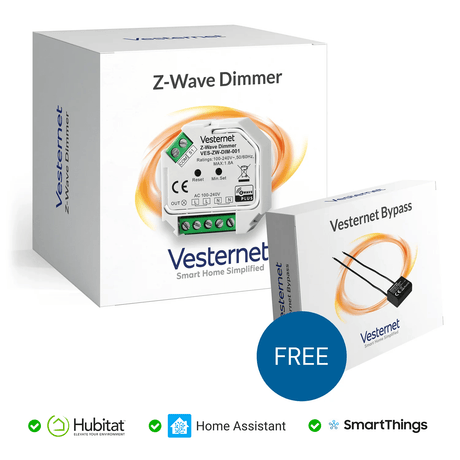
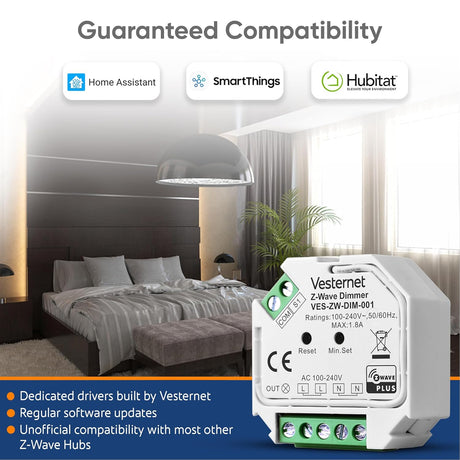
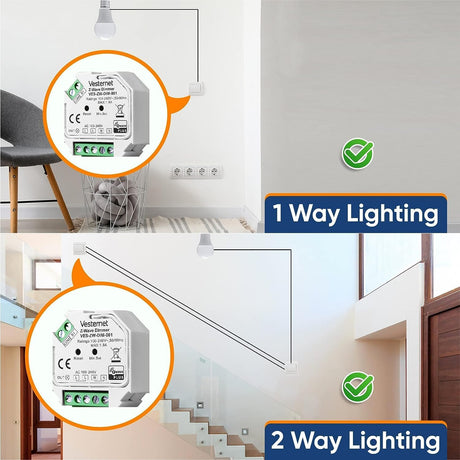
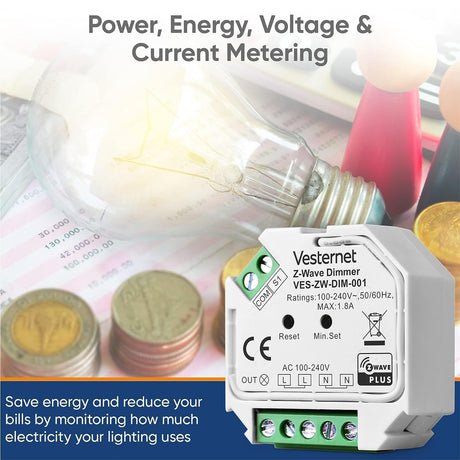
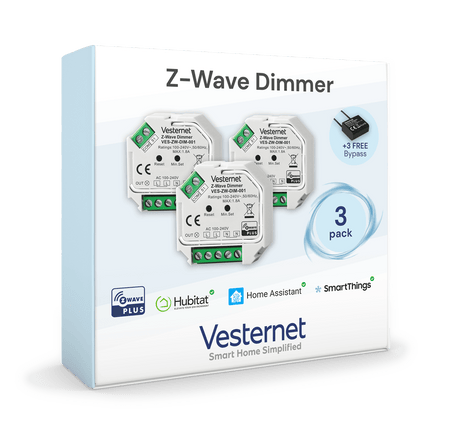
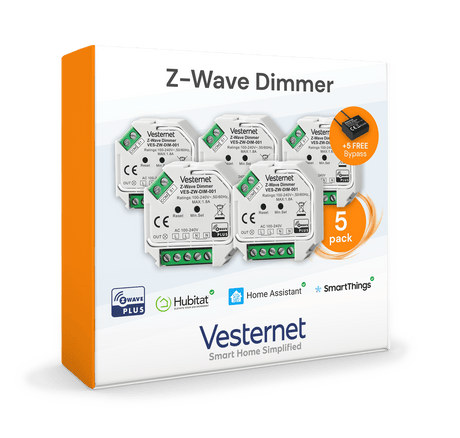
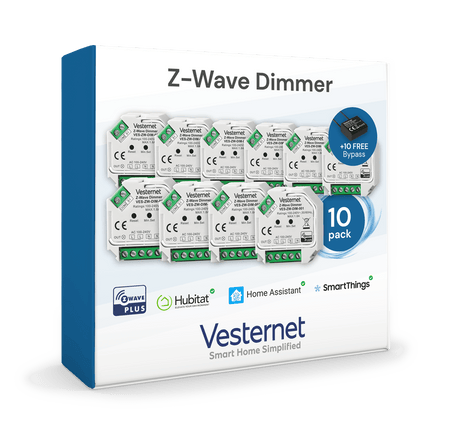
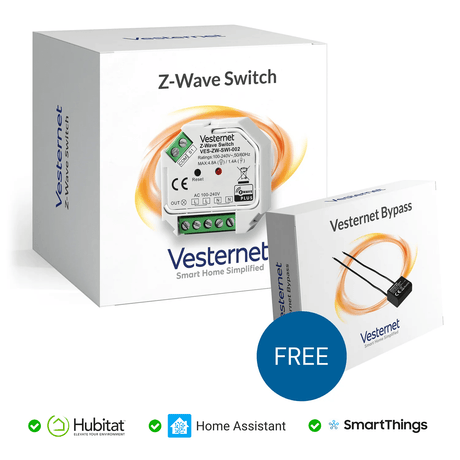
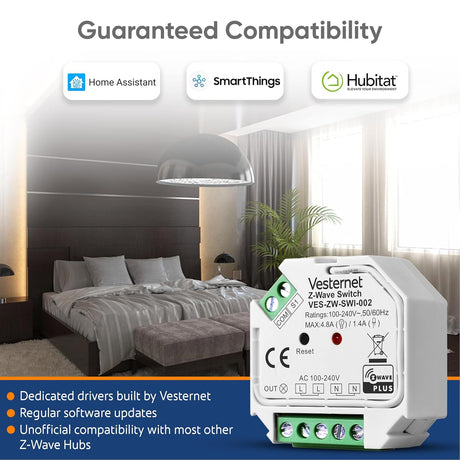
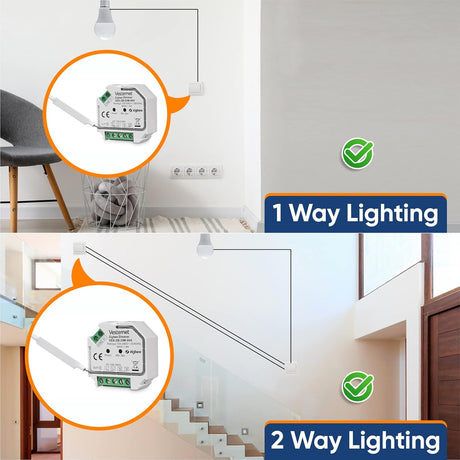
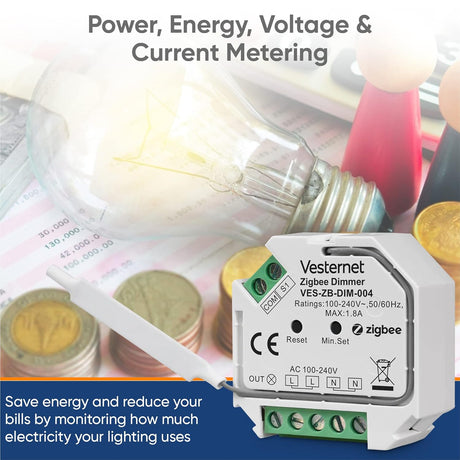
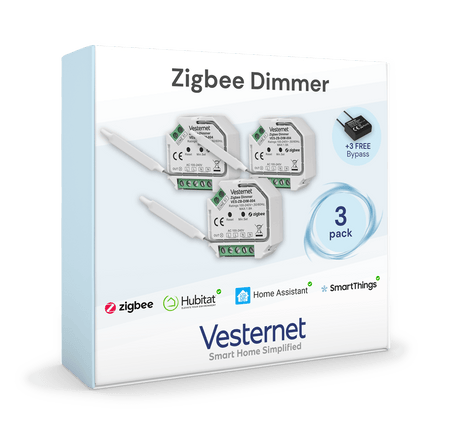
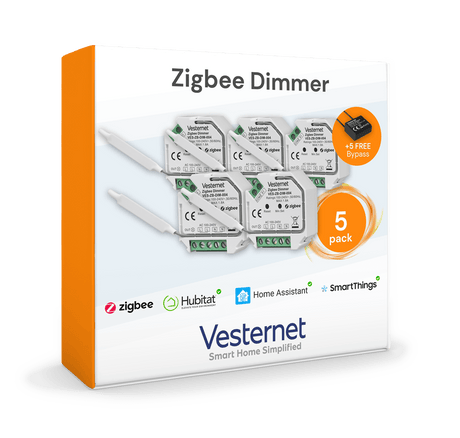
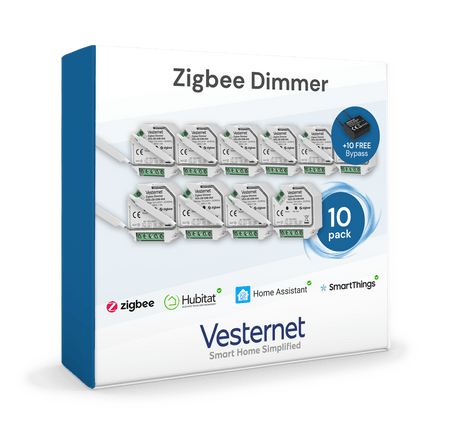
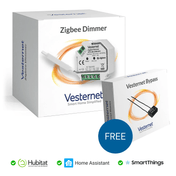
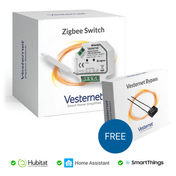
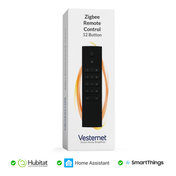
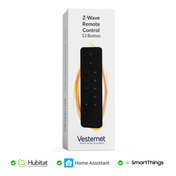
In short: Yes, you can make a light smart without a neutral at the switch. Choose a dimmer, switch module or wall switch that says it works on 2-wire (no neutral) circuits, such as the Vesternet Zigbee or Z-Wave Dimmer and Switch, the Shelly Wave Dimmer, the Heatit ZM Dimmer 250W, the Sonoff ZBMINI Extreme or the Aqara H1 (no neutral). These devices power themselves through the lamp, so they have a minimum load, and low-wattage LEDs may flicker or glow until a bypass is fitted at the light.
Who this guide is for
- Your light switch has only two wires plus an earth, and you want smart control.
- You have fitted a no-neutral switch and your LEDs flicker, glow or flash.
- You want to choose between Zigbee and Z-Wave options for a UK home.
Safety first. Mains wiring can kill. Before any cover comes off, switch off and isolate the lighting circuit at the consumer unit, and prove it dead with a proper voltage tester. Turning the light switch off is not enough. The work must be done by a competent person and comply with BS 7671 and the Building Regulations (Part P in England and Wales; see Do I need an electrician?). If you are not sure, use a qualified electrician.
Why most UK switches have no neutral
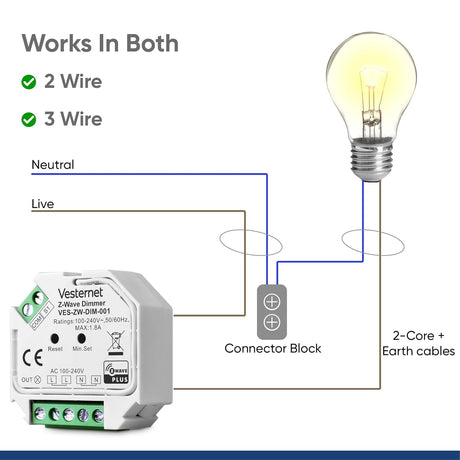
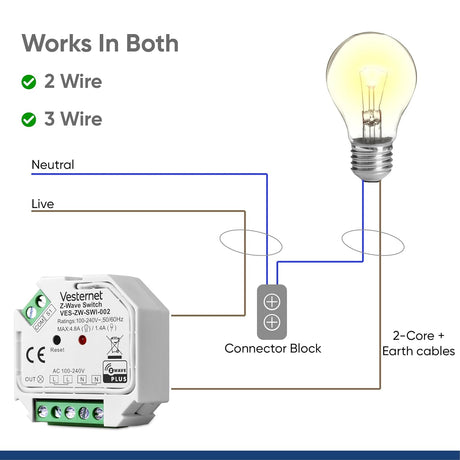
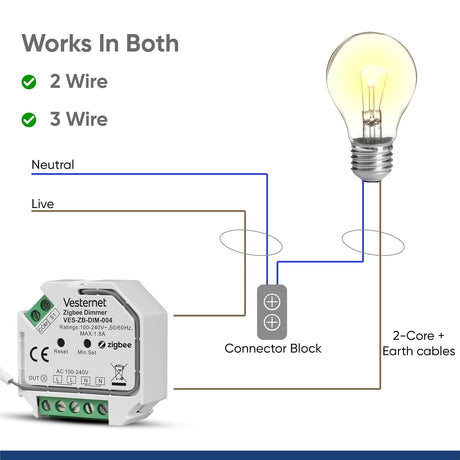
In most UK homes the supply loops in at the ceiling rose. Only the permanent live and the switched live go down the wall to the switch. The neutral stays at the ceiling. This is called a 2-wire system, and it is normal. A 3-wire system also has a neutral at the switch, which is more common in recent new builds and rewires.
The full explanation, with wiring diagrams, is in our guide 2-wire vs 3-wire lighting.
Why smart switches usually need a neutral
A smart switch has a radio inside that must stay powered all the time, so it can hear commands while the light is off. With a neutral, it takes that power directly. Without one, it has to borrow a tiny current through the lamp. That works, but it brings two limits:
- A minimum load. The lamp has to pass enough current to keep the device running. One or two small LED lamps may not be enough.
- Leakage through the lamp. The trickle current that powers the device also flows through the lamp when it is off. A filament bulb hides this. An LED may glow faintly, flicker or flash.
Product pages state whether a device needs a neutral. Look for "no neutral", "2-wire" or "with or without neutral". If a page only says "neutral required" or "3-wire", it will not work at a 2-wire switch.
Which smart switches work without a neutral?
There are three kinds, and all three are made in no-neutral versions.
In-wall dimmer module
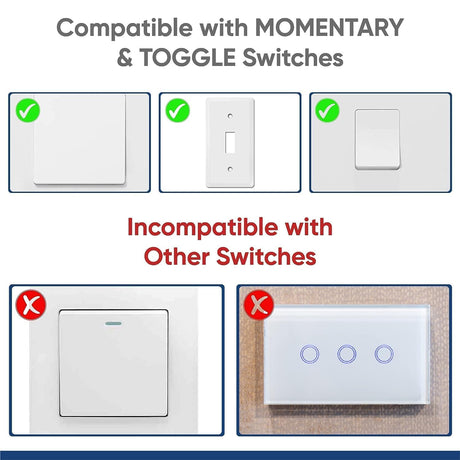
Fits in the back box behind your existing switch. Your switch keeps working. Dimmers have always managed without a neutral, so this is the widest choice. Many can be set to plain on and off.
In-wall switch module
On and off only, behind your existing switch. Only models made for 2-wire use will work, and they usually need a bypass with LED lamps.
Replacement wall switch
Swaps the whole switch plate. Make sure you buy the "no neutral" version, as many are sold in both.
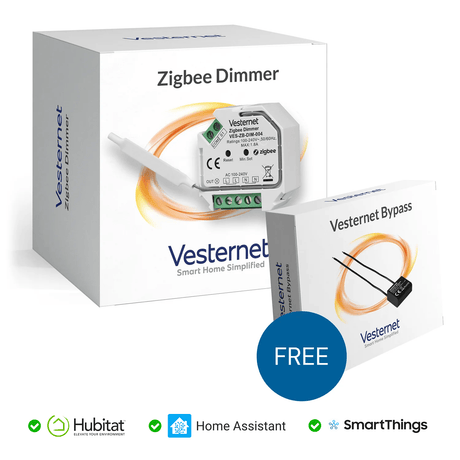
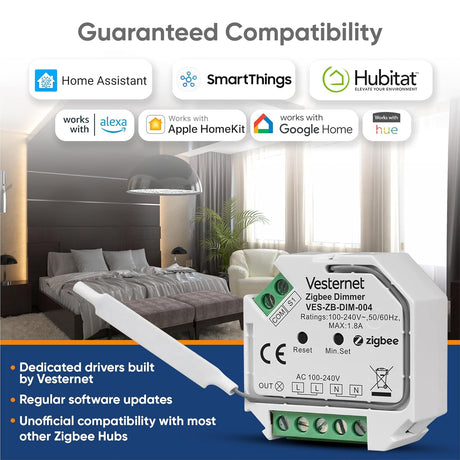
 In-wall dimmerVesternet Zigbee Dimmer, 2-wire or 3-wire
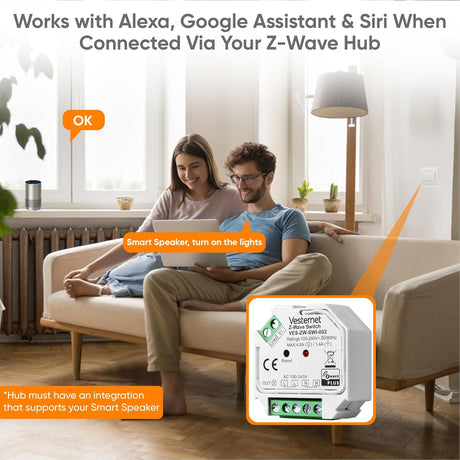
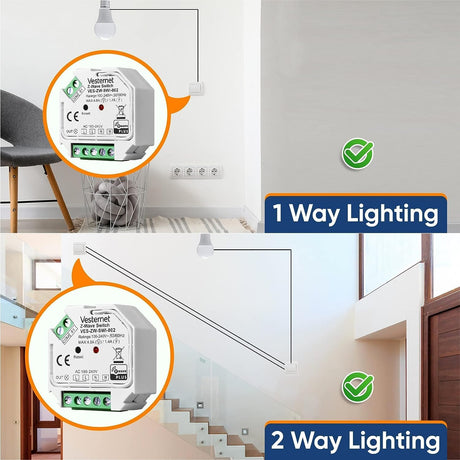
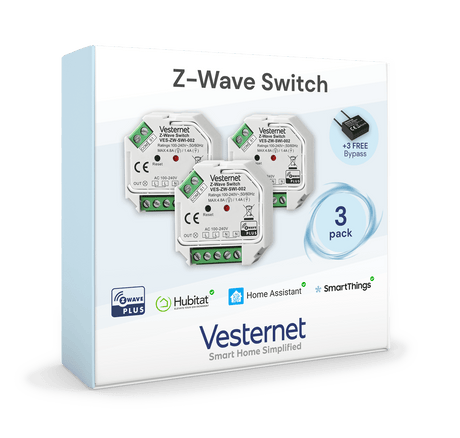
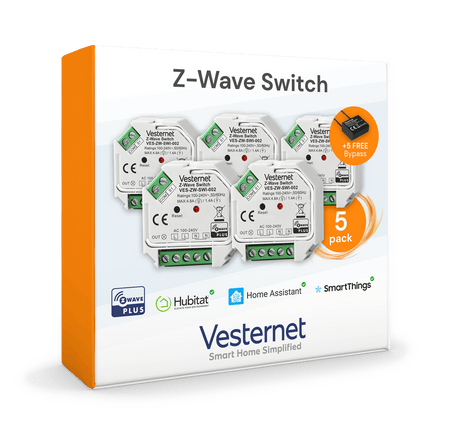
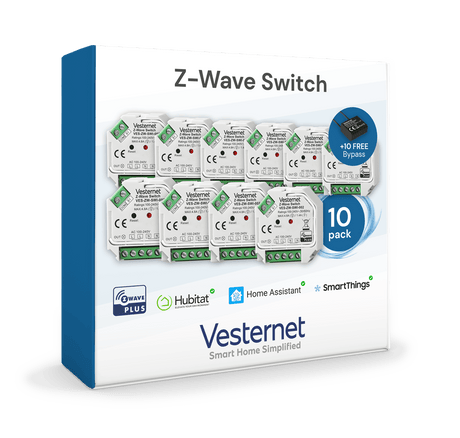
 In-wall switchVesternet Z-Wave Switch, 2-wire or 3-wire
 Wall switchAqara H1, no neutral version
 BypassFitted at the light to stop flicker and glow
Zigbee no-neutral options
Zigbee devices need a Zigbee hub, such as Hubitat, SmartThings (the Aeotec Smart Home Hub) or Home Assistant with a Zigbee USB stick. Mains-powered Zigbee modules also pass messages on for other devices, which strengthens your network.
| Device | Type | What the product page says | Listed as working with |
|---|---|---|---|
| Vesternet Zigbee Dimmer | In-wall dimmer | 2-wire or 3-wire. Suits LED loads. Energy monitoring. Can pair directly to a Vesternet Zigbee remote or wall controller | Hubitat, Home Assistant, SmartThings |
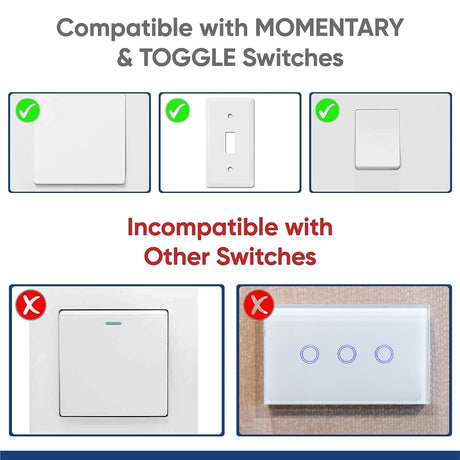
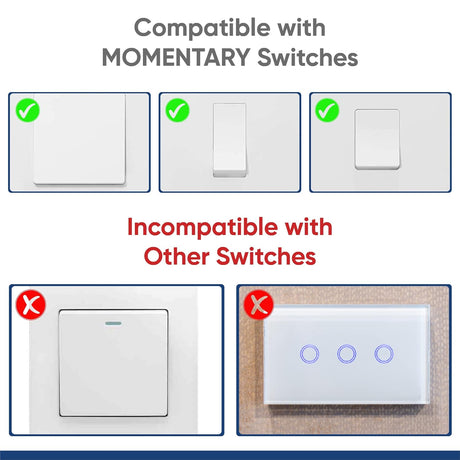
| Vesternet Zigbee Switch | In-wall on and off | 2-wire or 3-wire. 1-way or 2-way lighting, toggle or momentary switches | Hubitat, Home Assistant, SmartThings |
| Sonoff ZBMINI Extreme without Neutral | In-wall on and off | Ultra-compact, no neutral needed, supports low-wattage lights and external switches | Hubitat, Home Assistant, SmartThings |
| Aqara Single Switch Module T1 (No Neutral) | In-wall on and off | Zigbee 3.0 relay module for no-neutral circuits | Aqara hub, SmartThings |
| Aqara Smart Wall Switch H1 (no neutral, single rocker) | Wall switch | Replaces a 1-gang switch | Aqara hub, Home Assistant, SmartThings |
| Aqara Smart Wall Switch H1 (no neutral, double rocker) | Wall switch | Replaces a 2-gang switch | Aqara hub, Home Assistant, SmartThings |
| Sonoff Double Smart Wall Switch without Neutral | Wall switch | Two independent channels, direct Zigbee binding | Hubitat, Home Assistant |
Z-Wave no-neutral options
Z-Wave devices need a Z-Wave controller set to the UK and European frequency, such as Hubitat, SmartThings (the Aeotec Smart Home Hub), Home Assistant with a Z-Wave USB stick, or Fibaro Home Center 3. Z-Wave uses a lower frequency than Wi-Fi and passes through walls well.
| Device | Type | What the product page says |
|---|---|---|
| Vesternet Z-Wave Dimmer | In-wall dimmer | 2-wire or 3-wire. Detects the load type and uses trailing or leading edge to suit. Toggle or momentary switches. Energy monitoring |
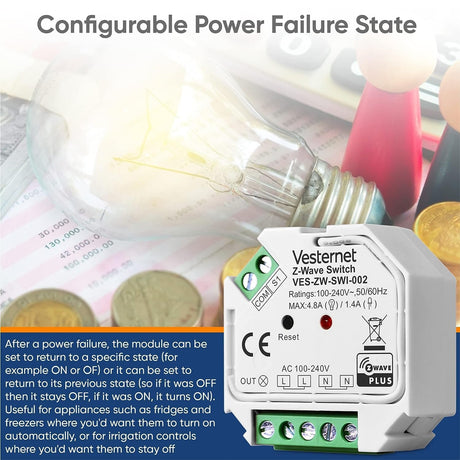
| Vesternet Z-Wave Switch | In-wall on and off | 2-wire or 3-wire. Configurable power failure state |
| Shelly Wave Dimmer | In-wall dimmer | Dimming with or without a neutral wire |
| Heatit ZM Dimmer 250W | In-wall dimmer | 2-wire and 3-wire. Up to 250 W of LED, incandescent and halogen. Two switch inputs |
| Nice Dimmer Control | In-wall dimmer | With or without neutral. Detects the light type and calibrates itself |
Vesternet own-brand modules work with Hubitat, Home Assistant and SmartThings. For other makes, check the controller list on each product page and see Will it work with my system?
Minimum load, LED flicker and the bypass
Every no-neutral device has a minimum load: the smallest lamp wattage it needs to stay powered. The figure is on the product page. Add up the wattage of the lamps on the circuit and compare.
If the load is too small, you may see the lamps glow faintly when off, flicker, or flash every few seconds, or the device may drop off your network.
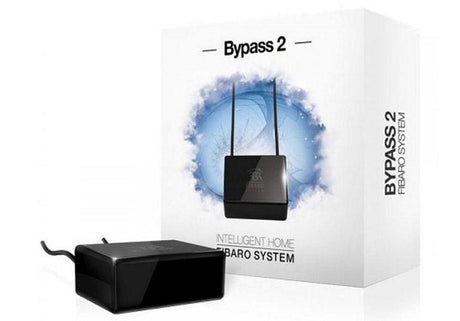
The fix is a bypass. It is wired across the light, between switched live and neutral, at the light fitting (or the first fitting in a group), not at the switch. It gives the trickle current an easier path, so the lamps stay dark and the device stays powered.
When you order a Vesternet own-brand dimmer or switch module, a Bypass is added to your order automatically as a separate item. Extra Bypasses are sold on their own as the Vesternet Bypass.
Other things that help with LED flicker:
- Use dimmable LED lamps with a dimmer module, even if you only use it for on and off.
- Check the dimming mode. Most LED lamps prefer trailing edge. Some dimmers detect this automatically, others have a setting.
- Set the minimum level. Many dimmers let you raise the lowest brightness so the lamp never drops into its unstable range.
- Add another lamp to the circuit if it is a single very low-wattage LED.
How to check your wiring
- Isolate and prove deadSwitch off the lighting circuit at the consumer unit and confirm with a voltage tester that nothing in the back box is live.
- Count the coresOne cable with two cores (plus earth), both on the switch, means 2-wire. That is the most common UK layout.
- Look for joined neutralsTwo or more blue (or black) cores joined in a connector and not on the switch suggest a neutral is present.
- Do not trust coloursA blue or black core at a switch is often the switched live with its brown sleeve missing. Have a competent person confirm what each wire is.
- Check the spaceModules need room behind the switch. Shallow back boxes (16 mm or 25 mm) are often too tight. A 35 mm or 47 mm box is the usual answer.
Check every switch you plan to change. One room may be 2-wire and another 3-wire in the same house.
Which should I choose?
| If you want | Choose |
|---|---|
| To keep your existing switch plates | An in-wall dimmer or switch module behind the switch |
| Dimming | An in-wall dimmer module, with dimmable LED lamps |
| On and off only, with LEDs | A dimmer set to on and off, or a no-neutral switch module with a bypass |
| A new-look switch on the wall | A no-neutral replacement wall switch |
| To switch a fan, pump or heater | A relay with a neutral. No-neutral devices are for lighting |
| No wiring at all | Smart bulbs with a battery wall controller |
Not sure which suits your wiring or your hub? Contact our smart home team before you buy. More on choosing between modules, wall switches and bulbs is in Smart light switches, dimmers and modules.
Do I need an electrician?
All electrical work in a home must be safe and must meet the wiring regulations, whoever does it. In England and Wales, Part P of the Building Regulations applies to all of it. Some jobs must also be notified to building control or done by a registered electrician. In England these are a new circuit, a replacement consumer unit, and additions or alterations close to a bath or shower or in a room with a pool or sauna. Wales has a longer list, which includes extending a circuit in a kitchen or outdoors. Scotland and Northern Ireland have their own rules.
Replacing a switch or adding a module to an existing circuit is not usually notifiable in England. In Wales, check first if the work is in a kitchen or outdoors. Either way it still has to be done competently and tested. If you cannot confidently and safely identify permanent live, switched live and neutral, this is a job for an electrician.
What you'll need
- In-wall dimmer modules and switch modules
- Smart wall switches and dimmers
- Vesternet Bypass for low-load LED circuits
- A hub: see Choosing a smart home controller
Usein kysytyt kysymykset
Do smart switches need a neutral wire?
Most do, because the radio inside needs power all the time. Devices made for 2-wire (no neutral) circuits get that power by passing a tiny current through the lamp instead. Check the product page for "no neutral" or "2-wire" before you buy.
Why do smart switches need a neutral wire?
A smart switch has to stay powered while the light is off so it can hear commands. A neutral gives it a direct power supply. Without one it must borrow current through the lamp, which sets a minimum load and can make LED lamps flicker or glow.
Which smart light switches work without a neutral wire?
In-wall dimmers such as the Vesternet Zigbee Dimmer, Vesternet Z-Wave Dimmer, Shelly Wave Dimmer and Heatit ZM Dimmer 250W, on and off modules such as the Vesternet Zigbee and Z-Wave Switch and the Sonoff ZBMINI Extreme, and wall switches such as the Aqara H1 (no neutral). All need a compatible Zigbee or Z-Wave hub.
What dimmer suits an older home with no neutral wire?
An in-wall dimmer module that supports 2-wire circuits, fitted behind your existing switch, is usually the simplest choice. Use dimmable LED lamps, check the minimum load on the product page and add a bypass at the light if the lamps flicker.
Is a switched live the same as a neutral?
No. The switched live carries power from the switch to the light and is only live when the switch is on. At a switch it is often a blue or black core that should have a brown sleeve, so never assume a blue or black wire at a switch is a neutral.
Can I add a neutral wire to a light switch?
Sometimes. An electrician may be able to run a new cable from the ceiling rose to the switch, or fit a module at the ceiling where a neutral is already present. Often it is easier to choose a no-neutral device instead.
Why do my LED lights flicker with a no-neutral smart switch?
The small current that keeps the switch powered also flows through the lamp. With a low LED load this can cause flicker, a faint glow or flashing. A bypass wired across the light usually cures it. When you order a Vesternet own-brand dimmer or switch module, a Bypass is added to your order automatically as a separate item.