Z-Wave Plus MCO Home Fan Coil Thermostat - 4 Pipe
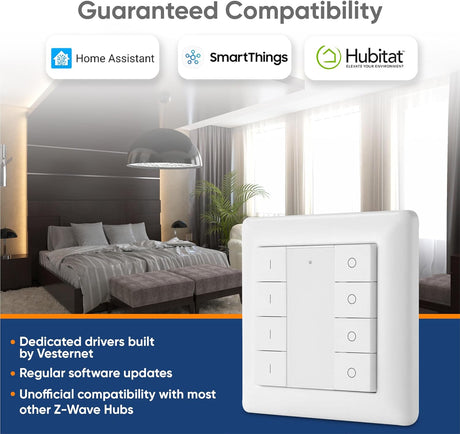
Works with your system
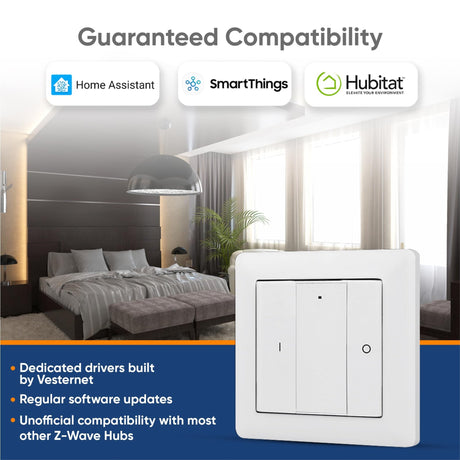
Based on manufacturer compatibility lists, our own tests and shared wireless standards.
See all controllers (8)
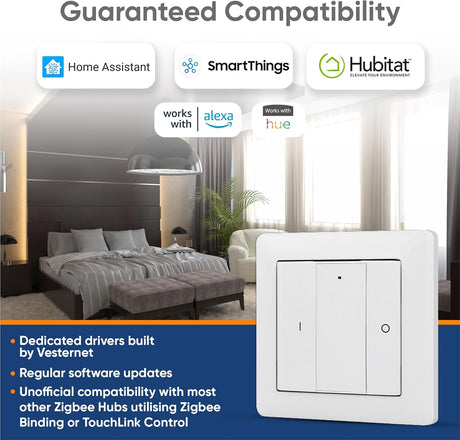
- Aeotec Smart Home Hub (SmartThings) Works by standard
- Hubitat Elevation (C-8, C-8 Pro) Works by standard
- Homey Pro Works by standard
- Home Assistant Works by standard
- Fibaro Home Center 3 Works by standard
- Fibaro Home Center 3 Lite Works by standard
- Nice Yubii Home Pro Works by standard
- Nice Yubii Home Works by standard
Compatibility Guarantee If it doesn't work with your system, return it within 30 days for a refund.
You'll also need
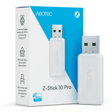
Home Assistant needs a Z-Wave adapter (usually a USB stick) to talk to Z-Wave devices; skip this if your Home Assistant box already has one.
Needed with: Home Assistant
Get it Tomorrow – Express UK Delivery
Get it Tomorrow – Express UK Delivery
Free UK delivery on orders over £75, otherwise £4.95.
Need it tomorrow? Choose Express (£7.95) at checkout.
In-stock items ordered before 2:30pm ship the same working day.
Smart Home Help When You Need It
Smart Home Help When You Need It
Transform your home into a smart one with us, and gain more than just a product.
You'll get set-up help and answers from our smart home team by email and live chat, plus a wealth of guides to help with any technical questions.
Compatibility Guarantee
Compatibility Guarantee
If Z-Wave Plus MCO Home Fan Coil Thermostat - 4 Pipe doesn't work with your existing system, you can return it within 30 days for a refund under our returns policy.
Request the return from your account and we'll send you an RMA number and instructions.

Summary
The Z-Wave Plus MCO Home Fan Coil Thermostat is a reliable and practical device for indoor temperature control in a 4-pipe fan coil system
It accurately reads room temperature, adjusts fan speed based on temperature difference, and can seamlessly integrate into any Z-Wave network with other certified devices
With capacitive touch buttons, tempered glass panel, and precise temperature calibration, this thermostat offers intelligent on/off control of fan speed and valves, ensuring optimal comfort and energy efficiency
Installation is made easy with its steel frame back plate
Please note that this thermostat is best used within a multi-protocol smart home hub.
Fan Coil Thermostat - 4 Pipe

Multi-Mode Operation
This thermostat is designed for controlling fan coil units in central AC systems with 4-pipe configurations, featuring a tempered glass panel with capacitive touch buttons and a clear display for essential control information. It supports Cooling, Heating, and Ventilation modes and provides intelligent on/off control for a 3-speed fan and electric valve.

Installation
Step 1: Remove the steel frame from the device, and secure it onto the junction box with two screws.
Step 2: Insert all wires into the right terminals and tighten screws. The wiring diagram is shown below.
Step 3: Attach the wired device on A points of the steel frame as shown first, and then push the whole device into junction box.
Step 4: Confirm the device is well mounted, power on and it is ready to operate.

Including and Excluding of Z-Wave network
Under the shutdown state, press and hold down arrow to enter interface for inclusion or exclusion of Z-Wave network. Before device included into network, (- - -) will display on the screen. Then press down arrow once, device will enter learning mode to get a node ID. If inclusion is success, a node ID will display on the screen in a few seconds. A node ID can always inform us whether the device is in the network or not. Note: Follow the same steps to exclude the device from the network. After inclusion, turn off the device and then turn it on. Now the device is ready to be operated by controller/ gateway in Z-Wave network.

-
Device Type
-
Channels7
-
Load Rating3A Total
-
Sensor FeaturesTemperature
-
FeaturesCooling, Heating, Hysteresis Control, LCD Screen
-
TRV FeaturesBoost Mode, Holiday Mode, Schedules
-
TechnologyZ-Wave Plus
-
Z-Wave Region
-
ColourWhite
-
SecurityNone

Payment & Security
Payment methods
Your payment information is processed securely. We do not store credit card details nor have access to your credit card information.
Free with your order
-

-

Wireless Signal Secrets
How to get the best from your smart home’s wireless connectivity.
-


Plus These Added Benefits...
-

Loyalty Points
Every purchase earns you loyalty points. The more you spend, the more you save. Collect points for future discounts, making each buy a step towards your next saving.
-

Premium Support
Guides, set-up help and fast answers from the Vesternet team by email and chat.
Frequently Asked Questions
What if it's incompatible with my existing smart home system?
What if it's incompatible with my existing smart home system?
If you try Z-Wave Plus MCO Home Fan Coil Thermostat - 4 Pipe and find it isn't compatible with your system, you can return it within 30 days for a refund.
How can I get technical support for it?
How can I get technical support for it?
Set-up help and answers from our smart home team by email and live chat. Just get in touch with any technical question you have.
Do you offer installation services?
Do you offer installation services?
While we don't offer direct installation services, we provide online support through guides, videos, and help from our smart home team by email and live chat. If you need an installer, we can often help connect you. With advancements in smart home tech, most of our products can be self-installed with guidance.
What if I struggle with installing or using after purchase?
What if I struggle with installing or using after purchase?
Just get in touch. Our smart home team can help you work through set-up and troubleshooting by email and live chat, and our guides and videos cover set-up for many devices. Most problems can be sorted quickly with the right steps.
How quickly will I receive my order?
How quickly will I receive my order?
Orders placed before 2:30pm on a working day are dispatched the same day. In the UK, Standard delivery takes 2 to 4 working days and Express is a next-day service. If your order includes a Vesternet device, choose Standard at checkout and we upgrade the whole order to next-day at no extra cost. For orders outside the UK, delivery options and times are shown at checkout.
Why should I choose to buy from Vesternet over other online stores?
Why should I choose to buy from Vesternet over other online stores?
When you buy from Vesternet, you're not just purchasing a product. You get set-up help and answers from our smart home team by email and live chat, plus guides for the products we sell. While there might be cheaper options online, home automation can be complex, and good advice can prevent costly mistakes.
Try Vesternet Devices
View all
More Features for Less Price...
Modules, sensors, wall controllers & more - all with Z-Wave & Zigbee options + extended warranty & support
-
⚡ Free next-day upgrade3 free guides included
-
-
⚡ Free next-day upgrade3 free guides included
-
-
⚡ Free next-day upgrade3 free guides included
-
-
⚡ Free next-day upgrade3 free guides included
-
-
⚡ Free next-day upgrade3 free guides included
-
-
⚡ Free next-day upgrade3 free guides included
-
-
⚡ Free next-day upgrade3 free guides included
-
-
 ⚡ Free next-day upgrade
-
⚡ Free next-day upgrade3 free guides included
-
-
⚡ Free next-day upgrade3 free guides included
-
-
⚡ Free next-day upgrade3 free guides included
-
-
⚡ Free next-day upgrade3 free guides included
-
-
⚡ Free next-day upgradeUp to 50% off
Vesternet
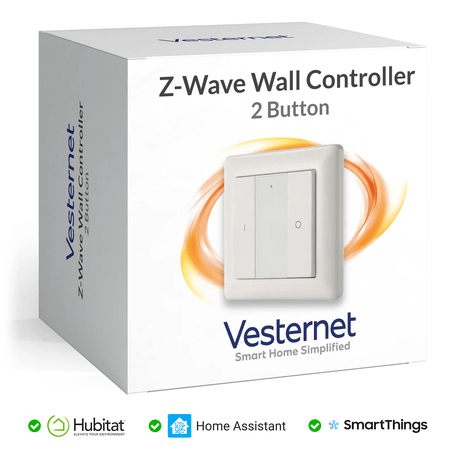
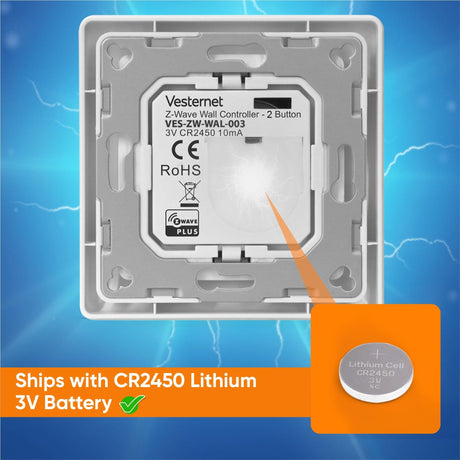
Vesternet Z-Wave Wall Controller - 2 Button
Sale priceFrom £19.00 Regular price £38.00Unit price -
-
⚡ Free next-day upgrade3 free guides included
-
-
⚡ Free next-day upgrade3 free guides included
-
-
⚡ Free next-day upgradeUp to 50% off
Vesternet
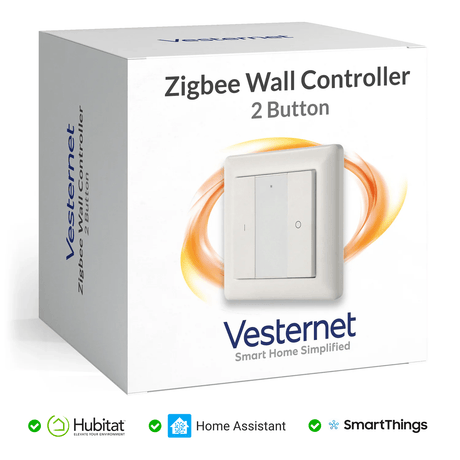
Vesternet Zigbee Wall Controller - 2 Button
Sale priceFrom £16.00 Regular price £32.00Unit price -
-
⚡ Free next-day upgradeUp to 60% off
Vesternet
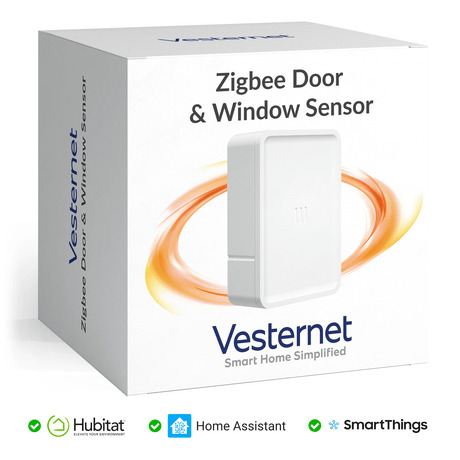
Vesternet Zigbee Door & Window Sensor
Sale priceFrom £10.00 Regular price £25.00Unit price -
-
⚡ Free next-day upgradeUp to 50% off
-
-
⚡ Free next-day upgradeUp to 50% off
-