Home Assistant has emerged as one of the most versatile and powerful home automation platforms, attracting millions of users worldwide who seek comprehensive control over their smart home devices. Smart plugs serve as the gateway for many homeowners entering the automation ecosystem, offering an affordable way to transform ordinary appliances into intelligent, connected devices. However, integration challenges with Wi-Fi devices often create frustration for users attempting to establish reliable connections within their Home Assistant setup.
Successful smart plug integration unlocks tremendous potential for household automation, enabling remote control, scheduling, and monitoring of virtually any plugged-in device. Whether you're managing a home assistant meross smart plug or configuring other popular brands, proper integration transforms basic electrical outlets into sophisticated control points that respond to automation rules, voice commands, and mobile app controls.
This comprehensive guide will navigate you through every aspect of smart plug integration, from fundamental setup procedures to advanced automation strategies. We'll address common connectivity issues, explore troubleshooting techniques for problems like teckin smart plug turning on and off unexpectedly, and demonstrate how to leverage Home Assistant's powerful automation engine to create intelligent, responsive smart home environments.
Understanding Smart Plug Integration Fundamentals
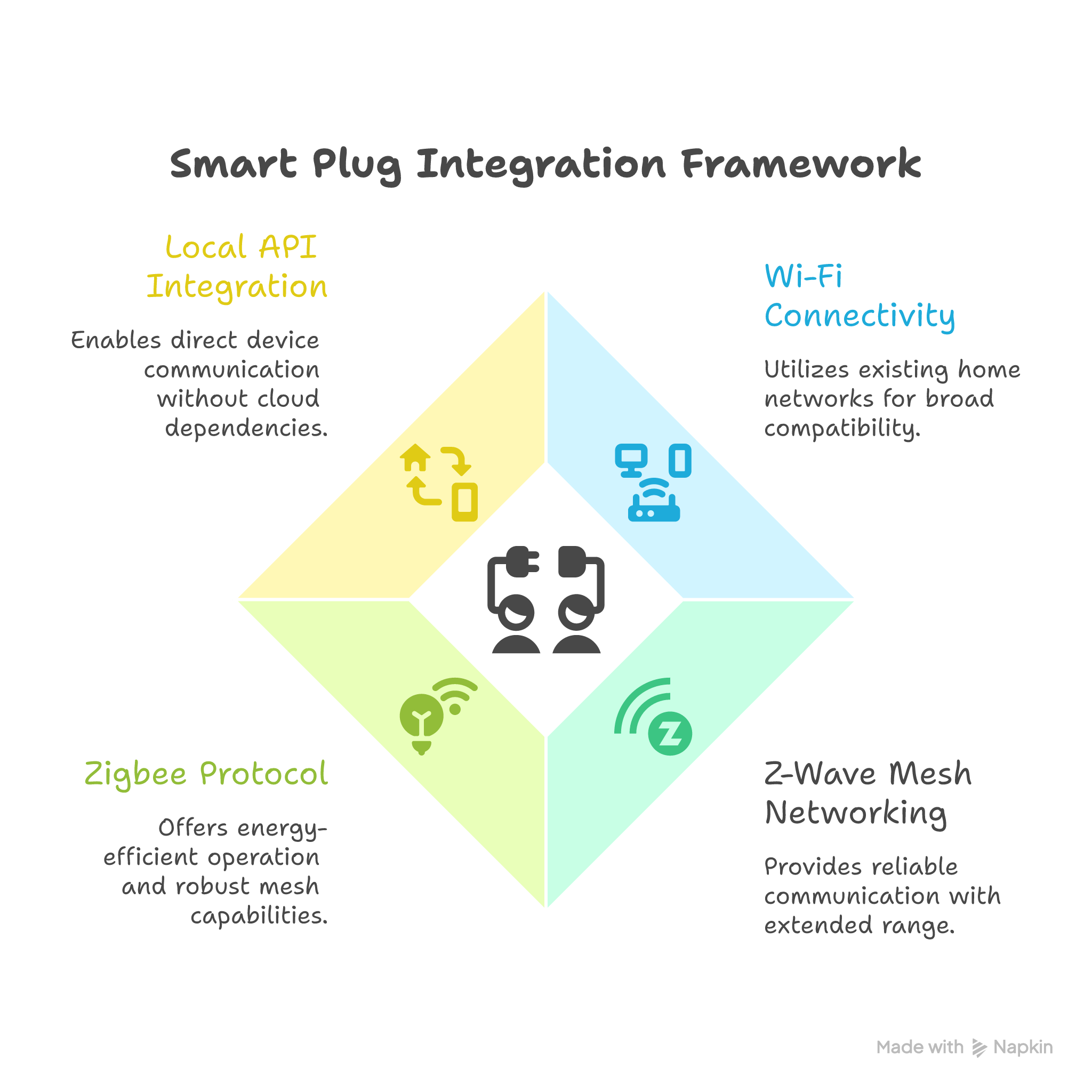
Smart plugs communicate with Home Assistant through various protocols, each offering distinct advantages for different use cases and network configurations. Wi-Fi remains the most common connection method, utilising your existing home network infrastructure to establish communication between devices and your Home Assistant hub.
Primary connection protocols for smart plug integration:
- Wi-Fi connectivity leveraging existing network infrastructure for broad compatibility
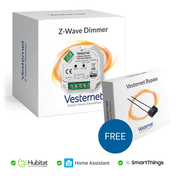
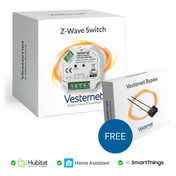
- Z-Wave mesh networking providing reliable communication with extended range
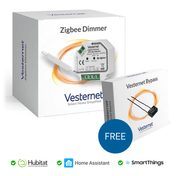
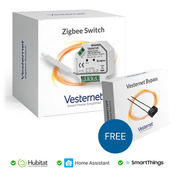
- Zigbee protocol offering energy-efficient operation and robust mesh capabilities
- Local API integration enabling direct device communication without cloud dependencies
Network requirements play a crucial role in successful integration, particularly for Wi-Fi devices that depend on stable internet connections and proper network segmentation. Understanding your router's capabilities, bandwidth allocation, and security settings ensures optimal device performance and prevents common connectivity issues that plague smart home installations.
Platform Setup and Initial Configuration
Preparing Home Assistant for smart plug integration requires installing specific add-ons and configuring network settings to support device discovery and communication. The process begins with ensuring your Home Assistant installation has the necessary integrations enabled and network access configured properly.
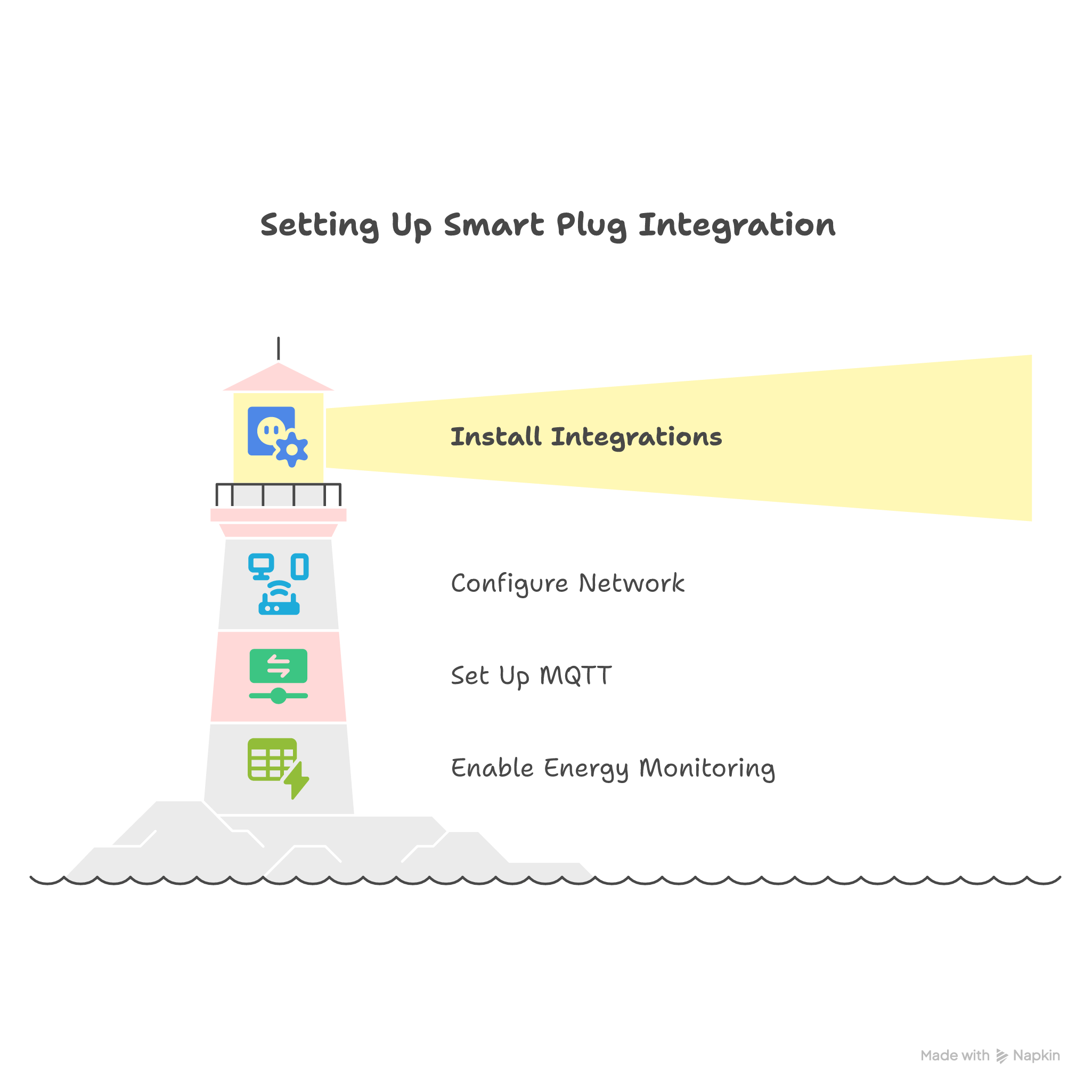
Essential setup steps for smart plug integration:
- Install relevant integrations through the Home Assistant Community Store
- Configure network discovery settings for automatic device detection
- Set up MQTT broker for enhanced device communication capabilities
- Enable energy monitoring dashboards if your plugs support power measurement
Device discovery processes vary between manufacturers, with some smart plugs appearing automatically in Home Assistant's discovered devices section whilst others require manual configuration through specific integration interfaces. Establishing proper network communication protocols during initial setup prevents frustrating connectivity issues later in your automation journey.
Wi-Fi Smart Plug Connection Methods
Connecting Wi-Fi smart plugs to Home Assistant involves several approaches, from automatic discovery to manual configuration methods depending on your device manufacturer and integration preferences. Popular brands like Meross offer seamless integration experiences, whilst others may require additional configuration steps to establish reliable communication.
When working with a meross smart plug home assistant integration, the platform typically recognises devices automatically once they're connected to your network and configured through the manufacturer's mobile application. This streamlined process eliminates much of the manual configuration traditionally required for smart home device integration.
Common integration approaches for Wi-Fi smart plugs:
- Automatic discovery through Home Assistant's integration interface
- Manual device addition using IP addresses and authentication credentials
- MQTT integration for enhanced local control and reduced cloud dependency
- Custom component installation for unsupported device brands
Advanced Device Configuration and Customization
Once connected, smart plugs offer extensive customisation opportunities within Home Assistant's interface, allowing users to modify entity names, configure device attributes, and establish monitoring preferences. These personalisation options create more intuitive automation experiences and better integration with existing smart home ecosystems.
Key customisation features for smart plug optimisation:
- Entity naming conventions that reflect device locations and purposes
- Custom device icons and colours for improved dashboard visibility
- Energy monitoring thresholds and alert configurations
- Device grouping for coordinated control and automation scenarios
Energy monitoring capabilities, when available, provide valuable insights into appliance consumption patterns and enable sophisticated power management automation. Configuring monitoring thresholds allows Home Assistant to automatically respond to unusual power draw patterns, potentially identifying appliance malfunctions or energy waste opportunities.
Troubleshooting Connectivity and Performance Issues
Smart plug connectivity problems often stem from network configuration issues, device firmware conflicts, or interference from other wireless devices. Understanding common failure modes and systematic troubleshooting approaches helps maintain reliable smart home operations and prevents intermittent device behaviour.
Issues like teckin smart plug turning on and off repeatedly typically indicate power supply problems, network instability, or automation conflicts within Home Assistant. Systematic diagnosis involves checking network connectivity, reviewing automation logs, and verifying device firmware status to identify root causes.
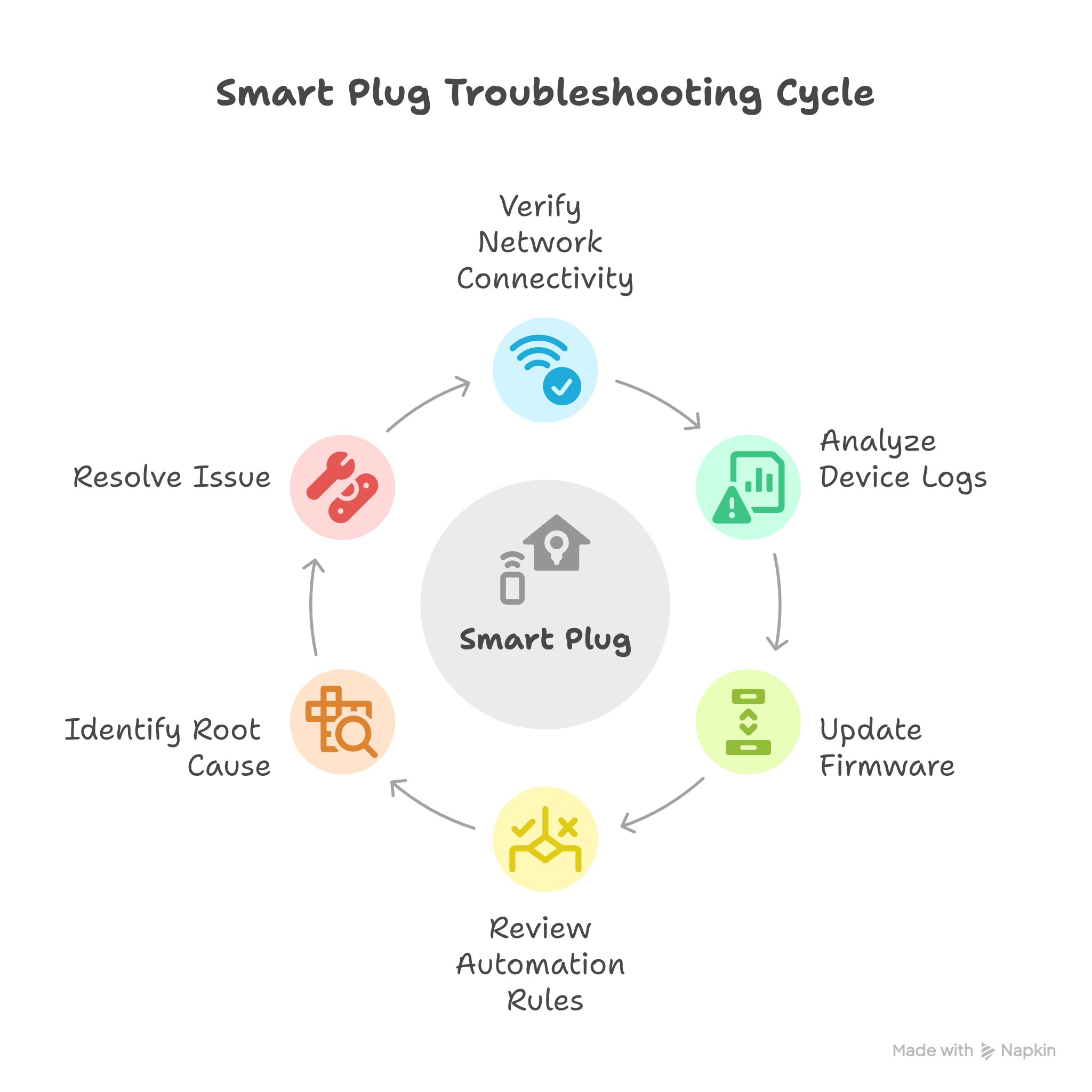
Essential troubleshooting strategies for smart plug issues:
- Network connectivity verification using ping tests and signal strength measurements
- Device log analysis to identify communication failures and error patterns
- Firmware update procedures to resolve compatibility and performance issues
- Automation rule review to prevent conflicting device commands
Creating Intelligent Automations and Scenes
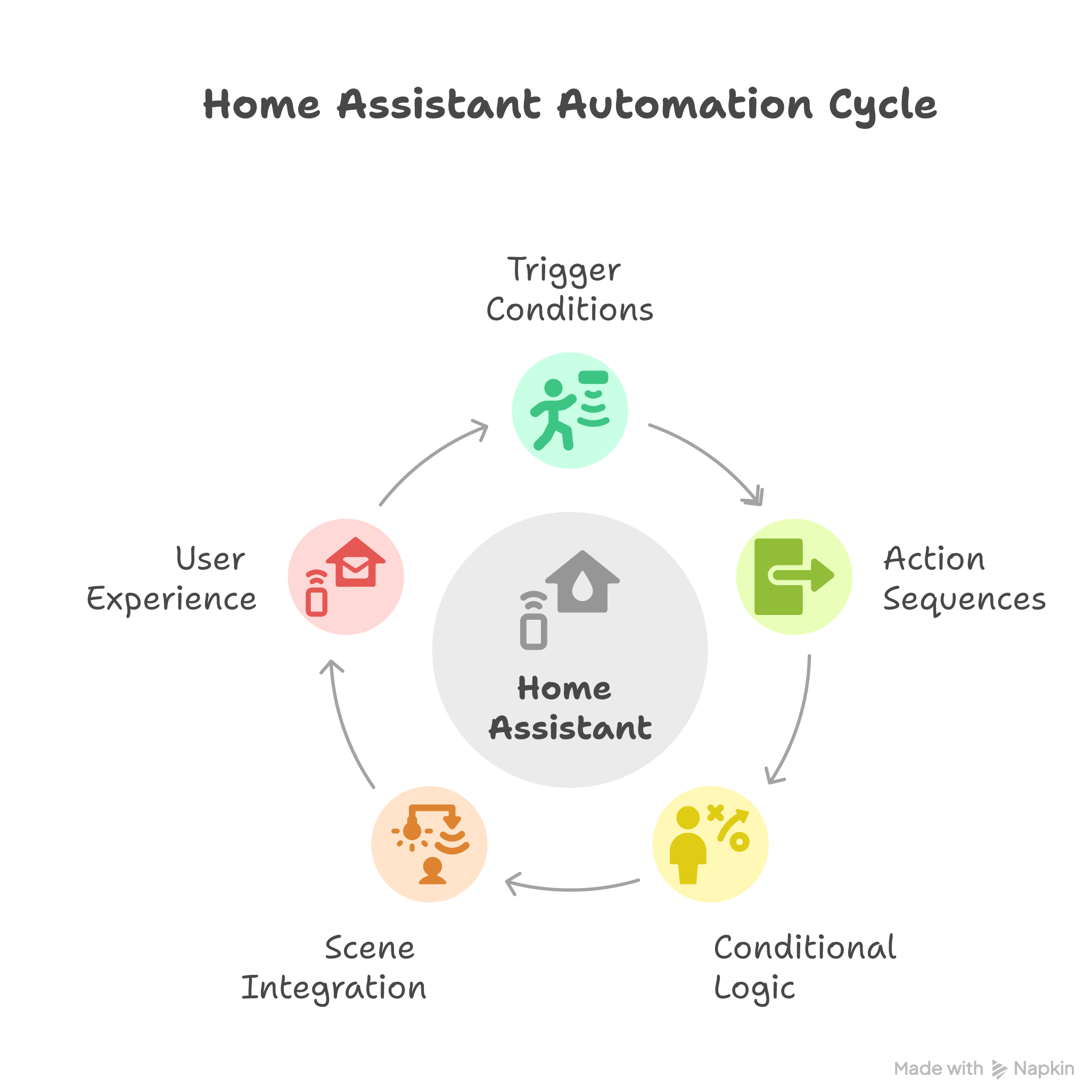
Home Assistant's automation engine transforms basic smart plugs into responsive, intelligent devices that react to environmental conditions, user behaviour patterns, and time-based schedules. Building effective automation rules requires understanding trigger conditions, action sequences, and conditional logic that creates meaningful smart home experiences.
Powerful automation possibilities for smart plug control:
- Motion-based activation for lamps and appliances in occupied rooms
- Time-based scheduling for coffee makers, fans, and seasonal decorations
- Energy threshold automation to prevent overconsumption during peak hours
- Weather-responsive control for heaters, fans, and outdoor equipment
Scene integration allows multiple smart plugs to coordinate their states, creating ambiance settings that transform room environments with single commands. Morning routines might activate coffee makers whilst disabling overnight security lighting, whilst evening scenes could enable entertainment systems and ambient lighting simultaneously.
Energy Monitoring and Optimization Strategies
Smart plugs equipped with energy monitoring capabilities provide unprecedented visibility into household power consumption patterns, enabling data-driven decisions about appliance usage and energy efficiency improvements. Home Assistant's energy dashboard integrates this information into comprehensive consumption analytics and cost tracking systems.
Energy monitoring applications for smart plug deployments:
- Appliance efficiency analysis to identify energy-hungry devices requiring replacement
- Standby power elimination through automated cutoff during idle periods
- Peak demand management to reduce utility costs during expensive rate periods
- Consumption trend analysis for budgeting and conservation goal tracking
Automated energy-saving routines leverage consumption data to optimise household efficiency without compromising comfort or convenience. Rules can automatically disable phantom loads during overnight hours, manage electric vehicle charging during off-peak periods, and coordinate high-consumption appliances to prevent demand spikes.
Best Practices for Long-term Management
Maintaining a growing smart plug deployment requires systematic approaches to firmware management, network optimisation, and performance monitoring. Establishing maintenance routines prevents degradation of system performance and ensures reliable automation behaviour as your smart home ecosystem expands.
Scalability considerations become increasingly important as smart plug numbers grow, potentially overwhelming Wi-Fi networks or creating management complexity that reduces system reliability. Planning network capacity and implementing device organisation strategies maintains optimal performance across large installations.
Long-term management strategies for smart plug networks:
- Regular firmware update schedules to maintain security and performance
- Network bandwidth monitoring to prevent congestion from excessive device communication
- Device performance metrics tracking to identify failing hardware before complete failure
- Documentation maintenance for device locations, automation rules, and configuration details
Conclusion
Successful Home Assistant smart plug integration delivers transformative benefits including enhanced device control, significant energy efficiency improvements, and sophisticated automation possibilities that fundamentally change how households manage daily routines. The investment in proper setup and configuration pays dividends through years of reliable, intelligent home automation that adapts to changing needs and preferences.
Beginning with basic integrations provides a foundation for gradually expanding smart home capabilities, creating learning opportunities that build confidence and expertise over time. Home Assistant's flexible platform accommodates growth from simple plug control to complex, multi-device automation scenarios that respond intelligently to environmental conditions, occupancy patterns, and user preferences.
Ready to enhance your smart home with reliable smart plug solutions? Explore our comprehensive range of smart switches, gateway devices, and remote controllers to find the perfect devices for your Home Assistant setup. Our expert team is available to provide guidance on selecting compatible devices and optimising your smart home integration for maximum efficiency and convenience.