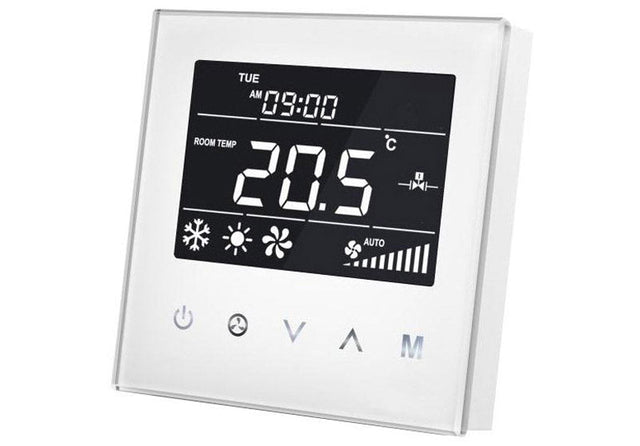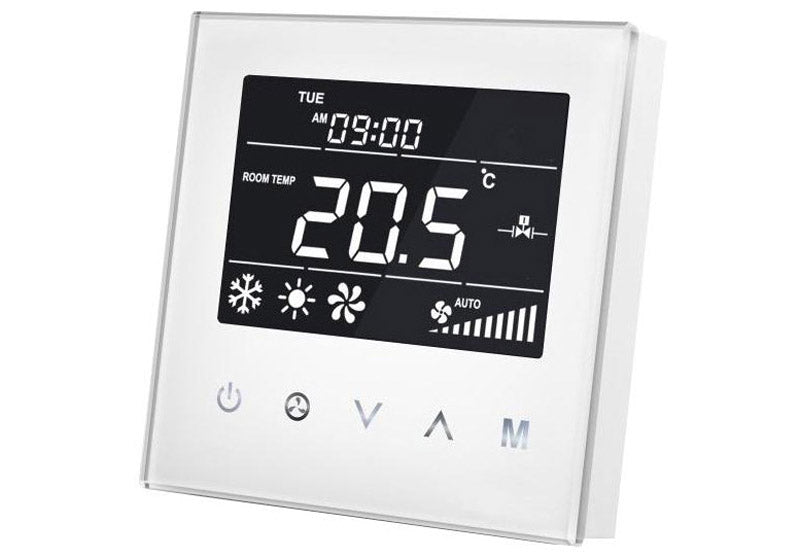
Z-Wave Plus MCO Home Fan Coil Thermostat - 4 Pipe
Needs a Z-Wave hub to work. Don't have one? See our starter kits.
Works with your system
See all controllers (8)
- Aeotec Smart Home Hub (SmartThings) Compatible
- Hubitat Elevation (C-8, C-8 Pro) Compatible
- Homey Pro Compatible
- Home Assistant Compatible
- Fibaro Home Center 3 Compatible
- Fibaro Home Center 3 Lite Compatible
- Nice Yubii Home Pro Compatible
- Nice Yubii Home Compatible
You'll also need
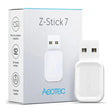
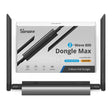
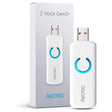
Home Assistant needs a Z-Wave adapter (usually a USB stick) to talk to Z-Wave devices; skip this if your Home Assistant box already has one.
Needed with: Home Assistant
Ships when new stock arrives
Fast Tracked EU Delivery
Fast Tracked EU Delivery
Tracked delivery in 3 to 7 working days, with faster courier options at checkout.
VAT and any import duty are paid at checkout, so there's nothing to pay on delivery.
In-stock items ordered by 2:30pm (UK time) ship the same working day.
Smart Home Help When You Need It
Smart Home Help When You Need It
Set-up help and answers from our smart home team by email and live chat, plus step-by-step guides for every device.
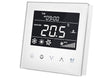
Z-Wave Plus MCO Home Fan Coil Thermostat - 4 Pipe

Summary
The Z-Wave Plus MCO Home Fan Coil Thermostat is a reliable and practical device for indoor temperature control in a 4-pipe fan coil system
It accurately reads room temperature, adjusts fan speed based on temperature difference, and can seamlessly integrate into any Z-Wave network with other certified devices
With capacitive touch buttons, tempered glass panel, and precise temperature calibration, this thermostat offers intelligent on/off control of fan speed and valves, ensuring optimal comfort and energy efficiency
Installation is made easy with its steel frame back plate
Please note that this thermostat is best used within a multi-protocol smart home hub
Fan Coil Thermostat - 4 Pipe

Multi-Mode Operation
This thermostat is designed for controlling fan coil units in central AC systems with 4-pipe configurations, featuring a tempered glass panel with capacitive touch buttons and a clear display for essential control information. It supports Cooling, Heating, and Ventilation modes and provides intelligent on/off control for a 3-speed fan and electric valve.

Installation
Step 1: Remove the steel frame from the device, and secure it onto the junction box with two screws.
Step 2: Insert all wires into the right terminals and tighten screws. The wiring diagram is shown below.
Step 3: Attach the wired device on A points of the steel frame as shown first, and then push the whole device into junction box.
Step 4: Confirm the device is well mounted, power on and it is ready to operate.

Including and Excluding of Z-Wave network
Under the shutdown state, press and hold down arrow to enter interface for inclusion or exclusion of Z-Wave network. Before device included into network, (- - -) will display on the screen. Then press down arrow once, device will enter learning mode to get a node ID. If inclusion is success, a node ID will display on the screen in a few seconds. A node ID can always inform us whether the device is in the network or not. Note: Follow the same steps to exclude the device from the network. After inclusion, turn off the device and then turn it on. Now the device is ready to be operated by controller/ gateway in Z-Wave network.

-
Device Type
-
Channels7
-
Load Rating3A Total
-
Sensor FeaturesTemperature
-
FeaturesCooling, Heating, Hysteresis Control, LCD Screen
-
TRV FeaturesBoost Mode, Holiday Mode, Schedules
-
TechnologyZ-Wave Plus
-
Z-Wave Region
-
ColourWhite
-
SecurityNone

Payment & Security
Payment methods
Your payment information is processed securely. We do not store credit card details nor have access to your credit card information.
Why buy from Vesternet
15 years in wireless smart home, over 100,000 customers and 6,000+ reviews.
-
Checked to work
Every device is checked against our compatibility data for your controller.
Run System Check -
Help when you need it
Set-up help and answers from our smart home team, by email and live chat.
Ask our team -
Delivery to Austria
Cost shown at checkout. In-stock orders placed by 2:30pm (UK time) are dispatched the same working day.
-
Our own Vesternet range
Z‑Wave and Zigbee devices with a 3-year warranty, plus free set-up guides.
See the range

How to set up a smart home
In 5 Simple Steps...
- Plug in your controller and follow its set-up steps
- Fit your devices around your home
- Pair each device with your controller
- Create scenes and rules to automate everyday tasks
- Enjoy automated heating and lighting, added security and energy monitoring
Then add more devices whenever you like.
Frequently Asked Questions
How do I get set-up help?
How do I get set-up help?
Set-up help and answers from our smart home team by email and live chat. Just get in touch with any technical question you have.
Do you offer installation services?
Do you offer installation services?
We don't install, but you get step-by-step guides, videos and help from our smart home team by email and live chat. Need an installer? We can often help you find one.
What if I struggle with installing or using after purchase?
What if I struggle with installing or using after purchase?
Just get in touch. Our smart home team can help you work through set-up and troubleshooting by email and live chat, and our guides and videos cover set-up for many devices. Most problems can be sorted quickly with the right steps.
How quickly will I receive my order?
How quickly will I receive my order?
In-stock orders placed by 2:30pm (UK time) on a working day are dispatched the same day. Delivery options, costs and times are shown at checkout, and VAT and any import duty are paid at checkout, so there is nothing more to pay on delivery.
Why should I choose to buy from Vesternet over other online stores?
Why should I choose to buy from Vesternet over other online stores?
When you buy from Vesternet, you're not just purchasing a product. You get set-up help and answers from our smart home team by email and live chat, plus guides for the products we sell. While there might be cheaper options online, home automation can be complex, and good advice can prevent costly mistakes.
Try Vesternet Devices
View all
More Features for Less Price...
Modules, sensors, wall controllers & more - all with Z-Wave & Zigbee options + extended warranty & support
-
3 free guides included
Vesternet
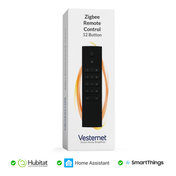
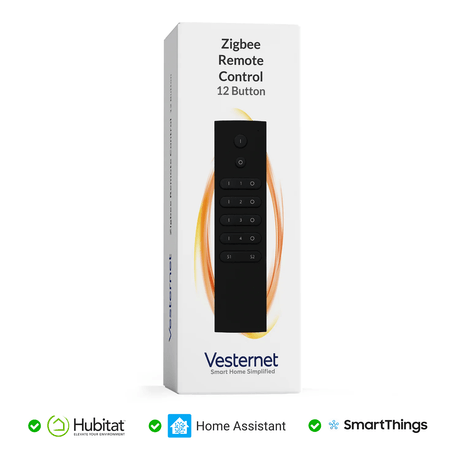
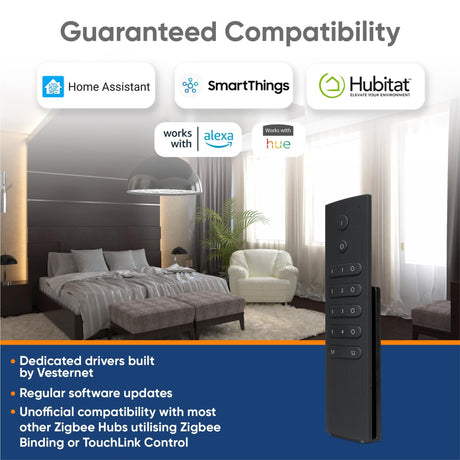
Vesternet Zigbee Remote Control - 12 Button
Regular price €34,95Unit price -
-
-
-
-
-
3 free guides included
Vesternet
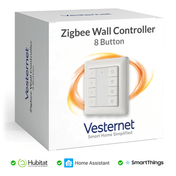
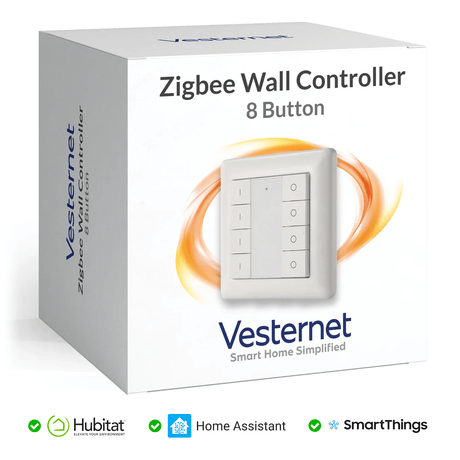
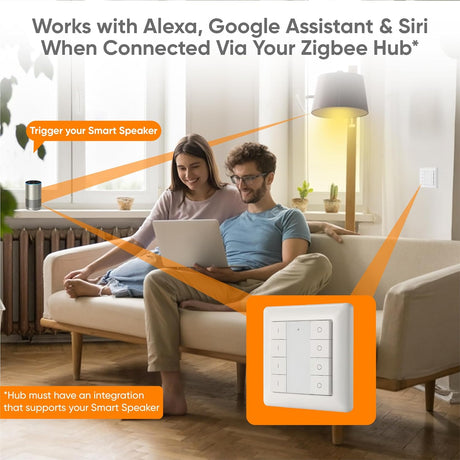
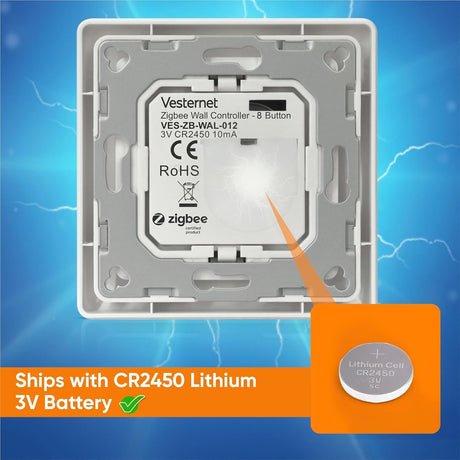
Vesternet Zigbee Wall Controller - 8 Button
Regular priceFrom €43,95Unit price -
-
3 free guides included
Vesternet
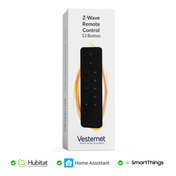
Vesternet Z-Wave Remote Control - 12 Button
Regular price €46,95Unit price -
-
-
-
3 free guides included
Vesternet
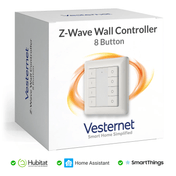
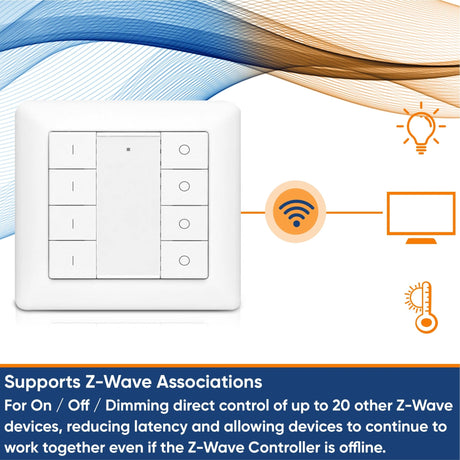
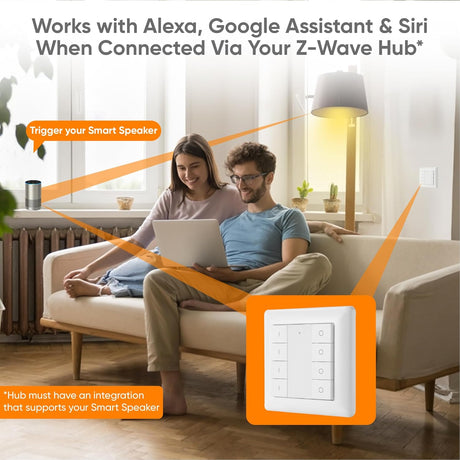
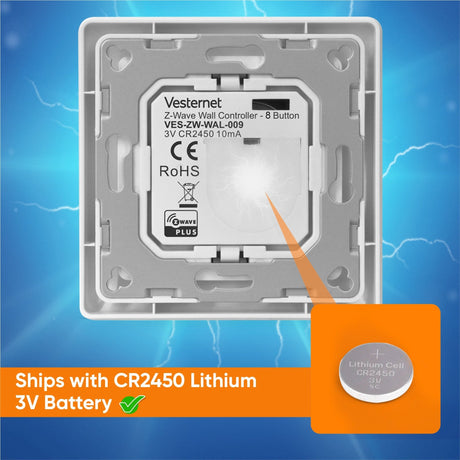
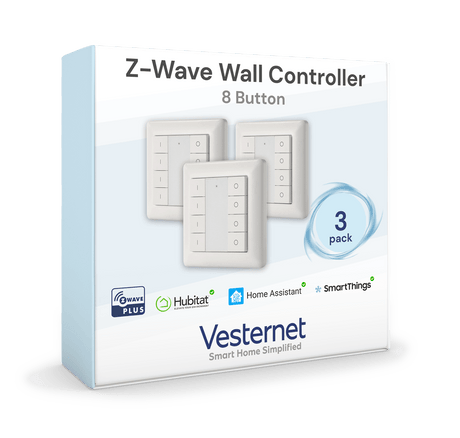
Vesternet Z-Wave Wall Controller - 8 Button
Regular priceFrom €51,95Unit price -
-
-
-
-
3 free guides included
Vesternet
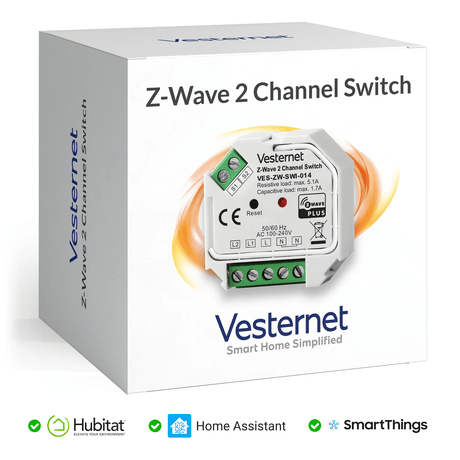
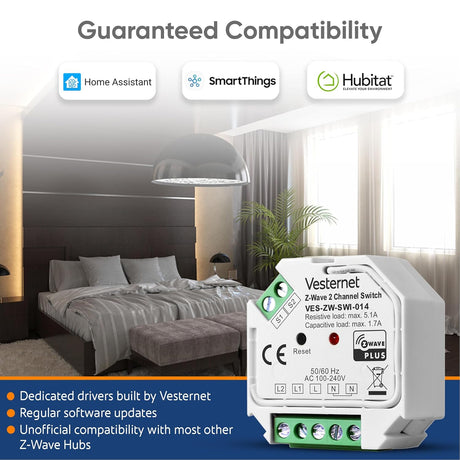
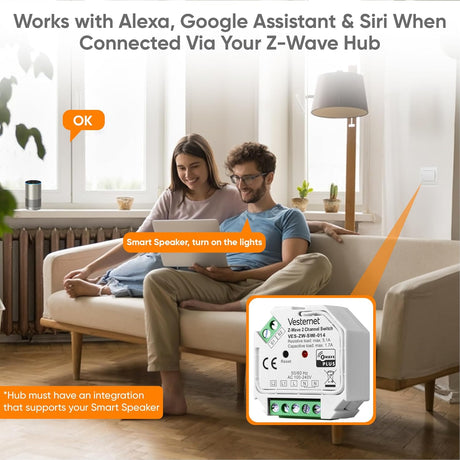
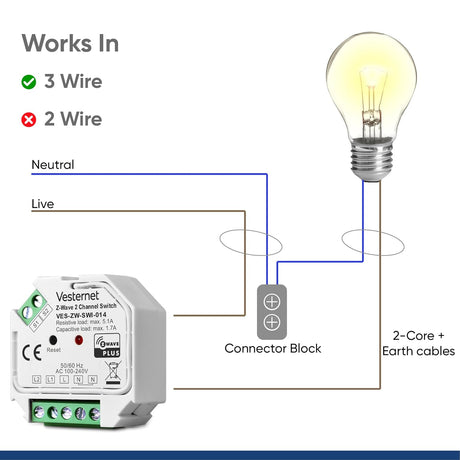
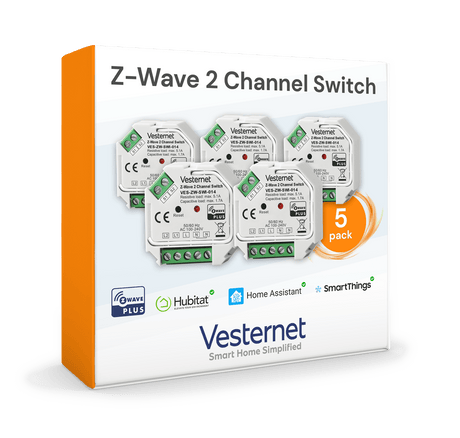
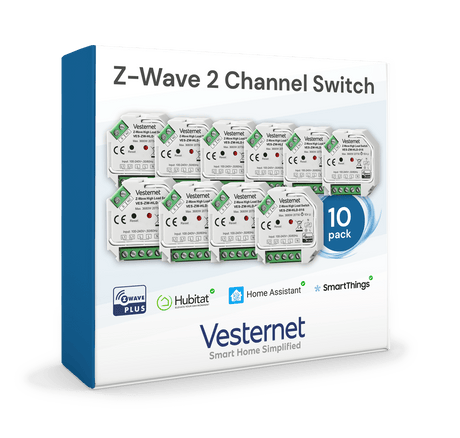
Vesternet Z-Wave 2 Channel Switch
Regular priceFrom €56,95Unit price -
-
3 free guides included
Vesternet
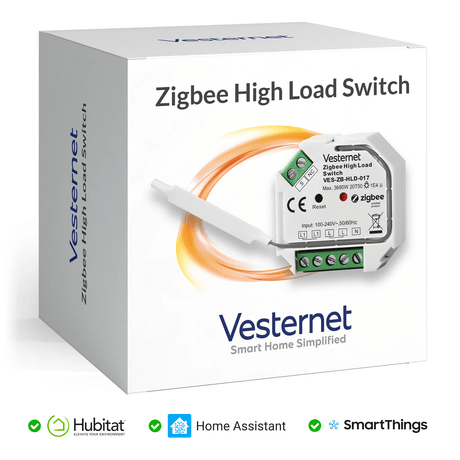
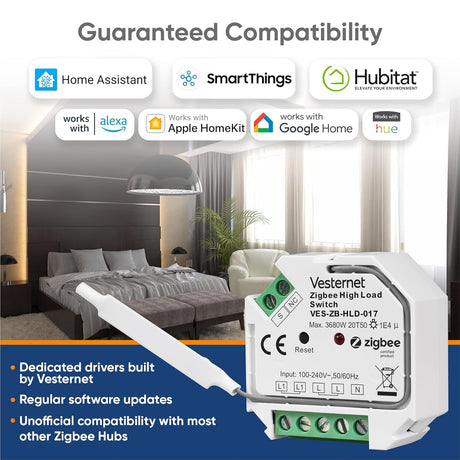
Vesternet Zigbee High Load Switch
Regular priceFrom €51,95Unit price -
-
3 free guides included
Vesternet
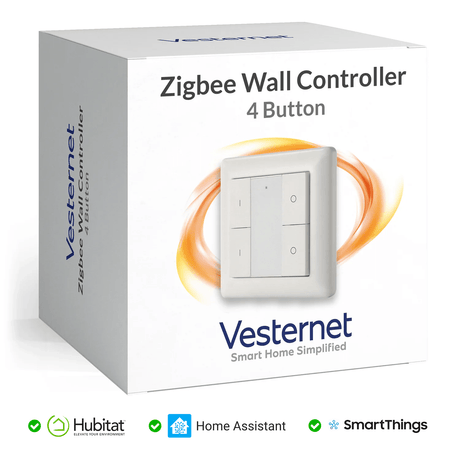
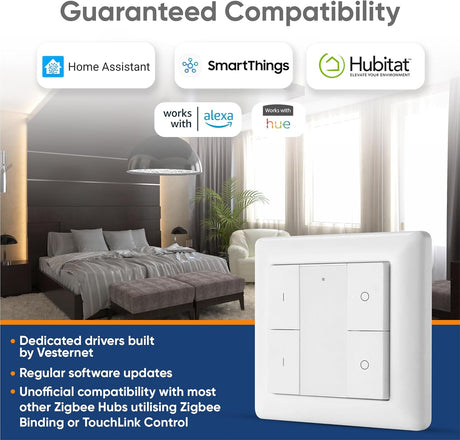
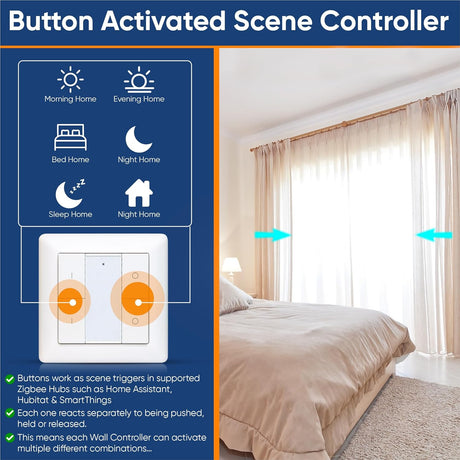
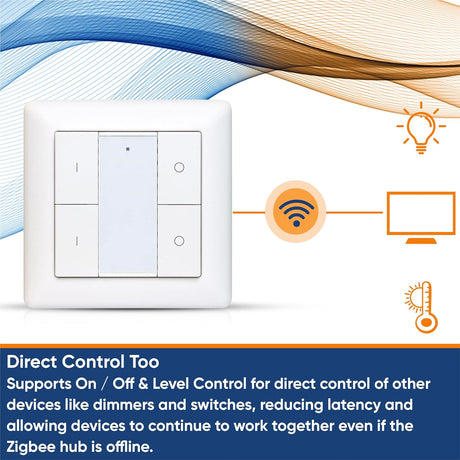
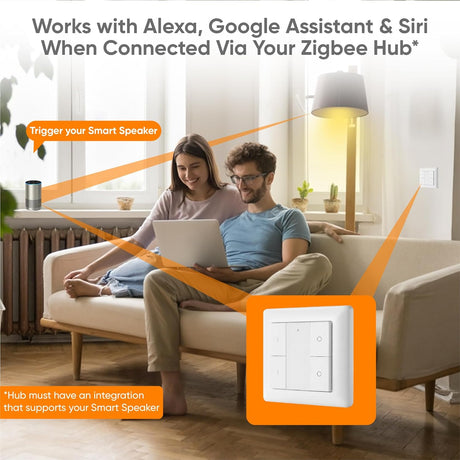
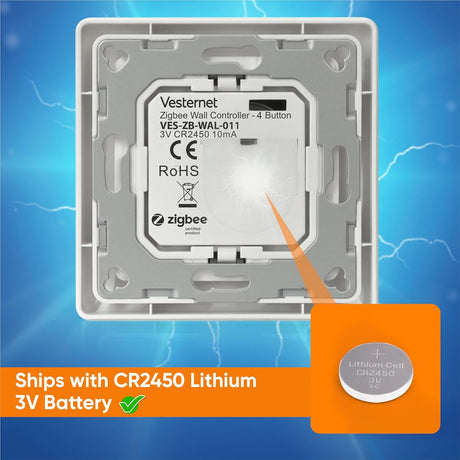
Vesternet Zigbee Wall Controller - 4 Button
Regular priceFrom €41,95Unit price -
-
3 free guides included
Vesternet
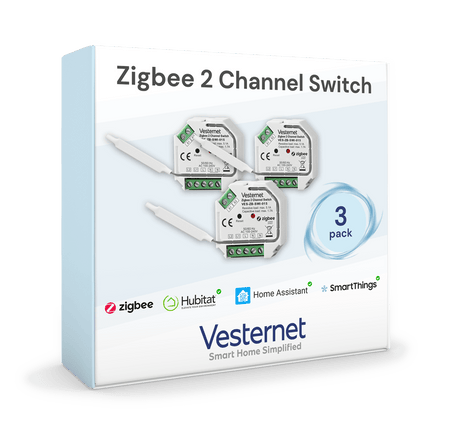
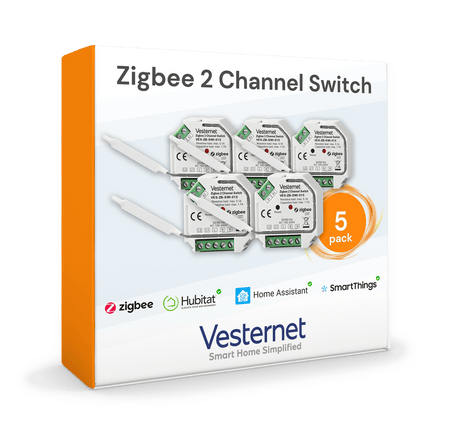
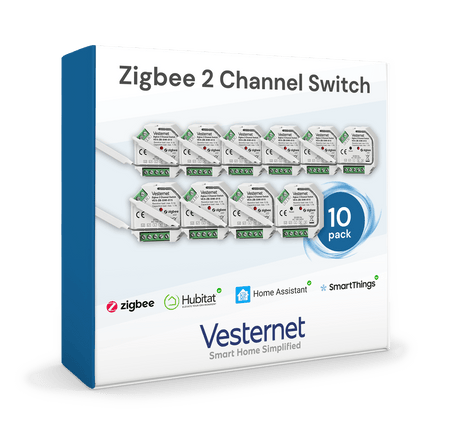
Vesternet Zigbee 2 Channel Switch
Regular priceFrom €51,95Unit price -
-
3 free guides includedUp to 50% off
Vesternet
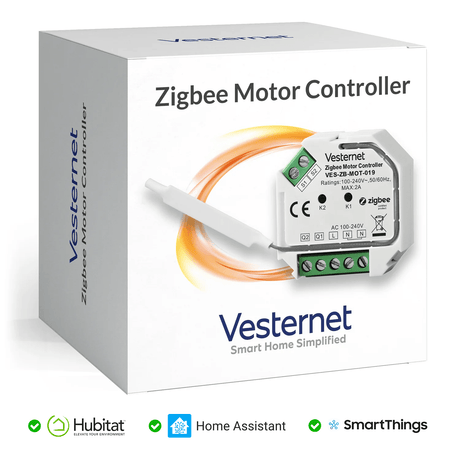
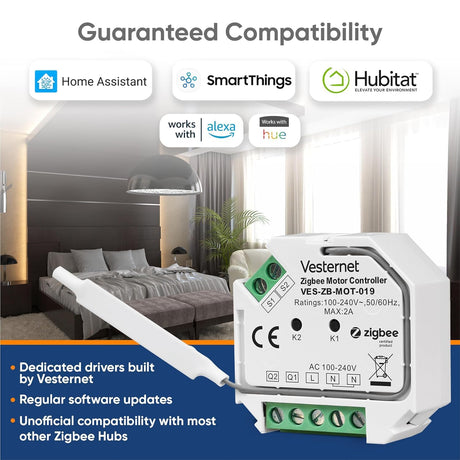
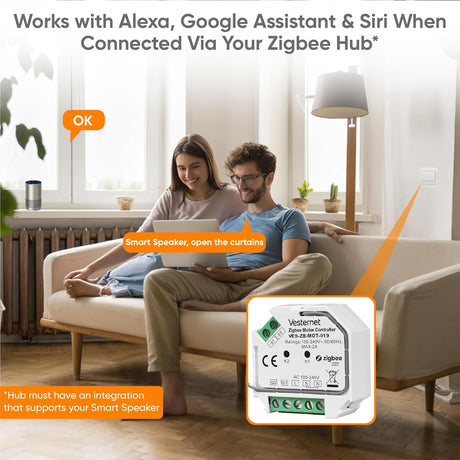
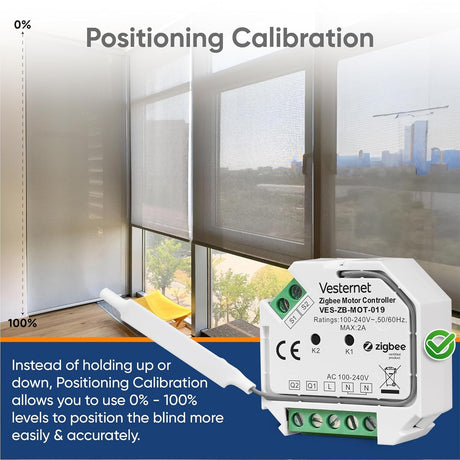
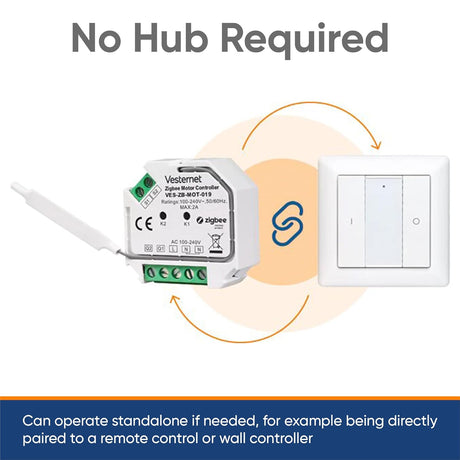
Vesternet Zigbee Motor Controller
Sale priceFrom €25,95 Regular price €51,95Unit price -
-
3 free guides includedUp to 49% off
Vesternet
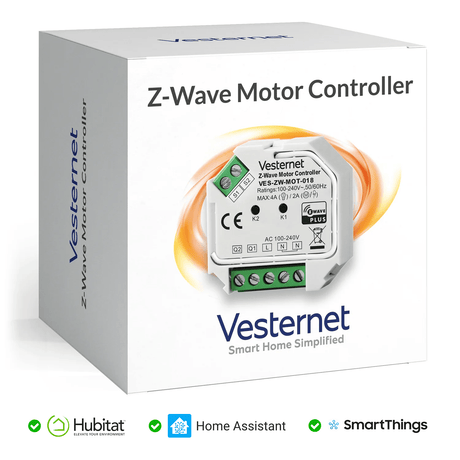
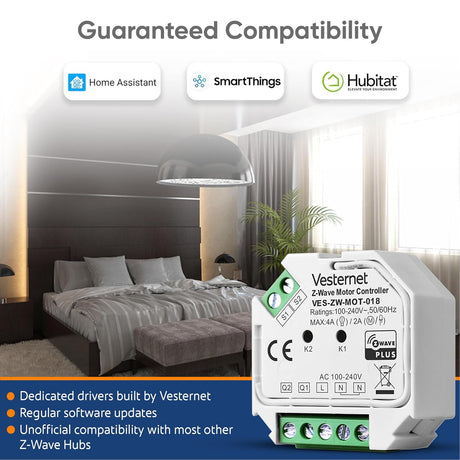
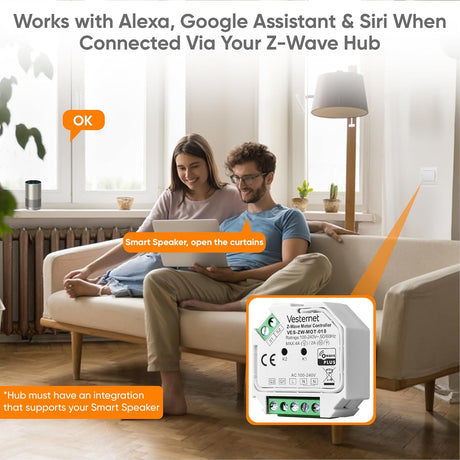
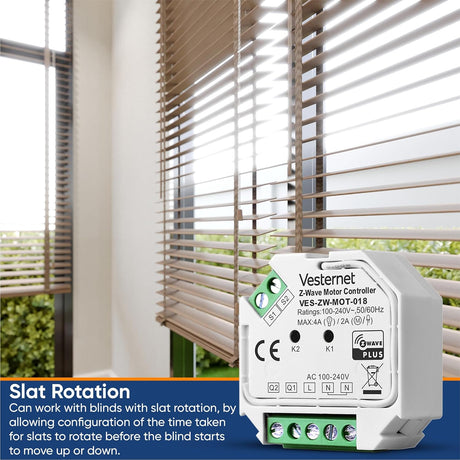
Vesternet Z-Wave Motor Controller
Sale priceFrom €28,95 Regular price €56,95Unit price -
Over 6,000 reviews