Setting up a comprehensive wireless smart home system presents unique challenges that go far beyond simply connecting devices to your existing WiFi network. Modern smart home installations require careful coordination of multiple wireless protocols including Z-Wave, Zigbee, and WiFi, each with distinct signal characteristics and infrastructure requirements. Many homeowners discover that their current network setup, whilst adequate for basic internet browsing and streaming, lacks the reliability and coverage needed for a robust smart home ecosystem.
A systematic approach to wireless smart home deployment addresses these challenges through proper network infrastructure planning, strategic hub configuration, and methodical device integration. This comprehensive methodology ensures optimal system reliability, eliminates common connectivity issues, and creates a foundation that supports future expansion. When properly implemented, a well-designed wireless smart home network delivers consistent performance across all protocols whilst maintaining the flexibility to incorporate new devices and technologies.
This guide provides complete coverage from foundational network planning through advanced troubleshooting techniques. You'll learn to evaluate your home's infrastructure needs, optimise network performance, configure smart home hubs effectively, and deploy devices strategically for maximum coverage. Whether you're planning a complete smart home installation or upgrading an existing system, this systematic approach ensures professional-grade results that deliver reliable performance for years to come.
Understanding Smart Home Network Architecture and Protocol Requirements
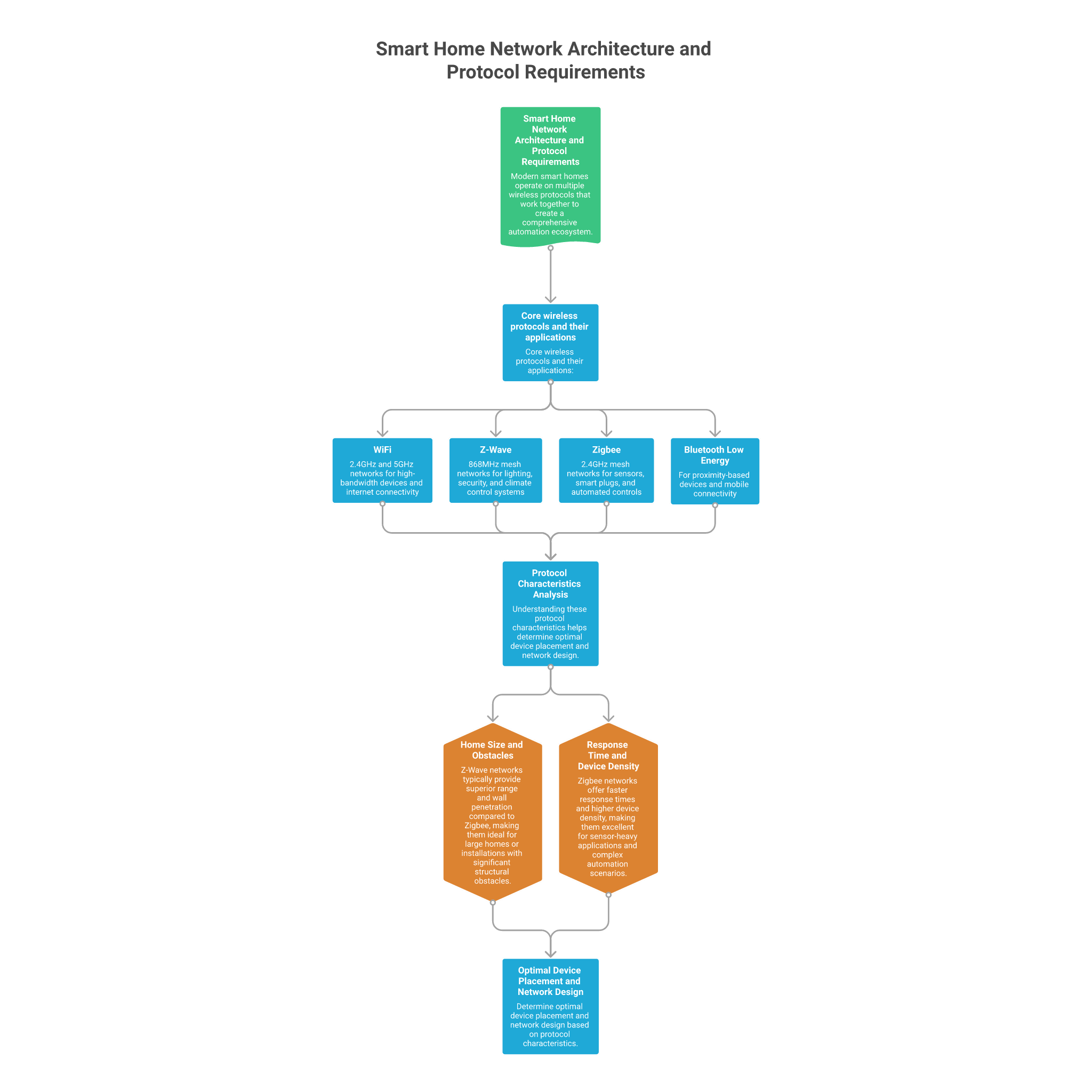
Modern smart homes operate on multiple wireless protocols that work together to create a comprehensive automation ecosystem. WiFi handles high-bandwidth devices like security cameras and streaming systems, whilst Z-Wave and Zigbee protocols manage sensors, switches, and controllers through dedicated mesh networks. Each protocol operates on different frequency bands and has unique signal propagation characteristics that affect coverage and reliability throughout your home.
Core wireless protocols and their applications:
- WiFi 2.4GHz and 5GHz networks for high-bandwidth devices and internet connectivity
- Z-Wave 868MHz mesh networks for lighting, security, and climate control systems
- Zigbee 2.4GHz mesh networks for sensors, smart plugs, and automated controls
- Bluetooth Low Energy for proximity-based devices and mobile connectivity
Understanding these protocol characteristics helps determine optimal device placement and network design. Z-Wave networks typically provide superior range and wall penetration compared to Zigbee, making them ideal for large homes or installations with significant structural obstacles. Zigbee networks offer faster response times and higher device density, making them excellent for sensor-heavy applications and complex automation scenarios.
Pre-Installation Planning: Assessing Your Home's Infrastructure Needs
Successful wireless smart home deployment begins with comprehensive site assessment and infrastructure planning. This evaluation process identifies potential signal obstacles, determines optimal hub placement locations, and establishes realistic coverage expectations before any physical installation work begins. Proper planning prevents costly mistakes and ensures your system delivers reliable performance from day one.
Start by creating a detailed floor plan that marks key structural elements affecting wireless signals. Concrete walls, metal ducting, large appliances, and electrical panels can significantly impact signal propagation and require special consideration during network design. Document existing ethernet infrastructure, cable runs, and potential mounting locations for hubs and controllers throughout your assessment process.
Essential pre-installation assessment steps:
- Map existing WiFi coverage using signal strength testing apps and identify dead zones
- Locate central positions for smart home hubs with ethernet connectivity and power access
- Identify potential interference sources including microwave ovens and wireless baby monitors
- Plan cable routes for ethernet runs and assess wall-mounting requirements for controllers
Network Infrastructure Setup: WiFi Optimization and Ethernet Backbone
Creating a robust network foundation requires optimising your WiFi installation whilst establishing reliable ethernet connectivity throughout your home. A well-designed home WiFi installation provides comprehensive coverage for smart devices whilst maintaining sufficient bandwidth for streaming and internet access. Strategic ethernet deployment creates the backbone infrastructure needed for smart home hubs, access points, and high-performance devices.
Modern smart home installations benefit significantly from mesh WiFi systems that eliminate dead zones and provide consistent coverage throughout large homes. These systems work particularly well when connected via ethernet backhaul, which you can achieve by planning to run ethernet through house during the installation process. Professional-grade ethernet installation ensures optimal performance for WiFi access points, smart home controllers, and network attached storage systems.
WiFi optimization techniques for smart home performance:
- Configure separate 2.4GHz and 5GHz networks to prevent device connection conflicts
- Position WiFi access points centrally with minimal obstructions for optimal coverage
- Use ethernet backhaul connections between mesh nodes for maximum throughput
- Enable guest network isolation to protect smart home devices from external access
Smart Home Hub Installation and Initial Configuration
Smart home hub installation requires careful consideration of both physical placement and network connectivity to ensure optimal performance across your wireless ecosystem. These central controllers manage device communication, automation logic, and external connectivity, making their proper installation critical to system reliability. Hub configuration involves establishing secure network connections, configuring protocol settings, and preparing the system for device integration.
Hub placement and mounting considerations:
- Install hubs in central locations with direct ethernet connectivity and reliable power
- Maintain adequate ventilation and avoid enclosed cabinets that restrict airflow
- Position hubs away from interference sources including routers and metal electrical panels
- Ensure easy access for status LED visibility and potential troubleshooting requirements
Initial hub configuration establishes the foundation for your entire smart home network. This process includes updating firmware to the latest versions, configuring network security settings, and establishing administrative access credentials. Proper security configuration protects your smart home from unauthorised access whilst ensuring reliable connectivity for legitimate devices and mobile applications.
Protocol-Specific Device Deployment: Z-Wave and Zigbee Networks
Building robust Z-Wave and Zigbee mesh networks requires strategic device deployment that optimises signal propagation and network reliability. These mesh networks rely on device-to-device communication to extend coverage throughout your home, making proper device placement critical for overall system performance. Start with mains-powered devices that act as signal repeaters before adding battery-powered sensors and controllers.
Z-Wave networks benefit from a systematic approach that begins with devices closest to your hub and gradually extends coverage to remote areas of your home. Each Z-Wave device can communicate with multiple neighbours, creating redundant signal paths that improve reliability and response times. Zigbee networks operate similarly but support higher device densities and faster communication speeds when properly configured.
Mesh network deployment strategy:
- Install mains-powered repeater devices first to establish strong network backbone coverage
- Add battery-powered sensors after confirming reliable communication with nearby repeaters
- Test signal strength and response times at each installation stage before proceeding
- Document device network topology to facilitate future troubleshooting and expansion
Controller Integration: Wall and Remote Control Configuration
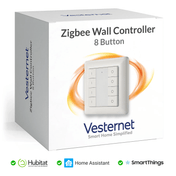
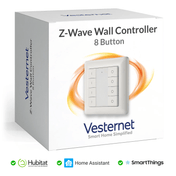
Wall-mounted controllers and handheld remotes provide convenient local control whilst integrating seamlessly with your wireless smart home network. These devices require careful installation planning to ensure optimal user experience and reliable wireless connectivity. Controller placement should balance accessibility requirements with aesthetic considerations and wireless signal strength throughout your home.
Controller installation best practices:
- Mount wall controllers at standard switch height for familiar user interaction
- Use appropriate wall boxes and ensure proper cable management for clean installations
- Configure scene programming and automation triggers during initial setup
- Test wireless connectivity and response times before finalising mounting positions
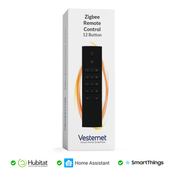
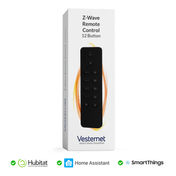
Remote controller configuration involves establishing secure wireless pairing with your smart home hub whilst programming custom scenes and automation sequences. These portable devices extend system control throughout your home and provide backup control options when mobile applications aren't convenient. Proper configuration ensures consistent user experience across all control interfaces.
Signal Optimization and Range Extension Strategies
Comprehensive wireless coverage often requires strategic deployment of range extenders and signal boosters to overcome structural obstacles and extend networks throughout large homes. Smart plugs with built-in repeater functionality provide dual-purpose solutions that extend network coverage whilst adding outlet control capabilities. These devices are particularly effective when positioned strategically between your hub and remote areas requiring improved coverage.
Range extension strategies vary depending on the specific wireless protocol and your home's layout characteristics. Z-Wave networks benefit from centrally positioned repeater devices that create signal bridges to remote areas, whilst Zigbee networks can support more distributed topologies with multiple signal paths. WiFi range extension requires careful frequency planning to avoid interference and maintain optimal performance for high-bandwidth applications.
Effective range extension techniques:
- Position repeater devices approximately halfway between hubs and target coverage areas
- Use smart plugs with repeater functionality to extend networks whilst adding outlet control
- Install dedicated range extenders in areas with particularly challenging signal propagation
- Monitor network topology to ensure balanced signal distribution and avoid overloaded nodes
Testing, Troubleshooting and System Optimization
Comprehensive system testing validates network performance, device responsiveness, and automation reliability across your entire wireless smart home installation. This testing process should include signal strength verification, response time measurement, and automation sequence validation under various operating conditions. Regular testing helps identify potential issues before they affect daily operation and ensures your system maintains peak performance over time.
Effective troubleshooting requires systematic diagnosis techniques that isolate problems to specific network segments, devices, or configuration issues. Common connectivity problems often stem from interference sources, power supply issues, or network congestion rather than device failures. Understanding these relationships helps resolve issues quickly and prevents similar problems in future installations.
System optimization and maintenance procedures:
- Perform regular signal strength audits to identify coverage gaps or interference sources
- Monitor device battery levels and replace batteries before they affect network performance
- Update firmware regularly to maintain security and access new feature improvements
- Document system configuration and maintain backup copies of automation programs
Conclusion
Systematic planning and proper installation techniques form the foundation of reliable, expandable smart home networks that deliver consistent performance across all wireless protocols and devices. By following comprehensive assessment procedures, optimising network infrastructure, and deploying devices strategically, homeowners can create smart home systems that operate reliably for years whilst supporting future technology integration and expansion requirements.
Taking a methodical approach to smart home installation ensures professional-grade results that maximise your investment in automation technology. Start with proper network infrastructure planning, including comprehensive home WiFi installation and strategic ethernet deployment. Gradually build your system using quality components and proven installation techniques that prioritise reliability over rapid deployment.
Ready to begin your wireless smart home installation? Explore our comprehensive range of smart home hubs, controllers, and wireless devices to build a system that grows with your needs. Our expert team is available to provide guidance on product selection and installation best practices, helping you create a smart home that delivers reliable performance for years to come.