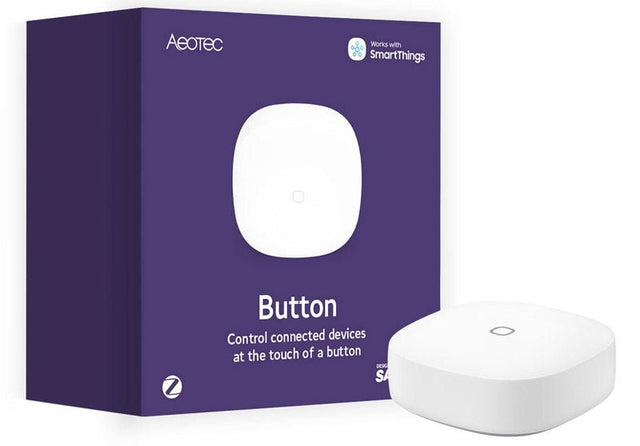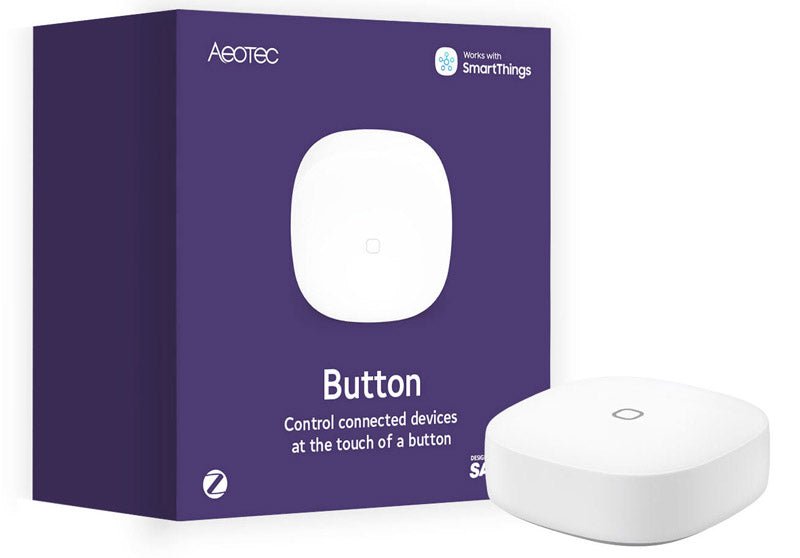
Zigbee Aeotec SmartThings Button
Needs a Zigbee hub to work. Don't have one? See our starter kits.
Works with your system
Homey needs the brand’s Homey app.
See all controllers (6)
- Aeotec Smart Home Hub (SmartThings) Listed by the manufacturer
- Aeotec Smart Home Hub 2 (SmartThings) Listed by the manufacturer
- Hubitat Elevation (C-8, C-8 Pro) Should work (by standard)
- Home Assistant Should work (by standard)
- Homey Pro Works with limits: see note
- Homey Pro mini Works with limits: see note
You'll also need
Home Assistant needs a Zigbee adapter to talk to Zigbee devices; Home Assistant Yellow has one built in, Home Assistant Green does not.
Needed with: Home Assistant
+ Other options (1)
Tracked US Delivery
Tracked US Delivery
Royal Mail Tracked in 5 to 8 business days, with faster options shown at checkout.
Duties and taxes are paid at checkout, so there are no surprise fees on delivery.
This item ships from the UK. Our US Z-Wave range (908 MHz) ships separately from within the US, with no import duties.
Smart Home Help When You Need It
Smart Home Help When You Need It
Set-up help and answers from our smart home team by email and live chat, plus step-by-step guides for every device.
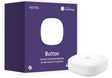
Zigbee Aeotec SmartThings Button

Summary
The Zigbee Aeotec SmartThings Button offers a stylish and easily mountable design, seamlessly blending into any environment
With customizable functions including single tap, double tap, and long press, it allows you to control compatible smart devices with ease
Monitor temperature changes in real time and restore a comfortable atmosphere in your home using the SmartThings App
To unlock all functionalities, an Aeotec Smart Home Hub or another Zigbee Hub is required
Zigbee Aeotec SmartThings Button
Stylish design, simply mounted. With a width of only 41mm, the Aeotec button is nearly invisible and fits in harmoniously everywhere due to its simple design. Place the Aeotec Button on a flat surface or simply mount it on your fridge or wall.

Stylish design, simply mounted. With a width of only 41mm, the Aeotec button is nearly invisible and fits in harmoniously everywhere due to its simple design. The Button has has magnetic backside. So place the Aeotec Button on a flat surface or simply mount it on your fridge or wall.

Comfortable atmosphere in your home. From now on you will always know when the temperature in your home changes and can leave the rest to your smart devices. With the SmartThings App you can see the temperature in real time and use your air conditioning, heating and other compatible smart devices to restore a comfortable atmosphere in your home.

Simply smart. Place the Aeotec Button in the exit area of your home and easily create a routine for leaving the house. When you leave the house, press the button and ask the compatible smart shutter control to shut down the shutters or the compatible smart thermostats to reduce the heat level. Save valuable time and energy with just one press of the button.

-
Device Type
-
Sensor FeaturesTemperature
-
Remote Features1 Button, Double Press, Handheld, Hold, Single Press
-
FeaturesBattery Powered
-
Battery Type
-
TechnologyZigbee
Helpful guides for this product
-
 Complete Home Automation Guide: Systems, Devices & Setup for BeginnersWhat a smart home is, the first decisions to make, a sensible first kit and mistakes to avoid.
-
 Smart Light Switches, Dimmers & Modules: How They Work and How to ChooseModules, wall switches, dimmers or bulbs: how each works and which suits your lights and wiring.
-
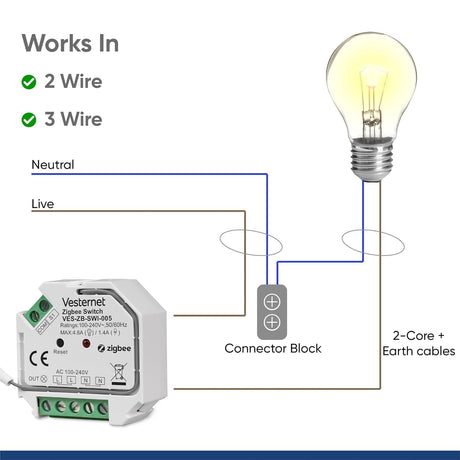
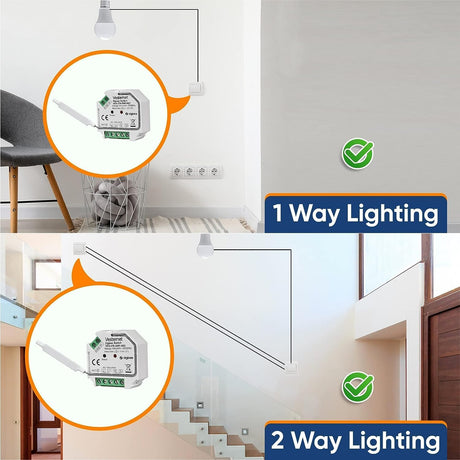
 2-Wire vs 3-Wire Lighting: Complete Guide for Smart Switch InstallationWork out if you have a neutral at the switch, how 2-way circuits are wired and which smart devices fit.
Manuals
Payment & Security
Payment methods
Your payment information is processed securely. We do not store credit card details nor have access to your credit card information.
Why buy from Vesternet
15 years in wireless smart home, over 100,000 customers and 6,000+ reviews on REVIEWS.io.
-
Checked to work
Every device is checked against our compatibility data for your controller.
Run System Check -
Help when you need it
Set-up help and answers from our smart home team, by email and live chat.
Ask our team -
Duties paid at checkout
Ships from the UK, with duties and taxes paid at checkout, so there is nothing more to pay on delivery.
-
Our own Vesternet range
Zigbee devices with a 3-year warranty, plus free set-up guides.
See the range

How to set up a smart home
In 5 Simple Steps...
- Plug in your controller and follow its set-up steps
- Fit your devices around your home
- Pair each device with your controller
- Create scenes and rules to automate everyday tasks
- Enjoy automated heating and lighting, added security and energy monitoring
Then add more devices whenever you like.
Frequently Asked Questions
How do I get set-up help?
How do I get set-up help?
Set-up help and answers from our smart home team by email and live chat. Just get in touch with any technical question you have.
Do you offer installation services?
Do you offer installation services?
We don't install, but you get step-by-step guides, videos and help from our smart home team by email and live chat. Need an installer? We can often help you find one.
How quickly will I receive my order?
How quickly will I receive my order?
Items shipped from the UK arrive in about 5 to 8 business days with tracked delivery, and import duties and taxes are paid at checkout, so there is nothing more to pay on delivery. Our US Z-Wave range ships from within the US with no import duties: free Standard delivery over $100, otherwise $7.95, 4 to 7 business days (48 contiguous states and Washington DC only).
Try Vesternet Devices
View allMore Features for Less Price...
Modules, sensors, wall controllers & more, all Zigbee, with an extended warranty & support
-
3 free guides included
Vesternet
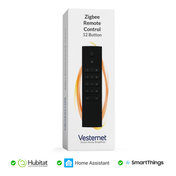
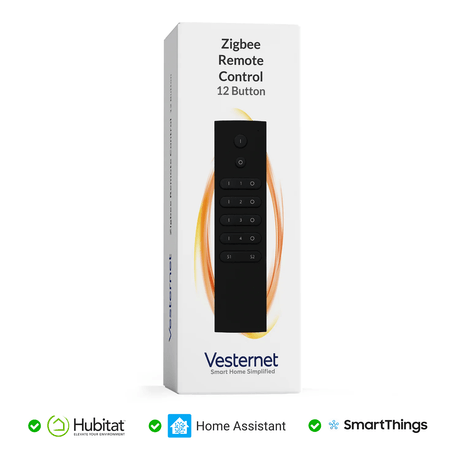
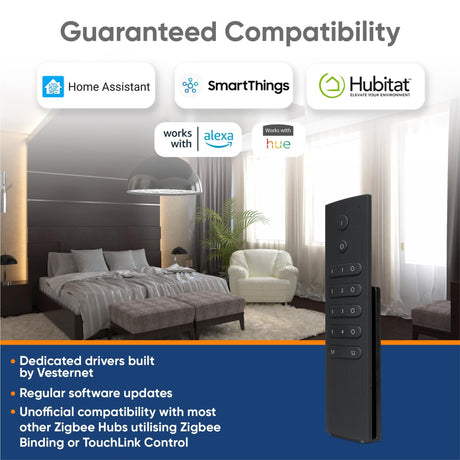
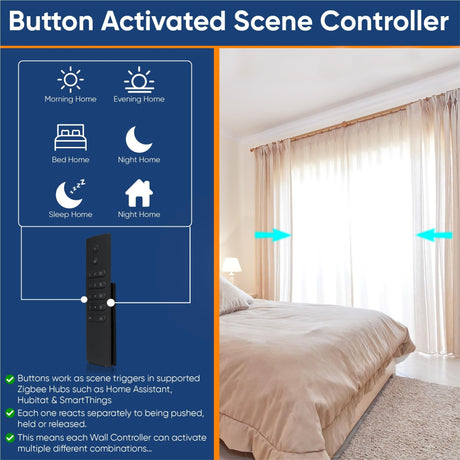
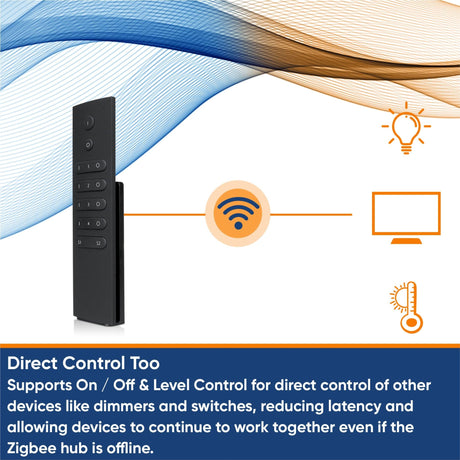
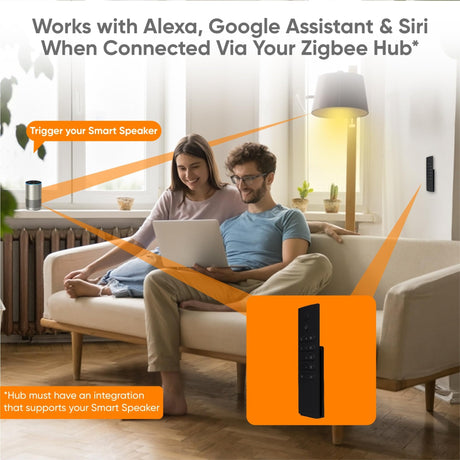
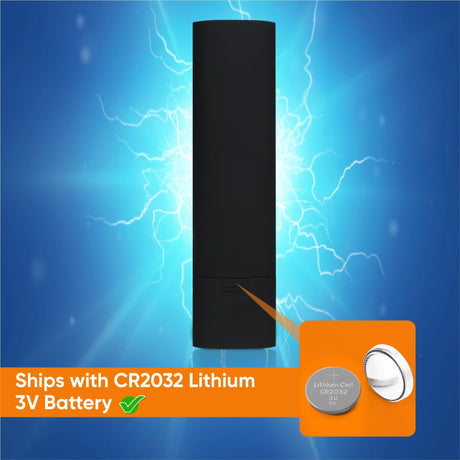
Vesternet Zigbee Remote Control - 12 Button
Regular price $36.00Unit price -
-
3 free guides included
Vesternet
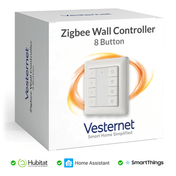
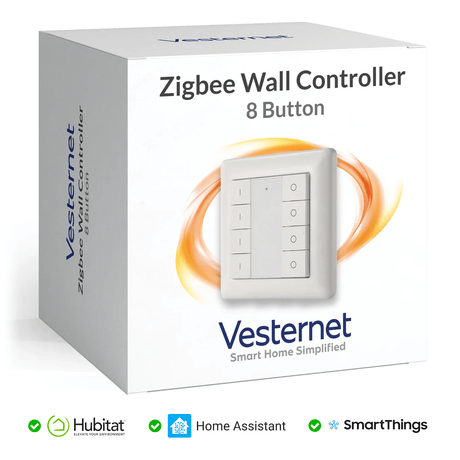
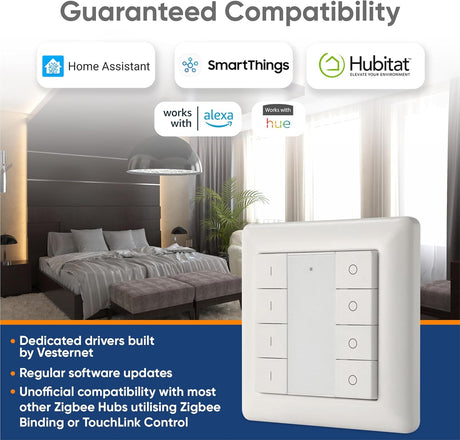
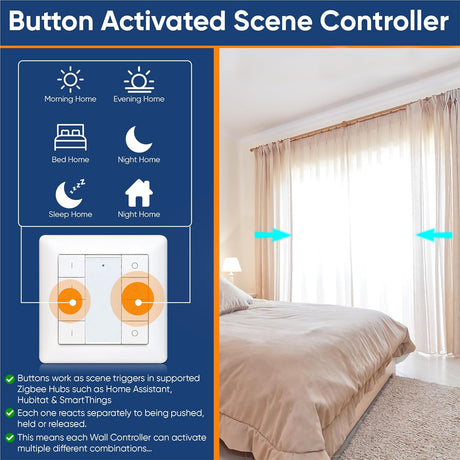
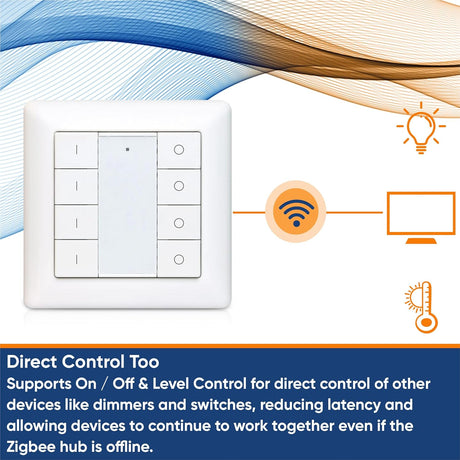
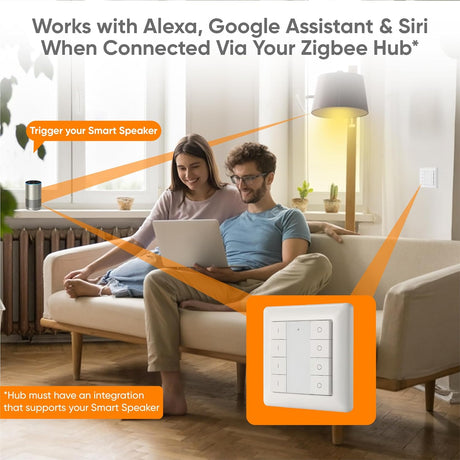
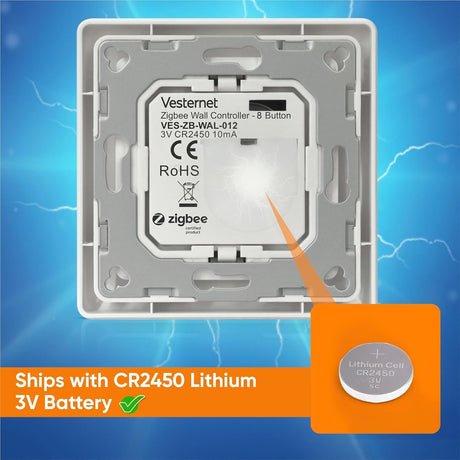
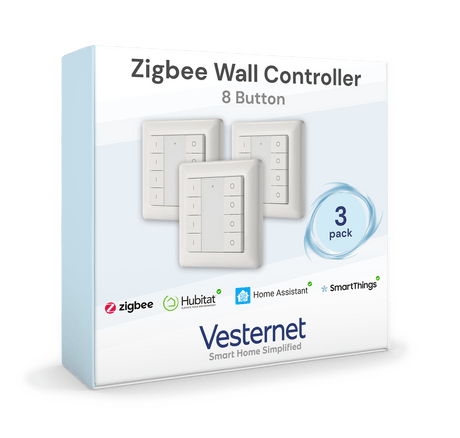
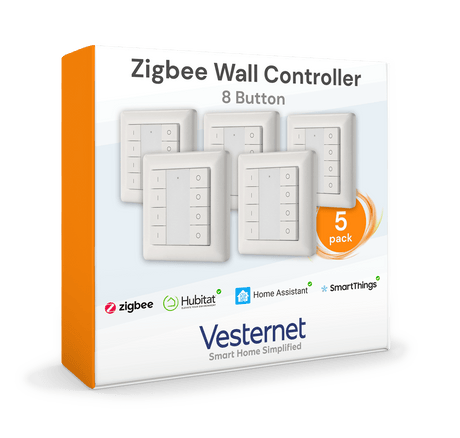
Vesternet Zigbee Wall Controller - 8 Button
Regular priceFrom $46.00Unit price -
-
-
-
-
-
-
3 free guides included
Vesternet
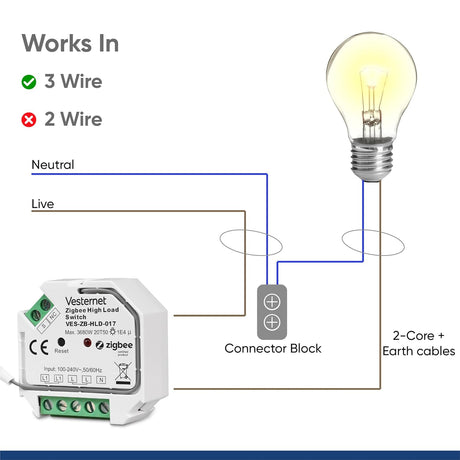
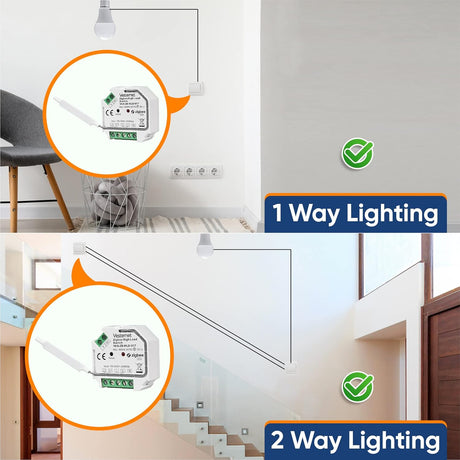
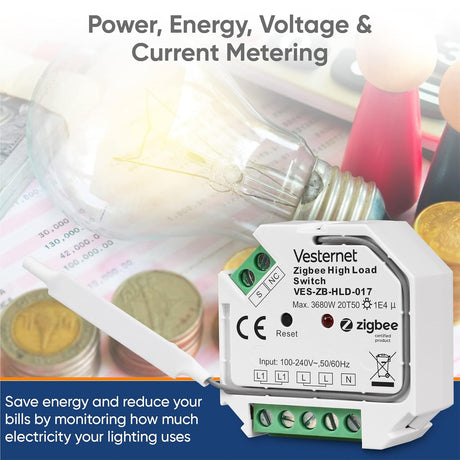
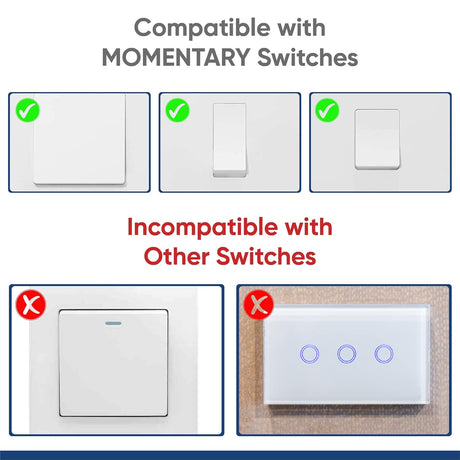
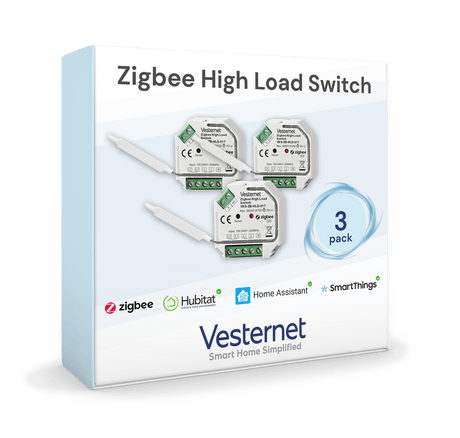
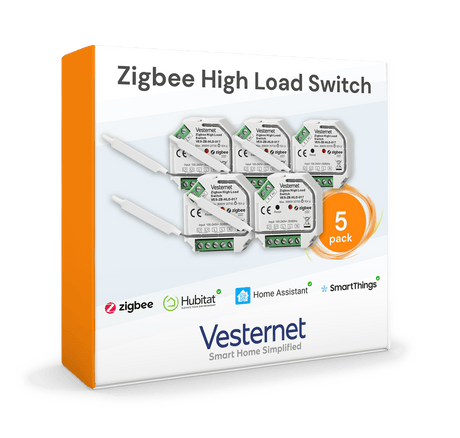
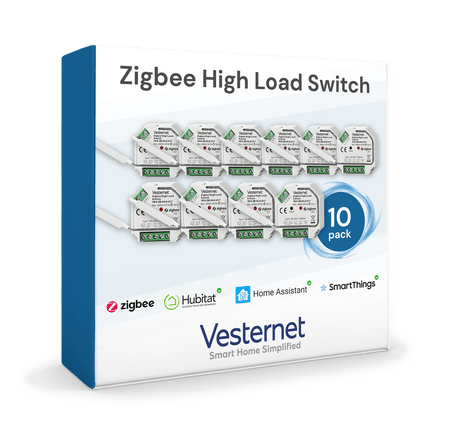
Vesternet Zigbee High Load Switch
Regular priceFrom $54.00Unit price -
-
3 free guides included
Vesternet
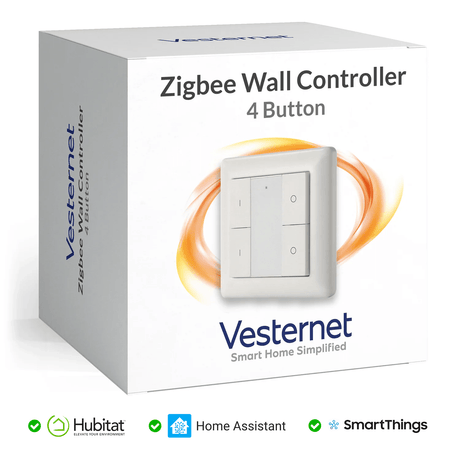
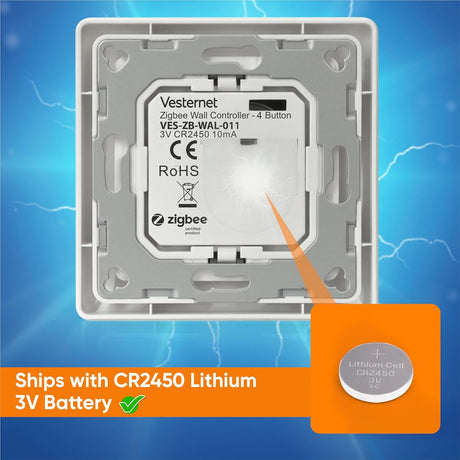
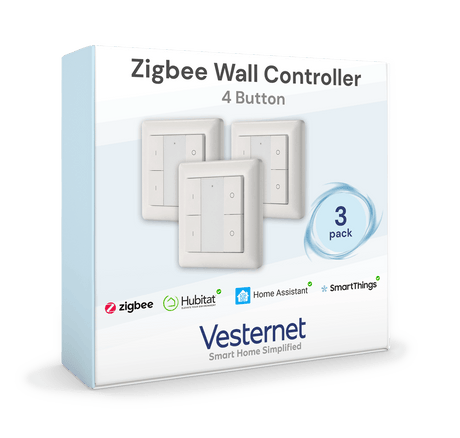
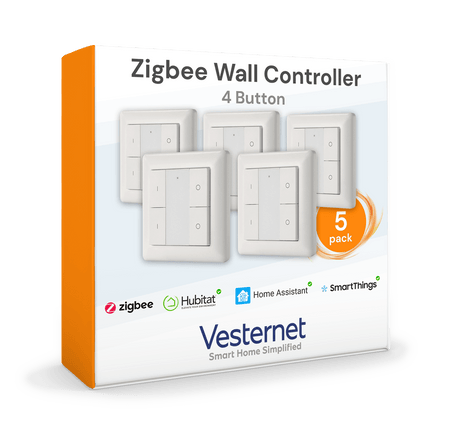
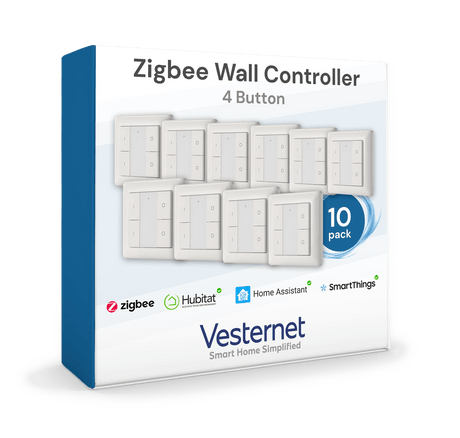
Vesternet Zigbee Wall Controller - 4 Button
Regular priceFrom $44.00Unit price -
-
3 free guides included
Vesternet
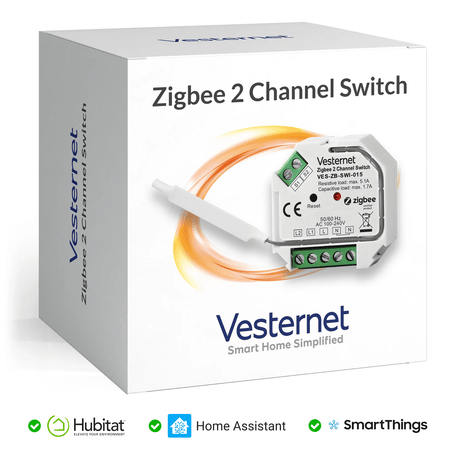
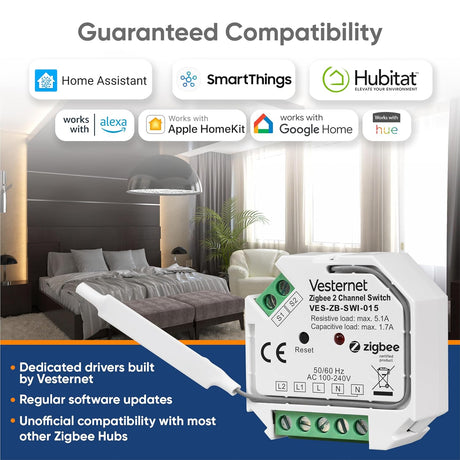
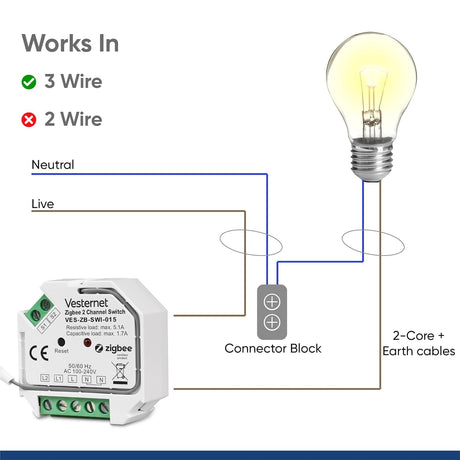
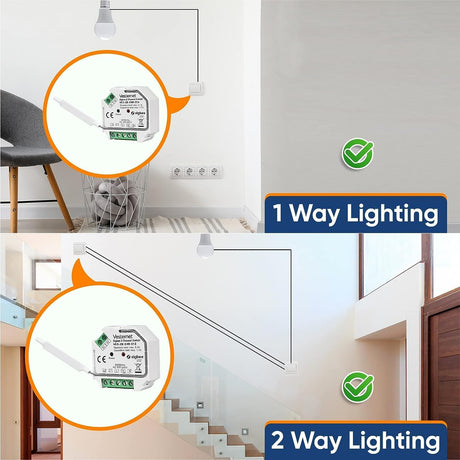
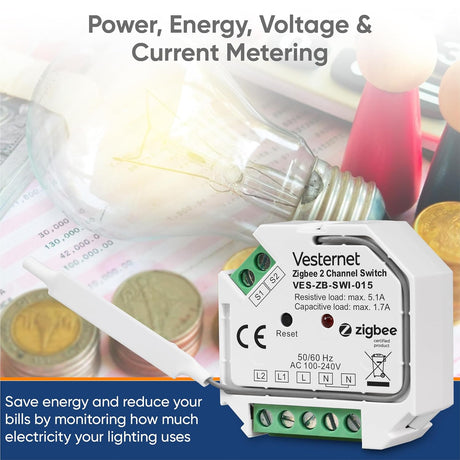
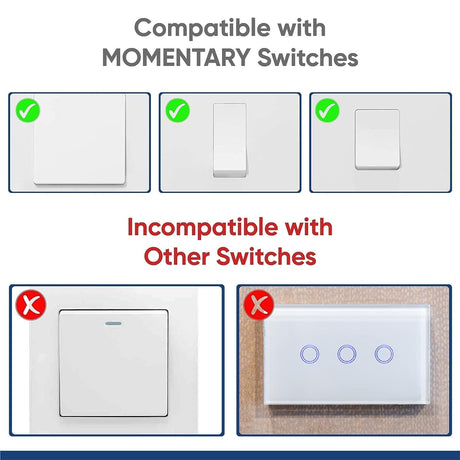
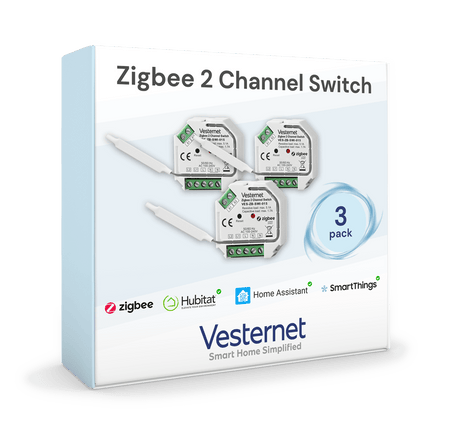
Vesternet Zigbee 2 Channel Switch
Regular priceFrom $54.00Unit price -
-
3 free guides includedUp to 50% off
Vesternet
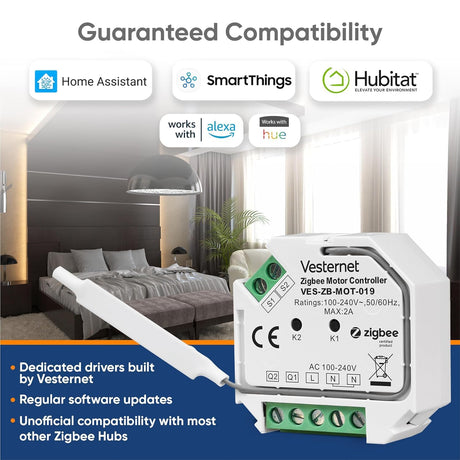
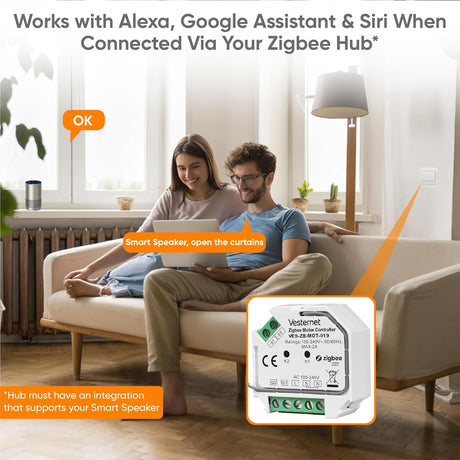
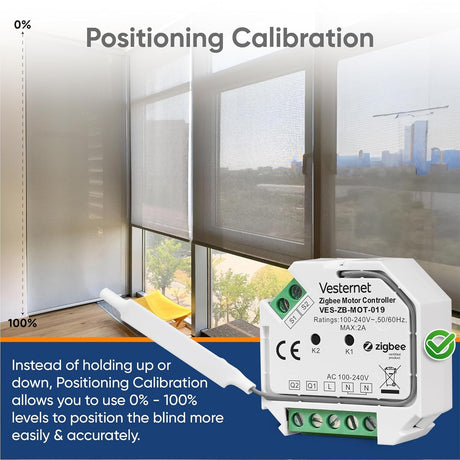
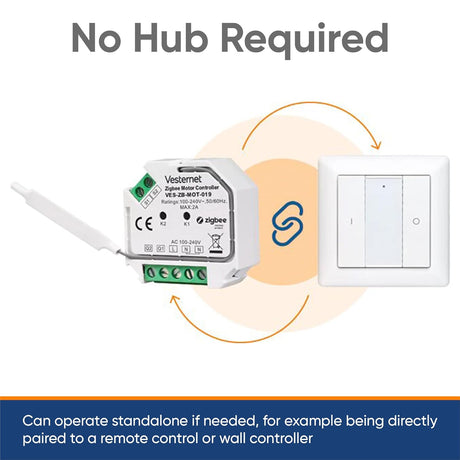
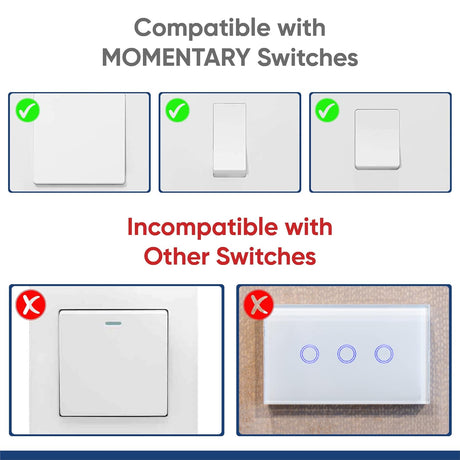
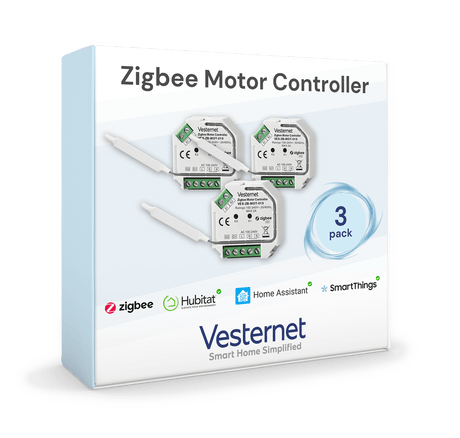
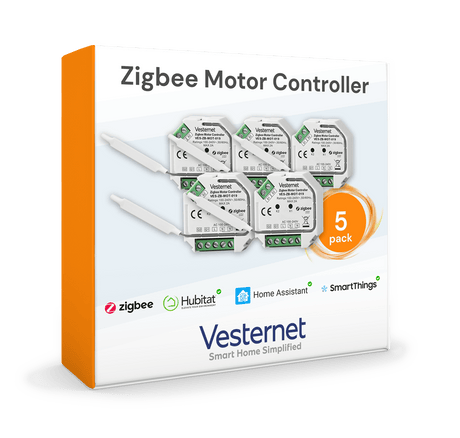
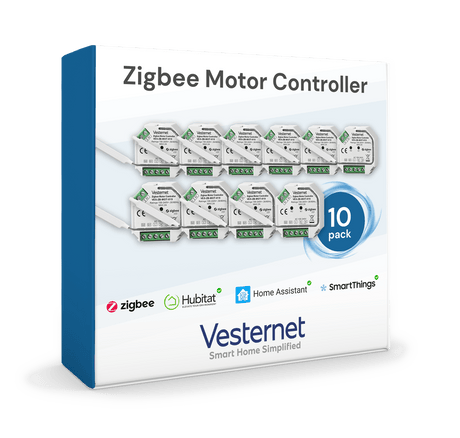
Vesternet Zigbee Motor Controller
Sale priceFrom $27.00 Regular price $54.00Unit price -
Over 6,000 reviews on REVIEWS.io